_2d2230.png)
_5a42ce.png)

Tony59
Newbie
-
Joined
-
Last visited
-
I think that it is at least 10 years old. The house is around 25 years old, but it might not be the original alarm. Many thanks to everyone for the suggestions.
-
Thanks for the advice. Do you mean that I should measure the voltage between the leads that connect to the battery and get a voltage (potential difference) of around 13.75v ?
-
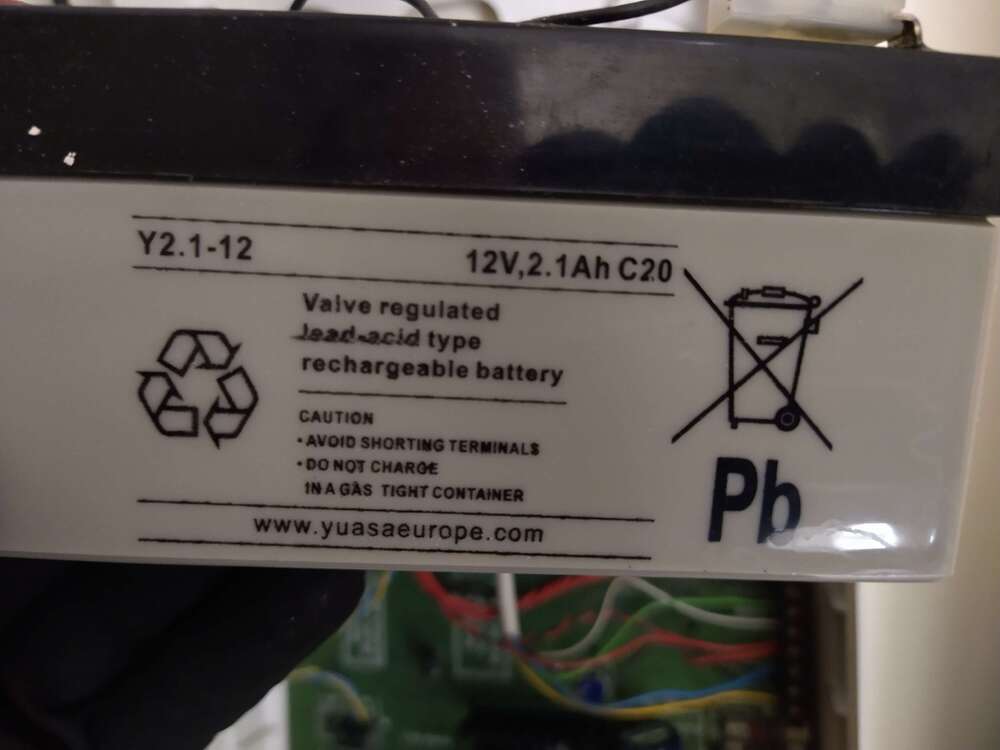
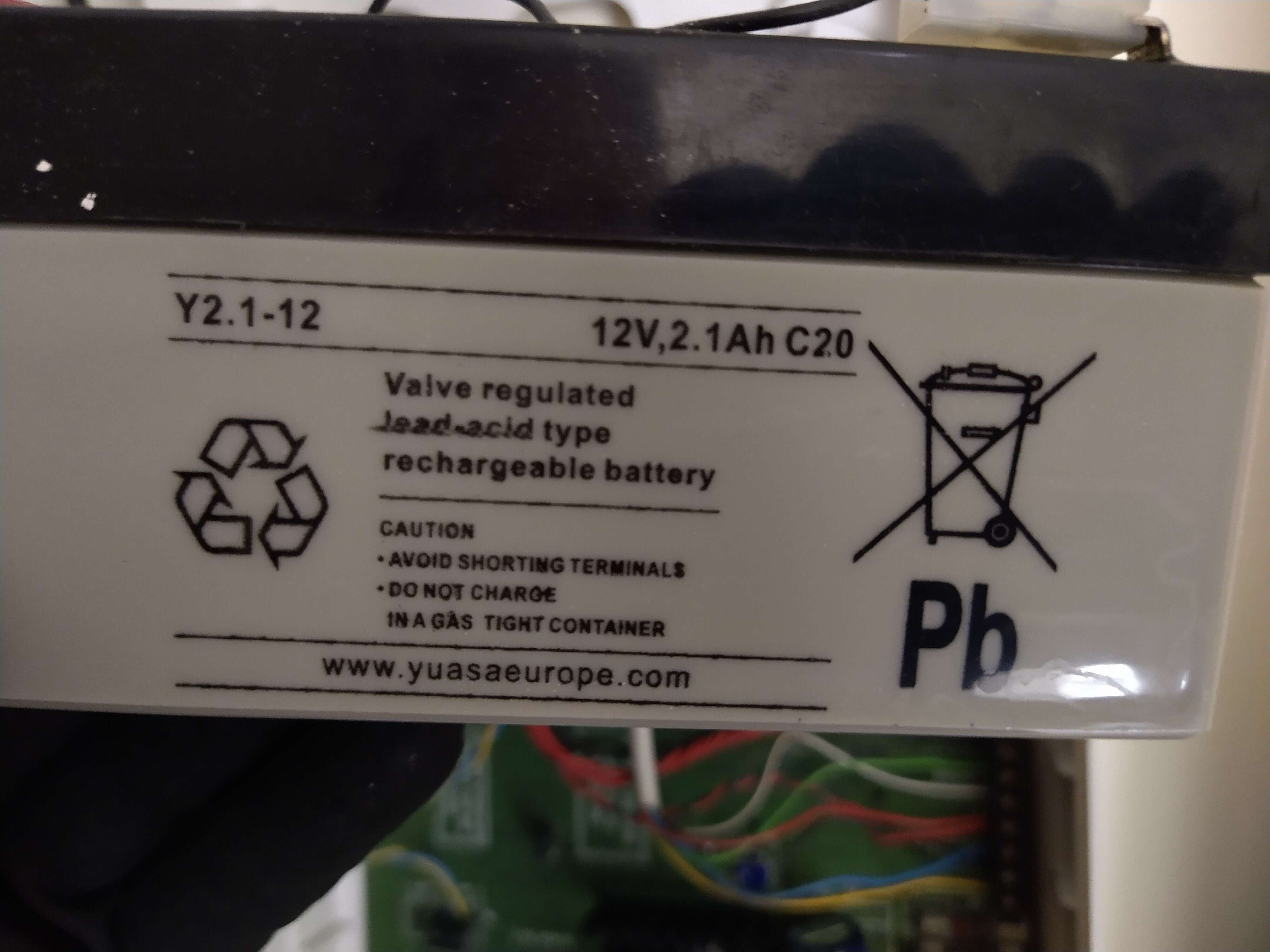
After turning off an electrical circuit to change some smoke alarms, we noticed the bell alarm for the Gardtec 360/580 sounding. I understand that this indicates a dead battery in the control panel. So we bought a new battery and attempted to replace it. I did not turn off the mains power, nor did I remove the fuse. I just opened the panel box, removed the old battery and installed the new one. During this time, the external bell alarm sounded. However the keypad had a black screen and would not accept any user input to silence it. After replacing the lid and putting in the screw, the user keypad stayed black, So I put in the old battery and the situation remained the same. In the end, we disconnected the battery, pulled out the fuse and waited 15 minutes for the bell alarm to stop. I am baffled as to why the user keypad stayed black the whole time. Recently it was working normally. If anyone has any suggestions, I would be grateful. Thanks.