Skip to content
View in the app

A better way to browse. Learn more.

Security Installer Community

A full-screen app on your home screen with push notifications, badges and more.

To install this app on iOS and iPadOS
  1. Tap the Share icon in Safari
  2. Scroll the menu and tap Add to Home Screen.
  3. Tap Add in the top-right corner.
To install this app on Android
  1. Tap the 3-dot menu (⋮) in the top-right corner of the browser.
  2. Tap Add to Home screen or Install app.
  3. Confirm by tapping Install.

Ovenuelis

Newbie
  • Joined

  • Last visited

Everything posted by Ovenuelis

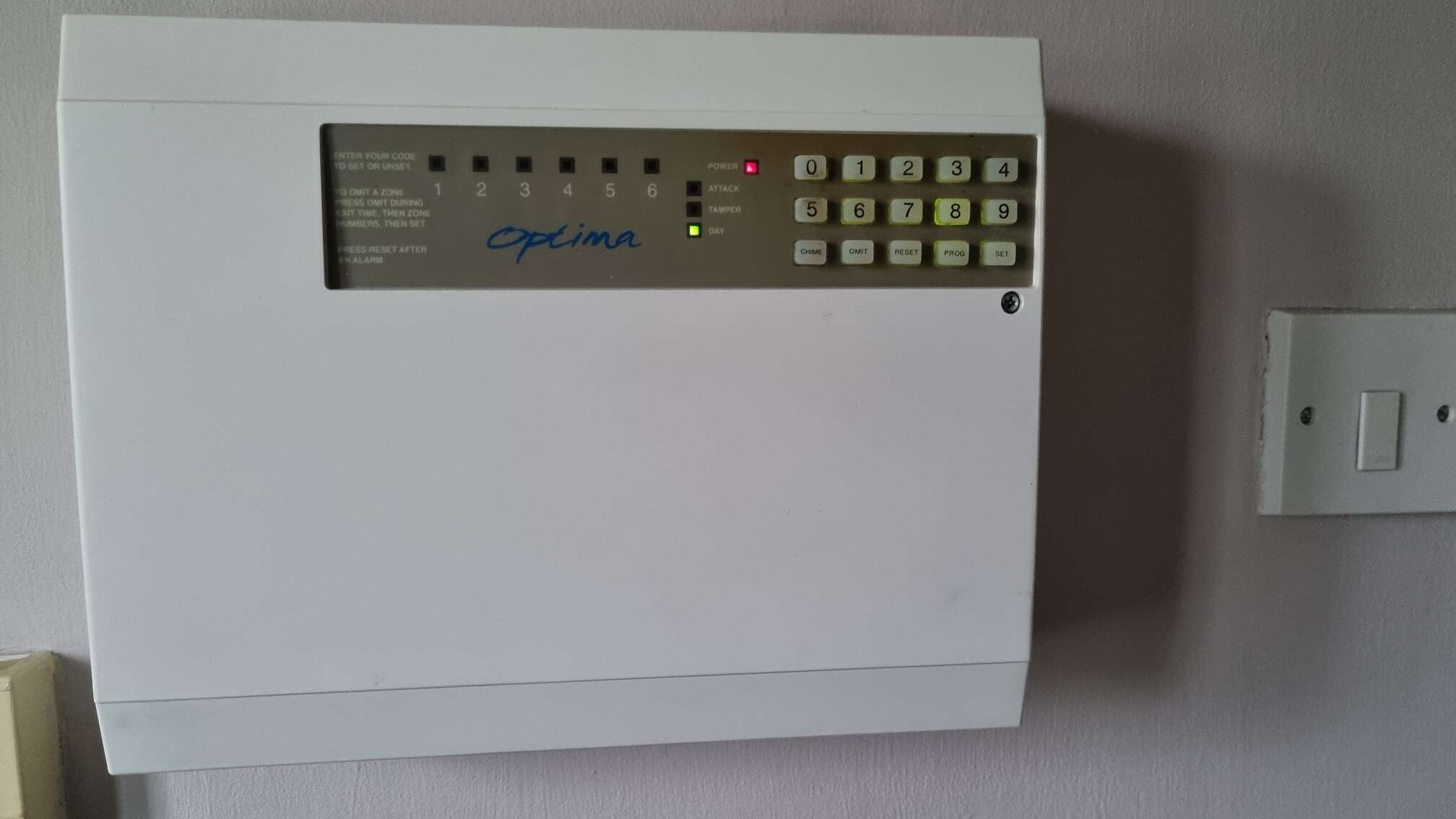
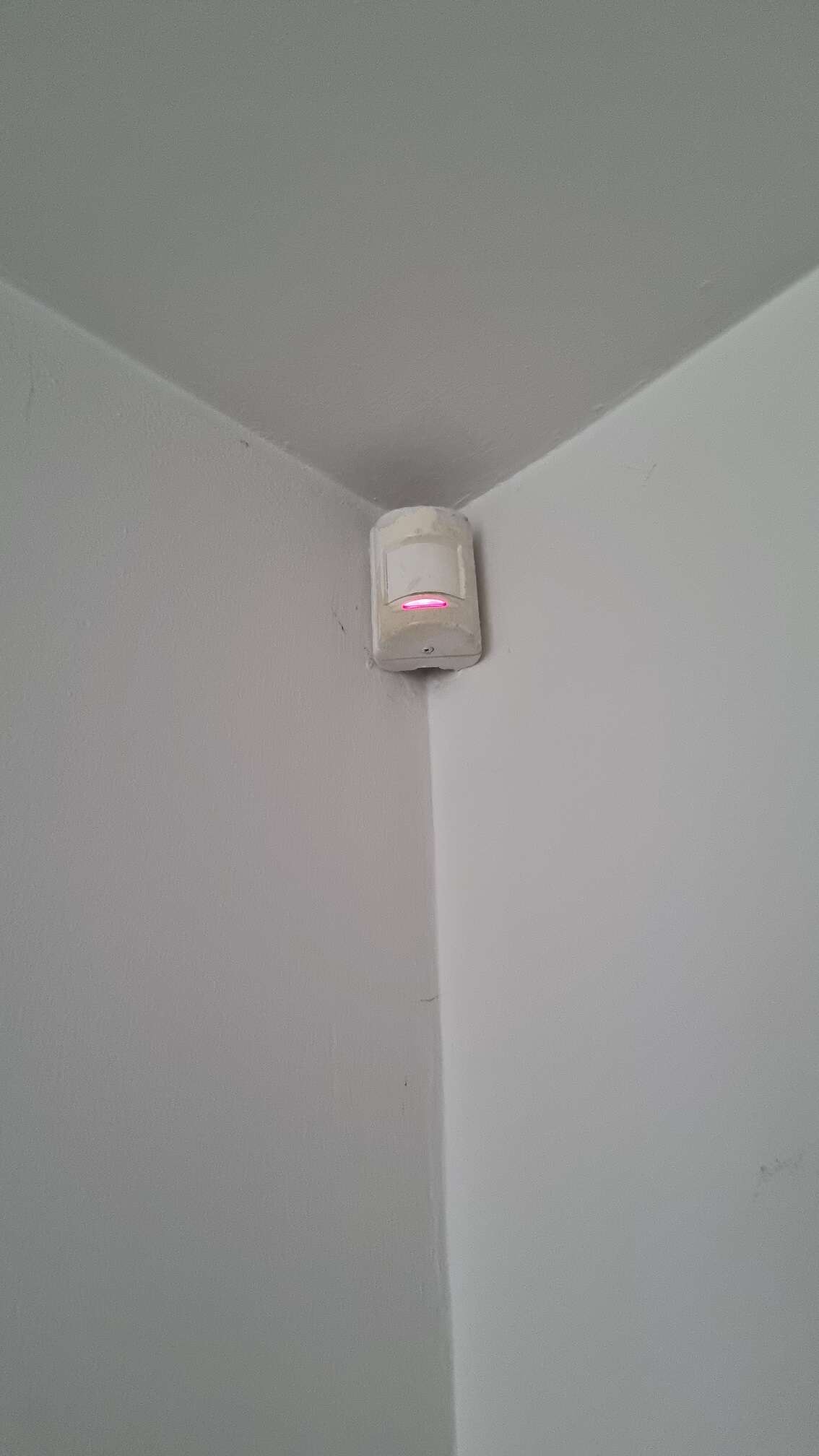
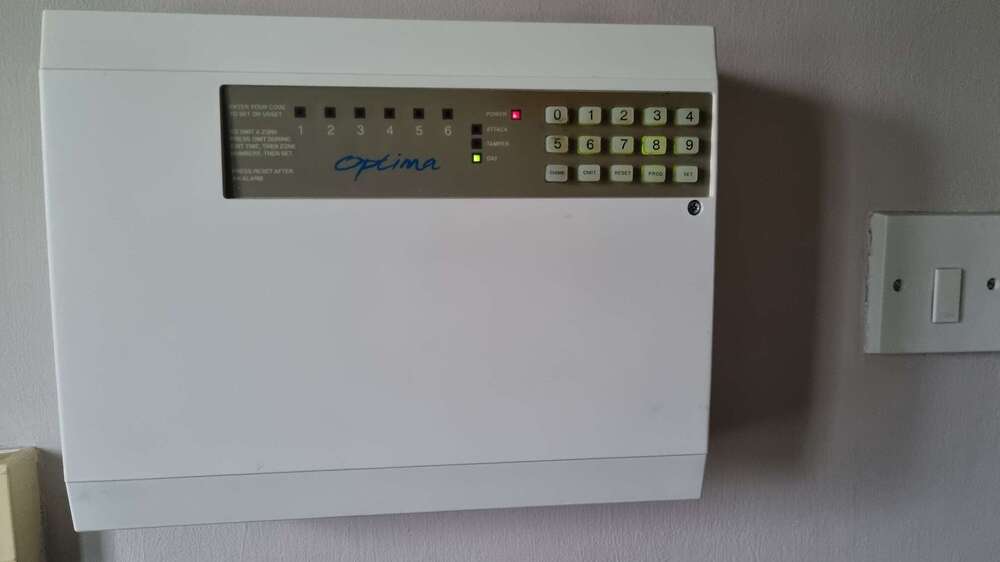
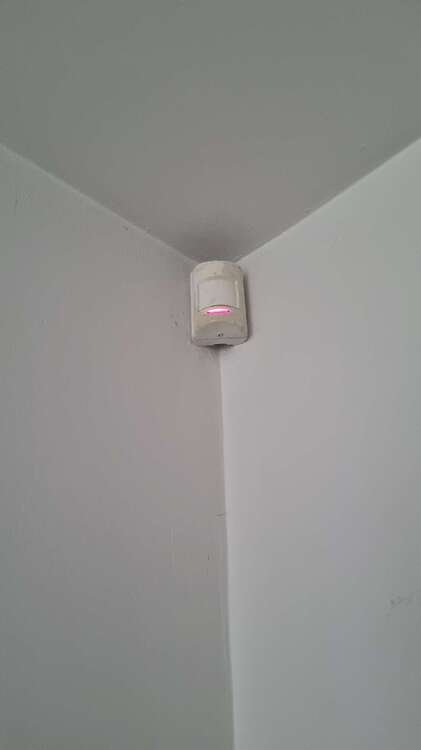
  1. Hello, I have Optima CCTV system at home and one of my sensors in the room is not working, the light is always on rather than only when sensing something. When entering the code before leaving home, system wont engage unless I omit that zone. Does it mean I need to replace the sensor or is there a way to fix/reset it? Power off and on didnt work. Thank you Ove
Important Information

By using this site, you agree to our Terms of Use.

Account

Navigation

Search

Search

Configure browser push notifications

Chrome (Android)
  1. Tap the lock icon next to the address bar.
  2. Tap Permissions → Notifications.
  3. Adjust your preference.
Chrome (Desktop)
  1. Click the padlock icon in the address bar.
  2. Select Site settings.
  3. Find Notifications and adjust your preference.