_2d2230.png)
_5a42ce.png)

FakeIt5362
Member
-
Joined
-
Last visited
-
Ah so the problem is probably with the internal battery then because when there’s a power cut the screen just goes dead and the panel buttons don’t work. Pretty sure the outside battery works just fine ?
-
So there is definitely a backup battery in the Omega Petite system?
-
Valid point. The bell box stops ringing when the power comes back. Then it’s just armed so it’s no different to having it on.
-
Battery , hello ? Dude ? Yo? I mean possibly? I didn’t know if it would be too old to have internal batteries but then I have no idea.
-
Yeah of course. Where could the issue in the system be?
-
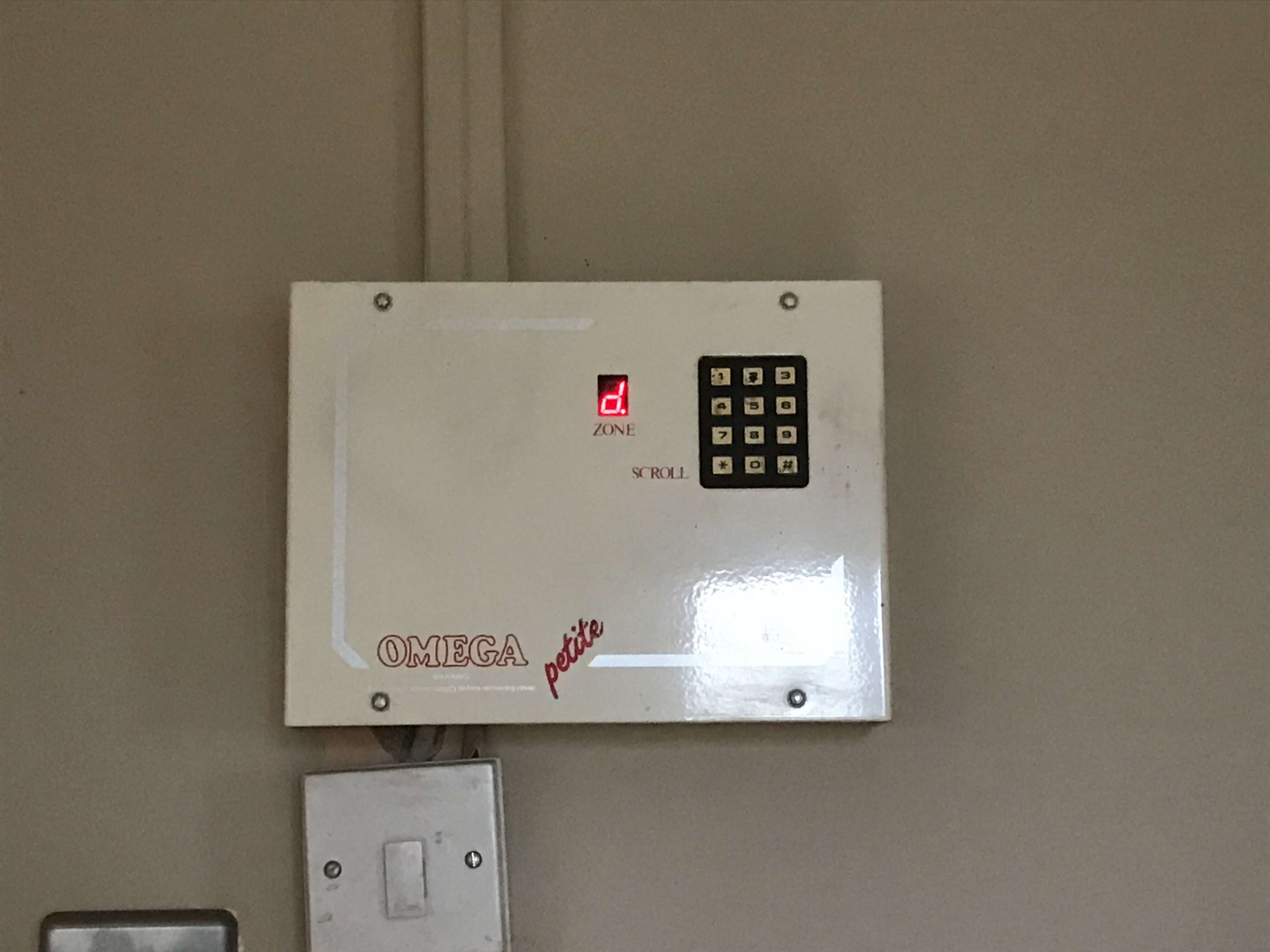
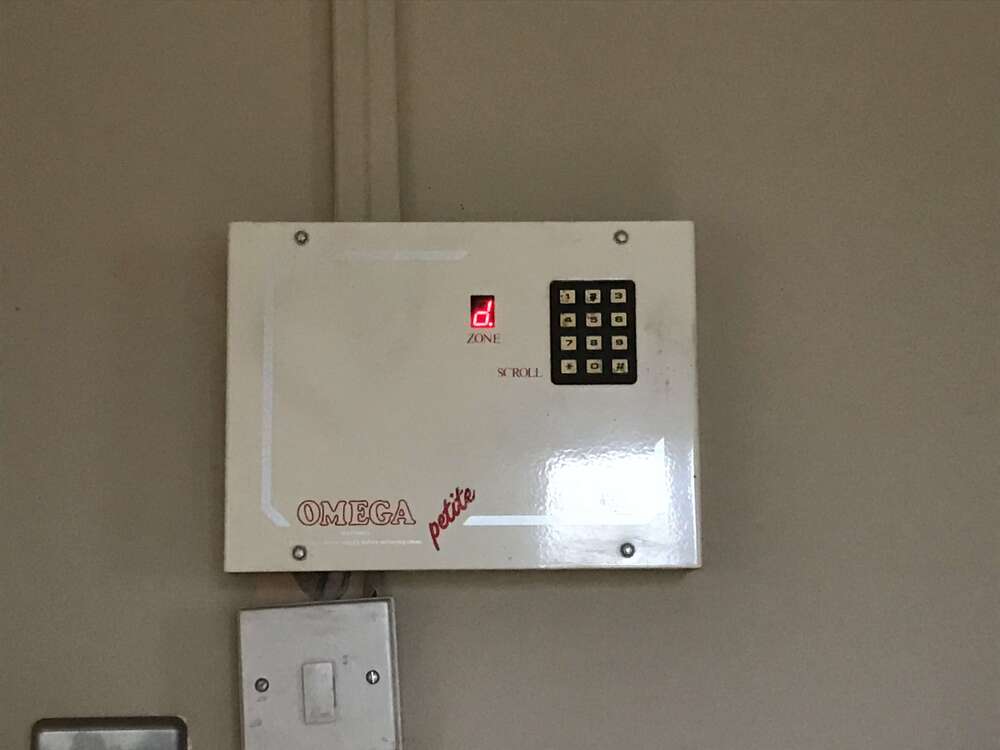
Oh wow that is pretty old then. Is there any particular reason why it does then? It’s like the whole control panel shuts down and doesn’t work at all. The bell box goes off for the whole time the power’s out. I should probably mention it hasn’t been serviced in the whole 14 years I’ve lived here, but then I never actually use it.
-
Hi all, I have an Omega Petite system (which I think was made by Castle Care Tech) and I know very little about alarms. I was wondering if someone could tell me how old it is? Also, whenever there's a power cut, the control panel shuts down and the alarm itself proceeds to go off until the power comes back on (people before us didn't think to put a twenty minute maximum on it) and when it does, the panel bleeps endlessly until the code is put in. I was hoping someone would be able to tell me a way to shut the noise off when there is no power to the control panel. Also, any other information would be gratefully received (even if it is random trivia)!