


_2d2230.png)
_5a42ce.png)

Kangaroo
Member
-
Joined
-
Last visited
Everything posted by Kangaroo
-
Al-yeti - Do you have any specific info should be worried about? Pyronix? Has a yearly subscription. GalaxyGuy Thanks for your information. I will take a look. Cheers RK GalaxyGuy Thanks for your information. I will take a look. Cheers RK
-
Al-yeti - Do you have any specific info should be worried about?
-
Thanks sixwheeledbeast. I know I might be pushing it but I felt it was worth a try. At the very least no subscription for the use of the app? Any ideas? Cheers RK
-
Hi, I am looking to replace an existing system, however I want to keep using the existing 6 x Wired PIRs. Upgrade: Control box a key entry panel have an smart app to arm when away from house (Without paying a subscription etc) add WIFI PIRs at some point. New Siren Boxes. Current cable is 6core An system that updates itself for software or alternatively I can download without any issues or needing to be a company. All ideas welcome. Thanks RK
-
PeterJames Thanks for you help, could I ask are all PIRs compatible with any control box? If not a dialler are you thinking network enable / use of internet? Cheers RK
-
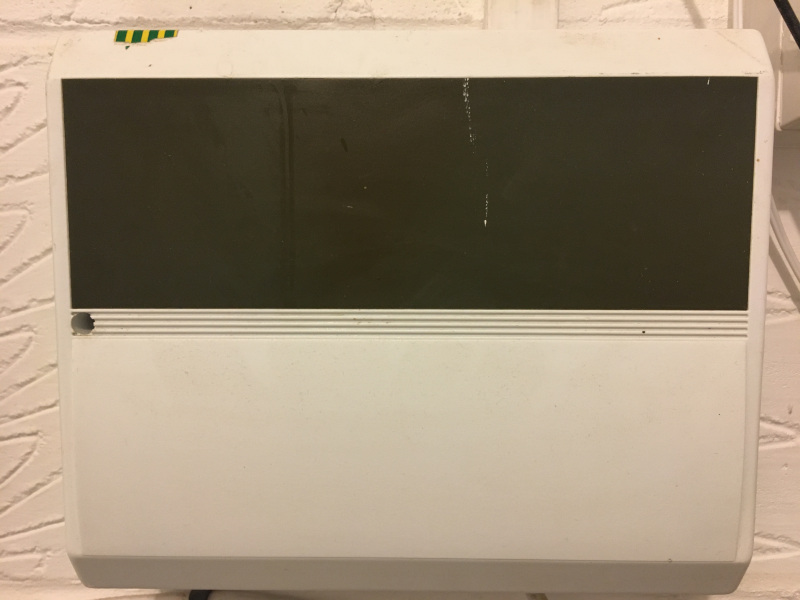
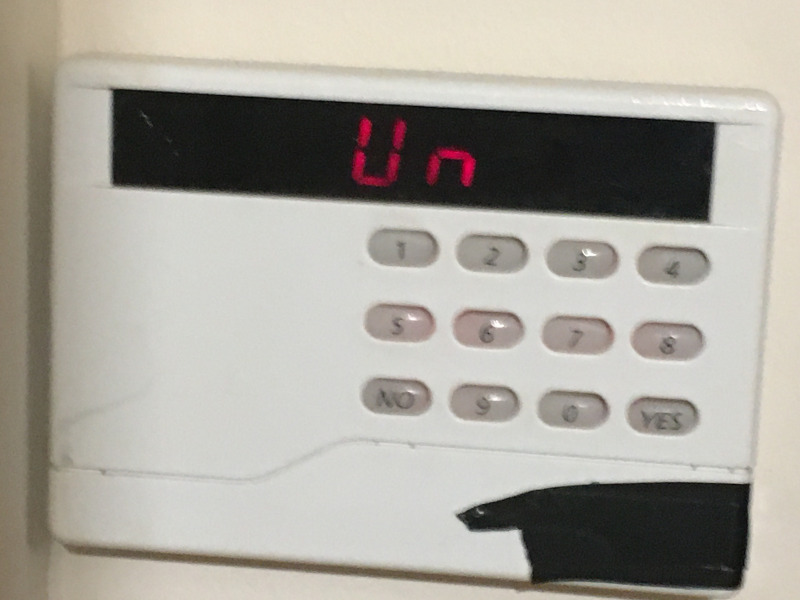
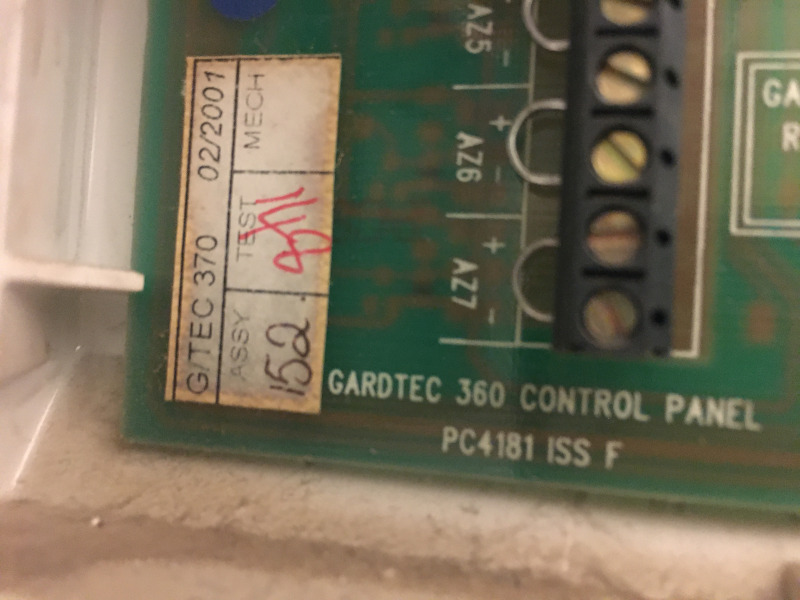
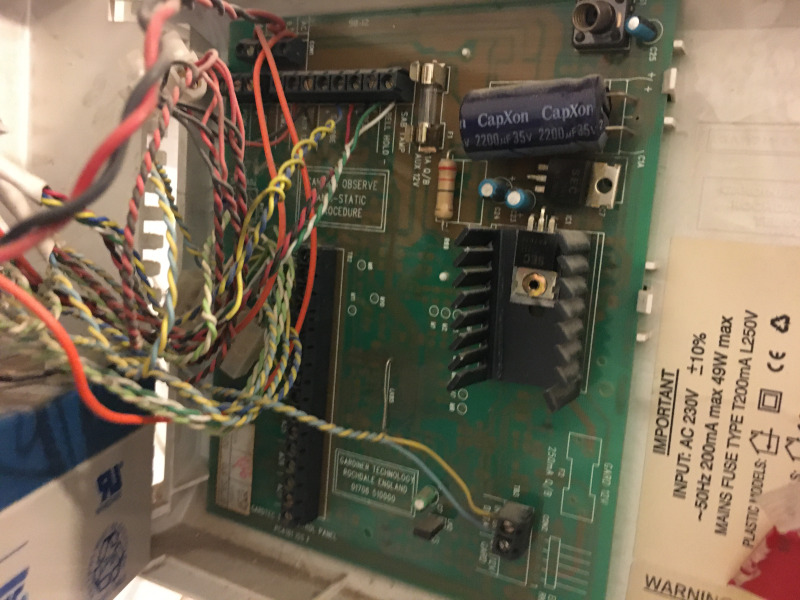
Thanks sixwheeledbeast for your reply. I have attached some images - any recommendations? Cheers KG
-
Hi, I am looking to upgrade the control box, keypad and PIRs but still using the existing 6 core cable. What would you recommend as a replacement for GARDTEC system? Looking for bells only in the first instance but would be interested in option for an auto dialler or smart systems that used wires and wireless, if possible. Thanks for your help in advance. KG