

Skip to content
View in the app

A better way to browse. Learn more.

Security Installer Community

A full-screen app on your home screen with push notifications, badges and more.

To install this app on iOS and iPadOS
  1. Tap the Share icon in Safari
  2. Scroll the menu and tap Add to Home Screen.
  3. Tap Add in the top-right corner.
To install this app on Android
  1. Tap the 3-dot menu (⋮) in the top-right corner of the browser.
  2. Tap Add to Home screen or Install app.
  3. Confirm by tapping Install.

peterreynolds

Newbie
  • Joined

  • Last visited

  1. One is brand new in un-opened box, I sent the picture to them and they confirmed it is the same from old stock.
  2. Thanks Norman and Peter J, there's a couple available on ebay.
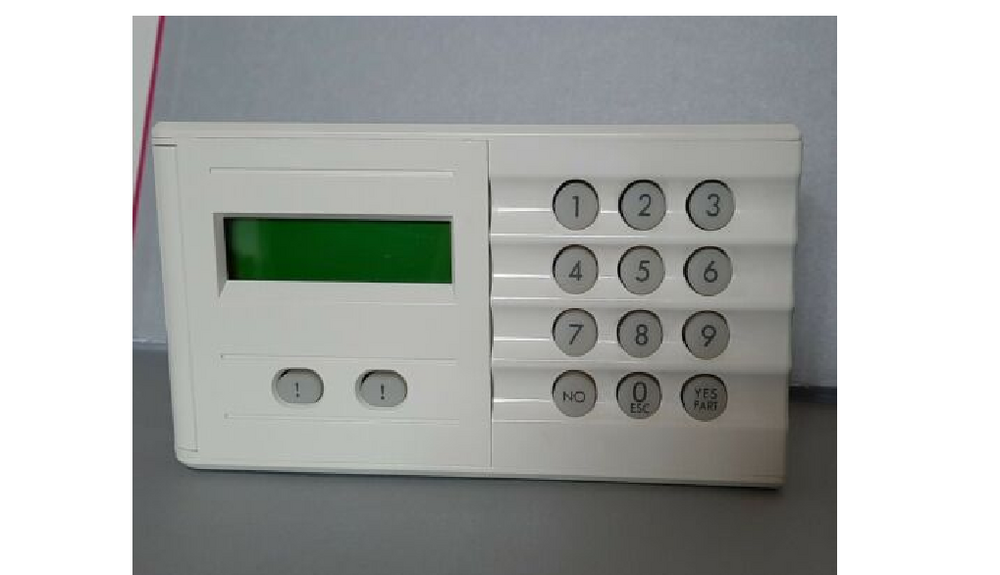
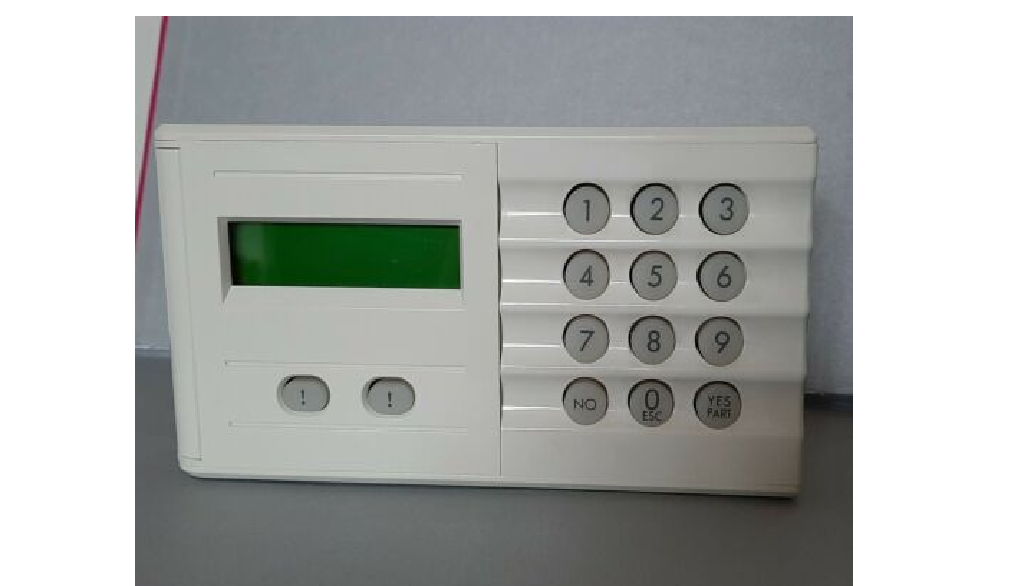
  3. Battery is good, I've attached picture of the type of LCD Keypad just to be sure.
  4. peterreynolds joined the community
  5. Hi, I fitted an Abacus alarm in my home many years ago (DIYer) and have maintained it since, my problem now is the LCD keypad buttons make poor contact and I opened the cover causing (Keypad Tamper Trbl) My question is if I fit a new keypad are my codes saved in the old keypad or the main alarm box or will the new keypad revert to the original default codes. Many Thanks, Peter.

Important Information

By using this site, you agree to our Terms of Use.

Account

Navigation

Search

Search

Configure browser push notifications

Chrome (Android)
  1. Tap the lock icon next to the address bar.
  2. Tap Permissions → Notifications.
  3. Adjust your preference.
Chrome (Desktop)
  1. Click the padlock icon in the address bar.
  2. Select Site settings.
  3. Find Notifications and adjust your preference.