_2d2230.png)
_5a42ce.png)

stupat78
Newbie
-
Joined
-
Last visited
Everything posted by stupat78
-
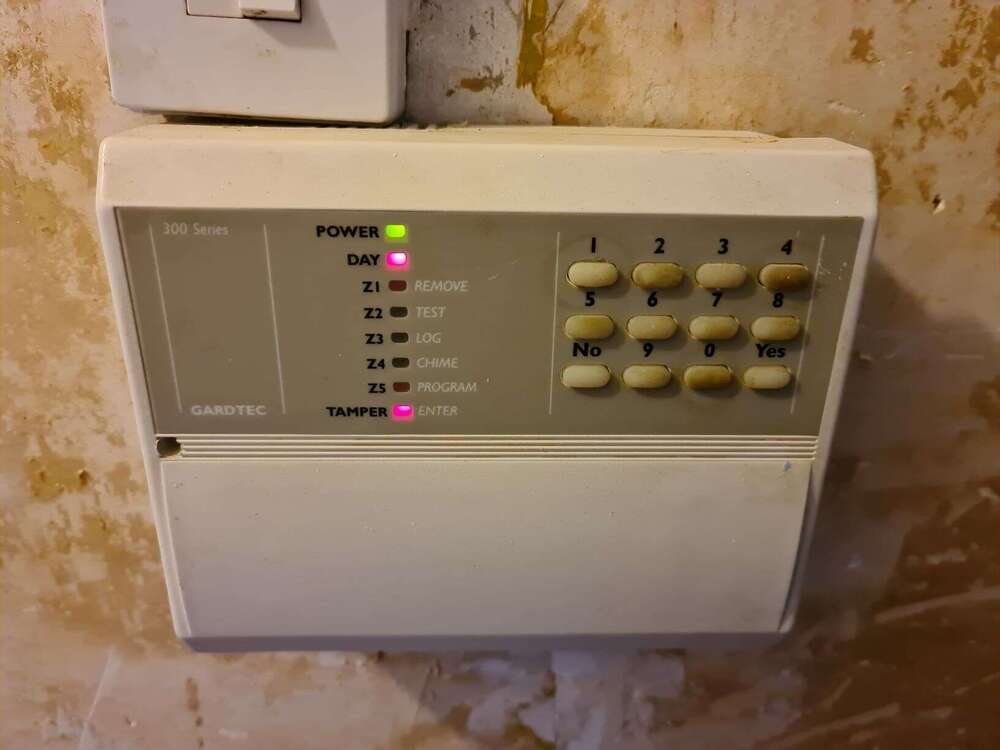
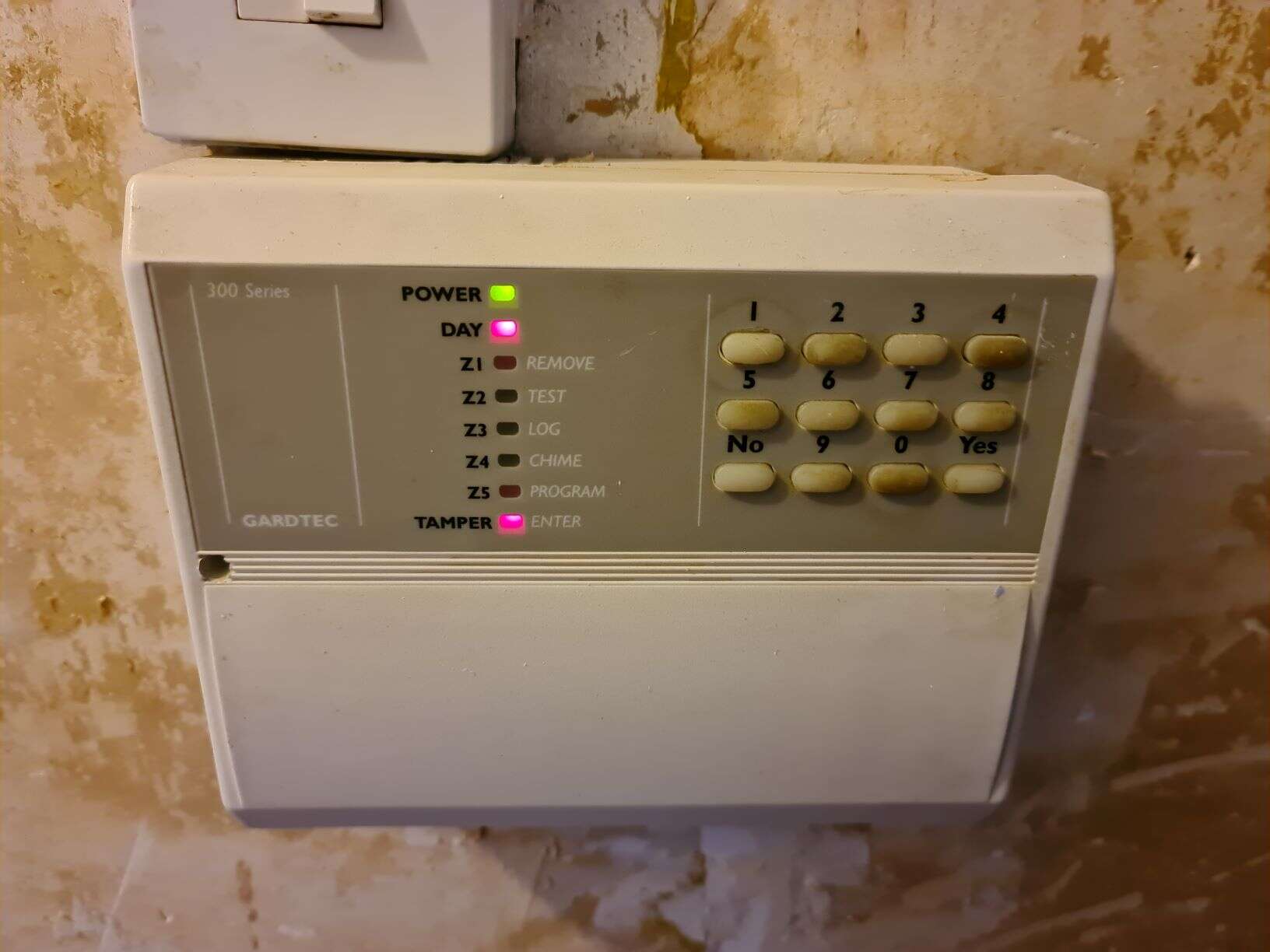
Managed to get round to have a look at it just now. Looks like the internal fuse has blown as my dad had it hardwired into the socket and the live connection was loose. Ordered a new battery and pack of fuses for them, hopefully that will remedy the issue in the short term.
-
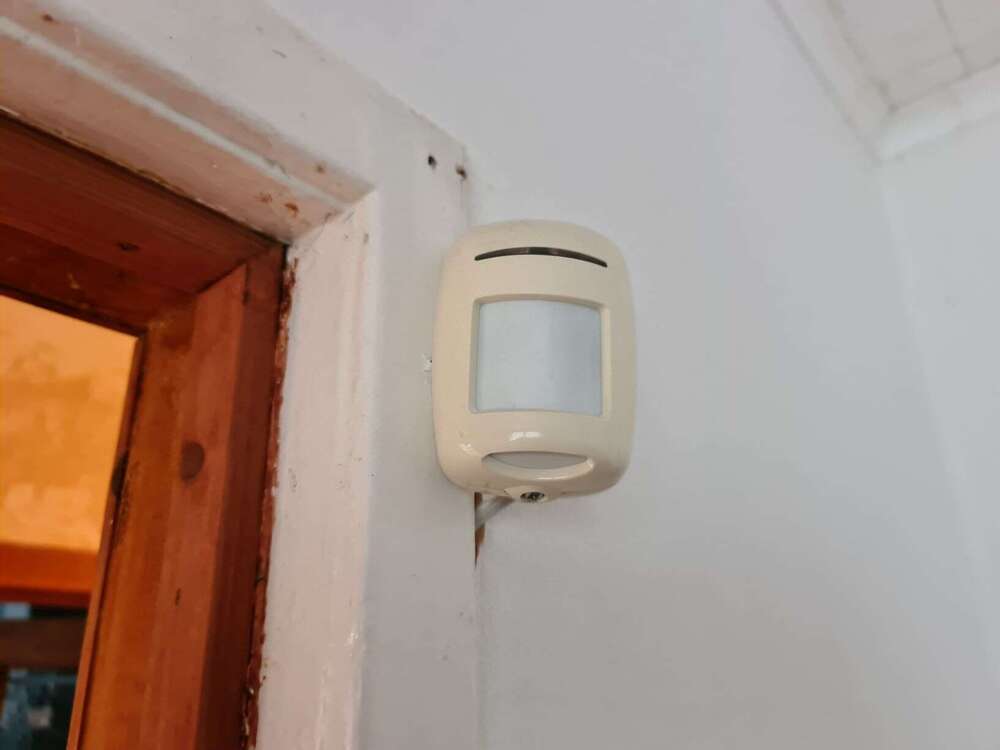
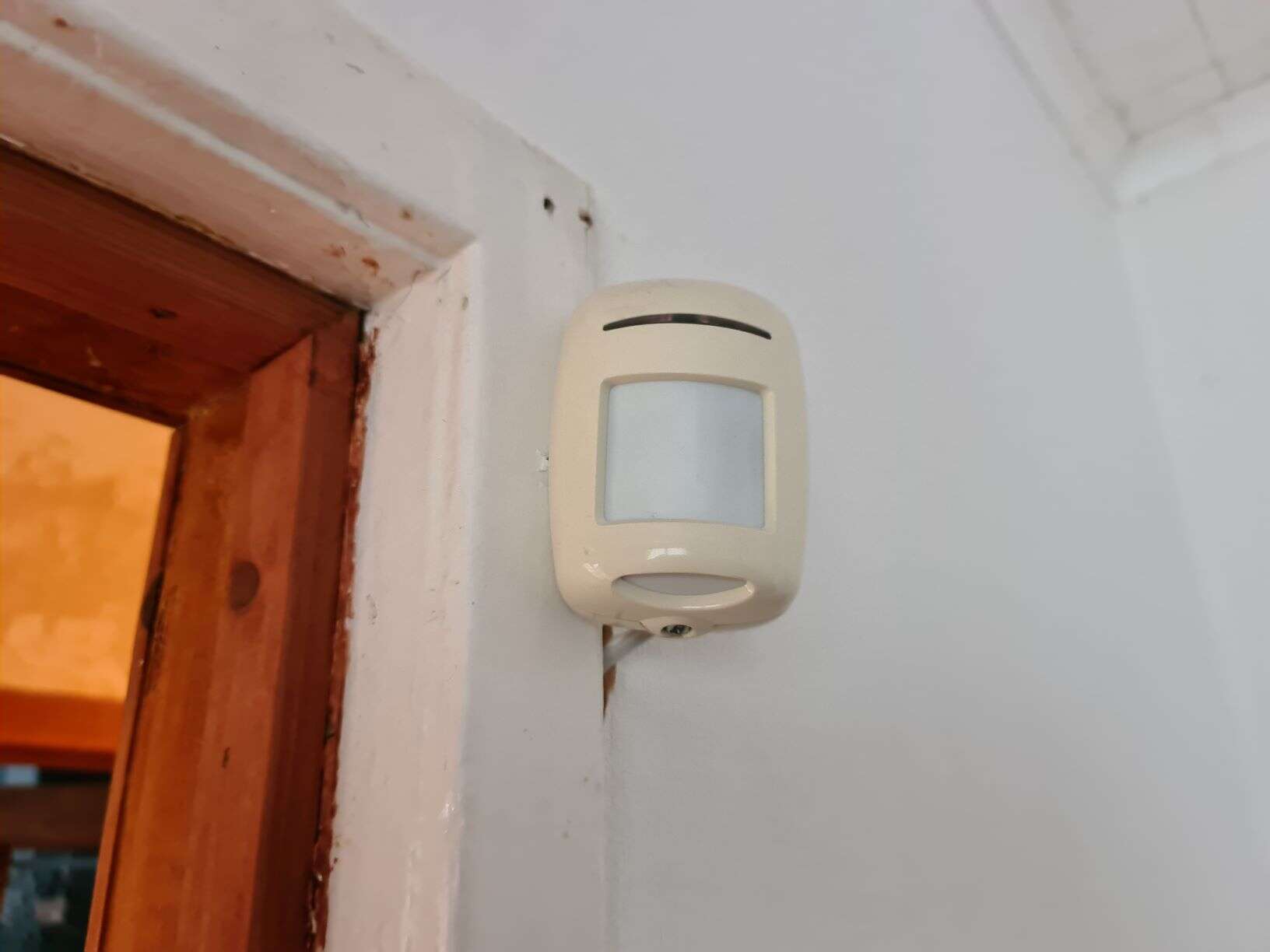
My parents got a gardtec 300 series alarm fitted almost 30 years ago. My dad rewired it about 15 years ago. They recently had a decorator in and since then have been getting the tamper light flashing and are unable to use the alarm system. It's never been maintained properly, never had batteries replaced etc. I'm thinking they need to do a total overhaul and perhaps get someone in to revamp the whole system but my parents being pensioners now don't want to go to that expense unless they have to. Just wondering if there is a compatible panel replacement out there that would use existing wiring as all wires etc run under floor boards etc. They are unable to reset tamper as involves using the number 1 on panel which no longer works.