

Skip to content
View in the app

A better way to browse. Learn more.

Security Installer Community

A full-screen app on your home screen with push notifications, badges and more.

To install this app on iOS and iPadOS
  1. Tap the Share icon in Safari
  2. Scroll the menu and tap Add to Home Screen.
  3. Tap Add in the top-right corner.
To install this app on Android
  1. Tap the 3-dot menu (⋮) in the top-right corner of the browser.
  2. Tap Add to Home screen or Install app.
  3. Confirm by tapping Install.

nwpattesting

Newbie
  • Joined

  • Last visited

  1. I checked but cant see any volume adjustment on the mic. So I guess the problem is the handset, not gained access to check that yet.
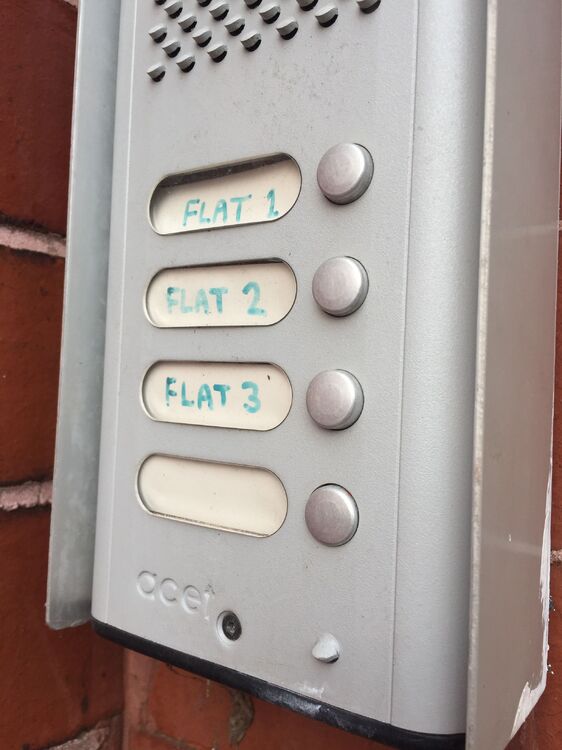
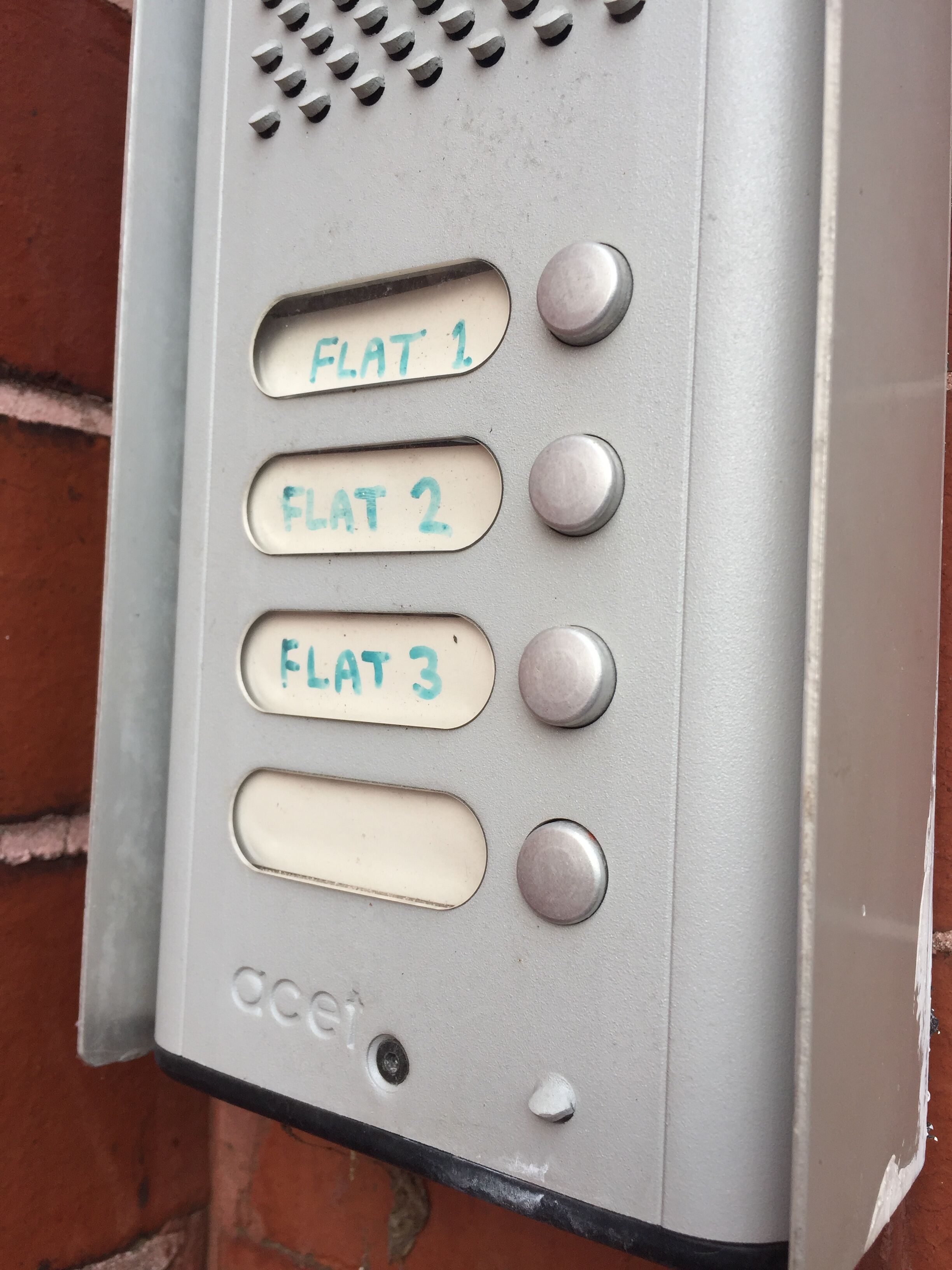
  2. Hi, I have an old acet door entry system, buzzer and handset for 3 flats, not sure what model pic attached. One of the flats says he gets a whining noise some nights, and goes to the box and hears a whine from that too. Ive just had a fire alarm fitted, but I think he had it before that ? Can anyone please help ? thanks
Important Information

By using this site, you agree to our Terms of Use.

Account

Navigation

Search

Search

Configure browser push notifications

Chrome (Android)
  1. Tap the lock icon next to the address bar.
  2. Tap Permissions → Notifications.
  3. Adjust your preference.
Chrome (Desktop)
  1. Click the padlock icon in the address bar.
  2. Select Site settings.
  3. Find Notifications and adjust your preference.