


_2d2230.png)
_5a42ce.png)

Giuseppe
Newbie
-
Joined
-
Last visited
-
Thank you. This is my first time looking at a security panel and really appreciate your help. If its just the battery I can easily change it and measure its power unit also. I can take it into work and see what I can find if its just the charging resistor that is toasted or if the circuit board needs repairing . If not, ask one of the senior electronics technicians to have a look. Either way I dont mind getting a new panel and found a G4 panel and battery online.
-
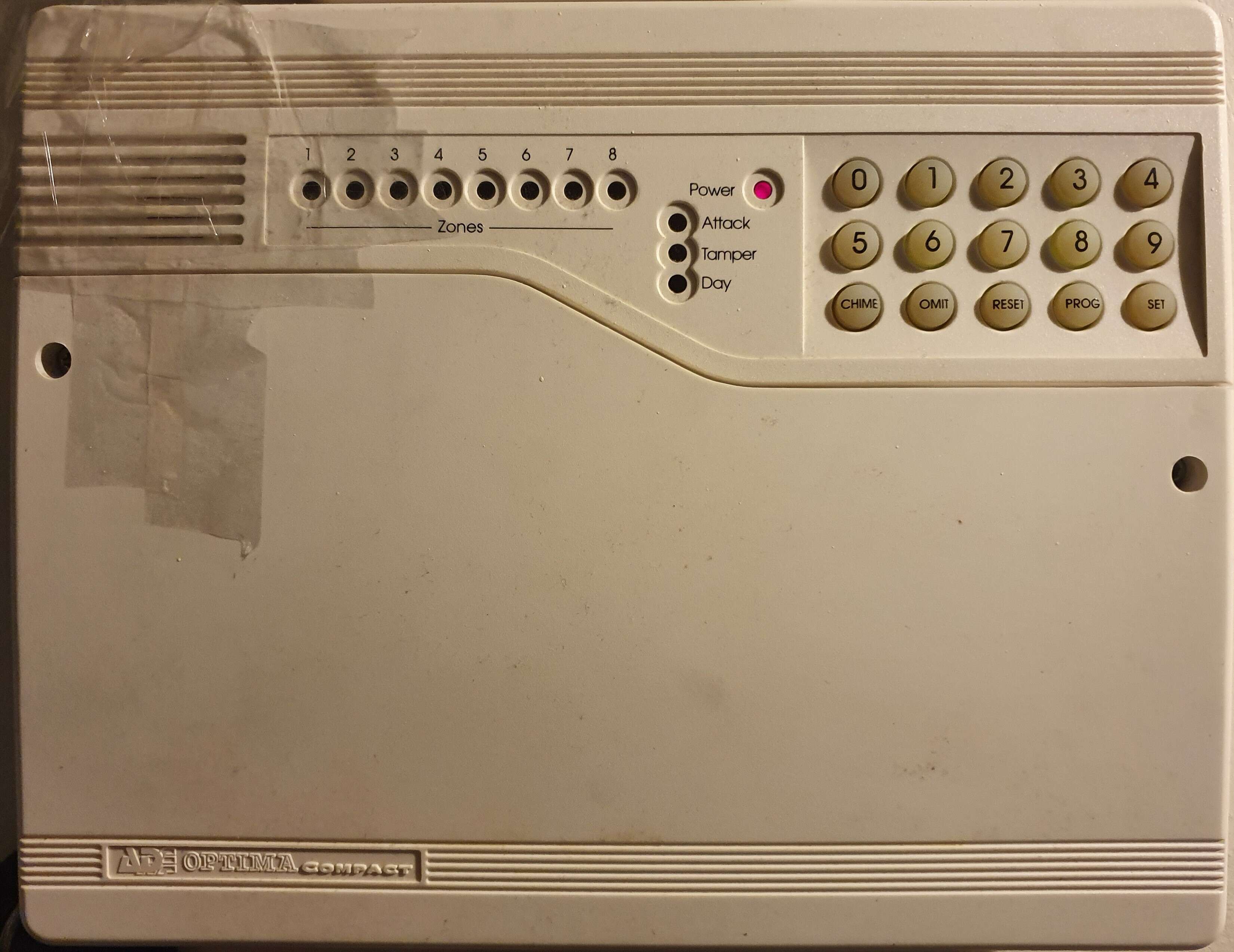
Think it was serviced about 10 years ago.... Can I replace the battery with a new one? or Shall I get an Engineer to service it? Kind regardsGiuseppe joined the communityHi, I have a ADE Optima Compact. the panel is making a continuous beep and only has the power light on. Tried pressing the keypad and doesnt seem to do anything. This started happening when I turned on the house mains power after changing a light switch. I did notice when the house mains power was off the security alarm outside triggered. Does anyone know what I can do to resolve this? Kind regards
Important Information
By using this site, you agree to our Terms of Use.