Skip to content
View in the app

A better way to browse. Learn more.

Security Installer Community

A full-screen app on your home screen with push notifications, badges and more.

To install this app on iOS and iPadOS
  1. Tap the Share icon in Safari
  2. Scroll the menu and tap Add to Home Screen.
  3. Tap Add in the top-right corner.
To install this app on Android
  1. Tap the 3-dot menu (⋮) in the top-right corner of the browser.
  2. Tap Add to Home screen or Install app.
  3. Confirm by tapping Install.

Nathan Howson

Newbie
  • Joined

  • Last visited

  1. Nathan Howson changed their profile photo
  2. Thanks all, I’ll get a new panel. Many recommendations for systems/ tradespeople in Preston, Lancashire?
  3. Thanks for the responses, I think that will be what we end up doing. For clarity, we do know the code and it was used by the previous owner, who lived here up until we moved in. She apparently unhooked the battery, no idea why! We reconnected the battery. Does this give anyone any idea as to how to help? Thanks again!
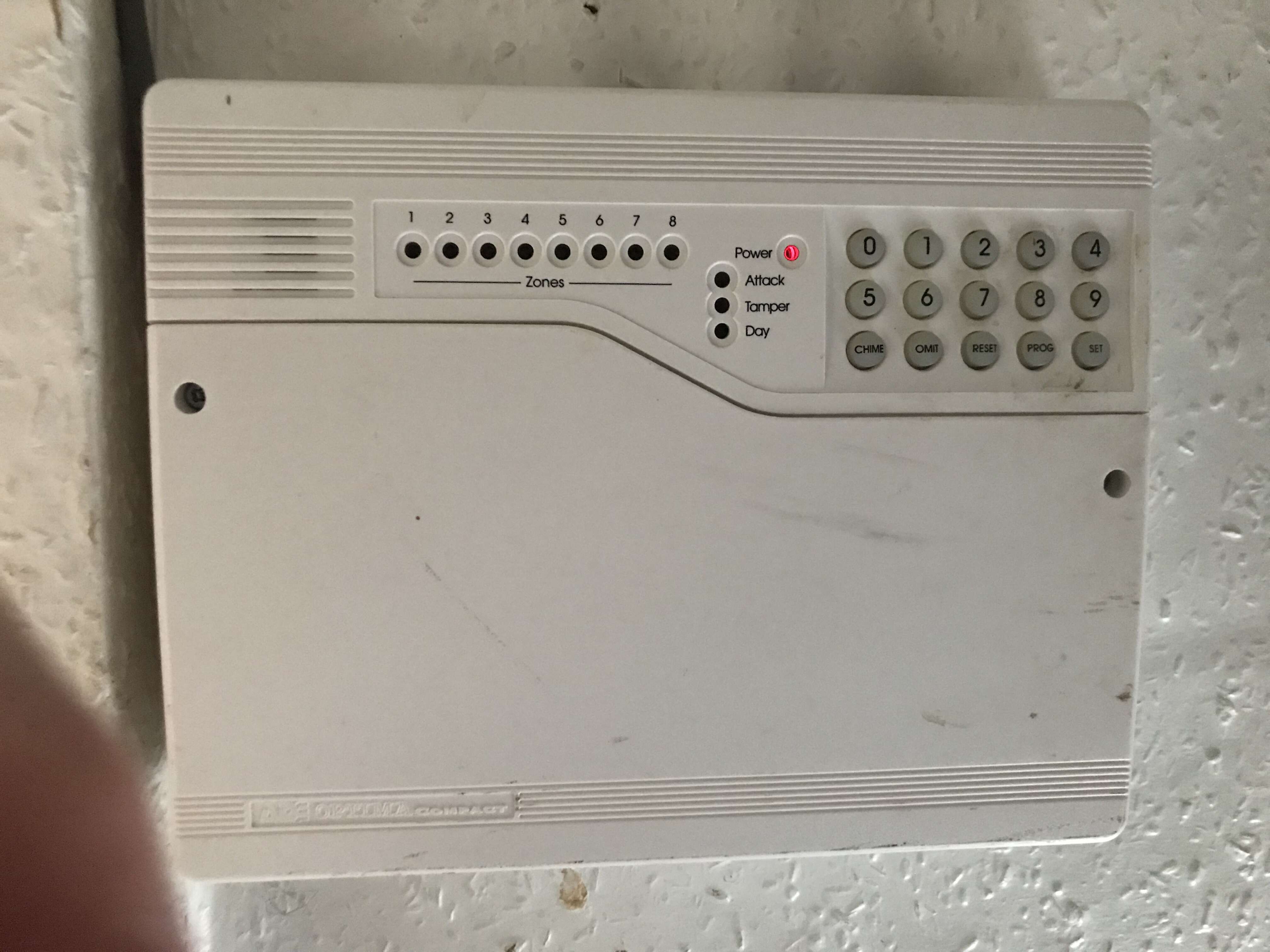
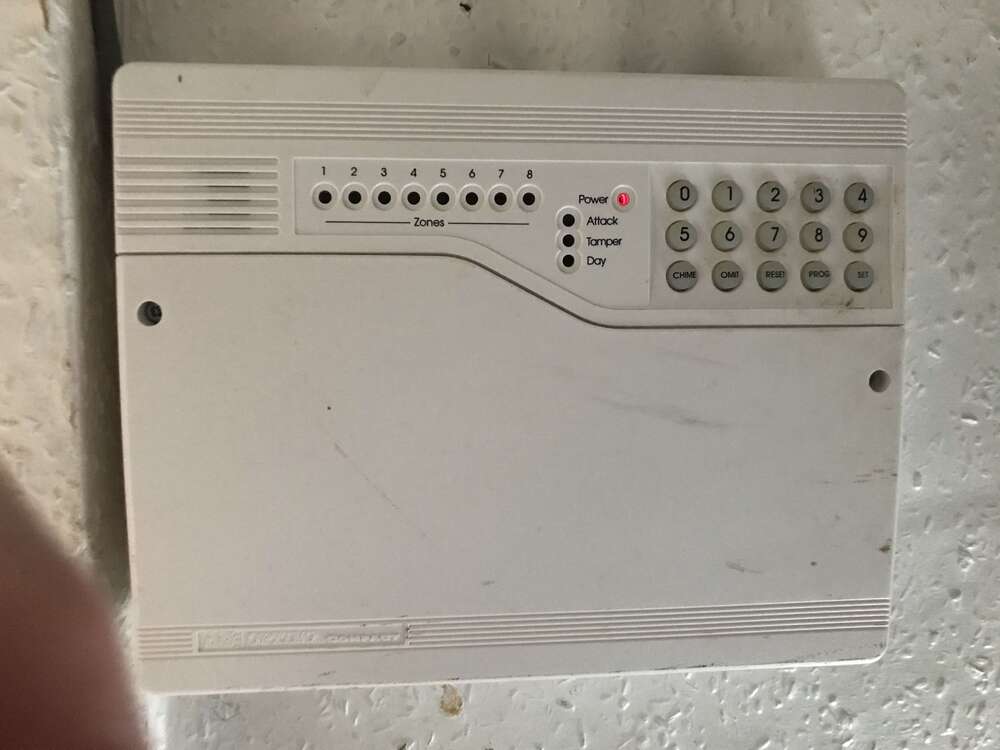
  4. Hello hive mind, I have recently bought a property which has an ADE Optima Compact panel installed. I’m unsure what generation but from other forums it appears to be a Gen 4 (I’ll post a picture). The panel is completely unresponsive to anything, no sound or change in LEDs illuminated; the only thing it shows is the power LED illuminated in red. Can anyone suggest anything to help? Thanks in advance.

Important Information

By using this site, you agree to our Terms of Use.

Account

Navigation

Search

Search

Configure browser push notifications

Chrome (Android)
  1. Tap the lock icon next to the address bar.
  2. Tap Permissions → Notifications.
  3. Adjust your preference.
Chrome (Desktop)
  1. Click the padlock icon in the address bar.
  2. Select Site settings.
  3. Find Notifications and adjust your preference.