_2d2230.png)
_5a42ce.png)

Zebz
Newbie
-
Joined
-
Last visited
Everything posted by Zebz
-
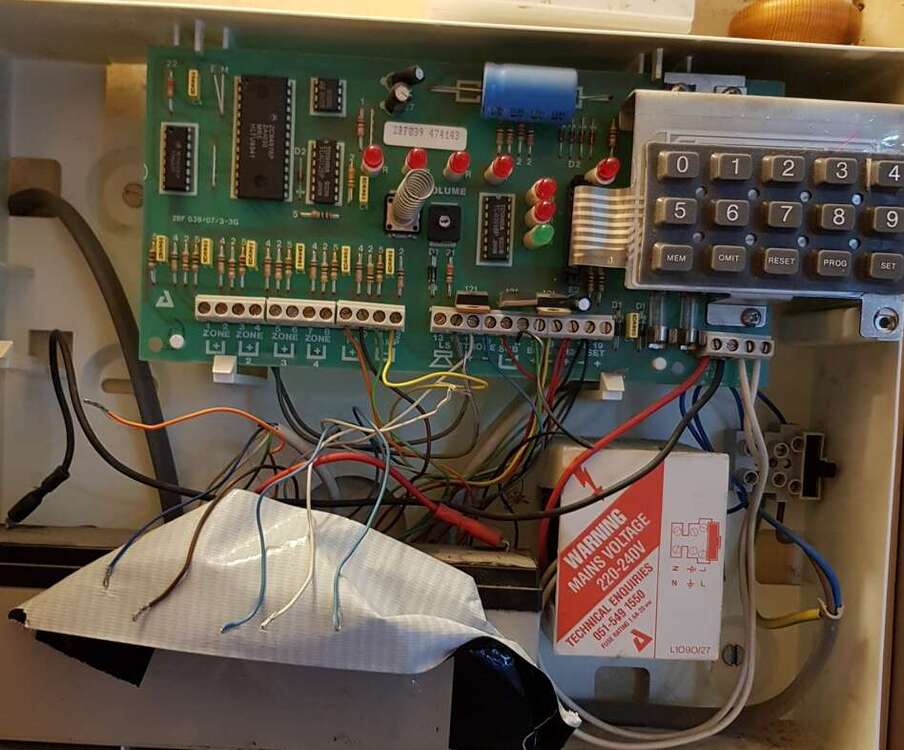
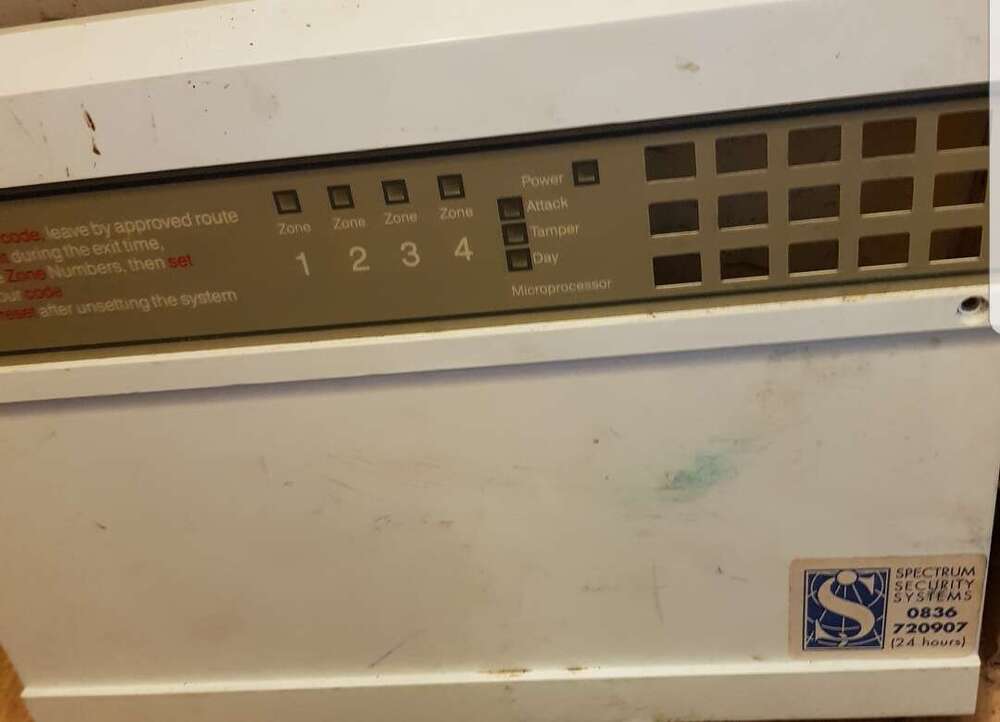
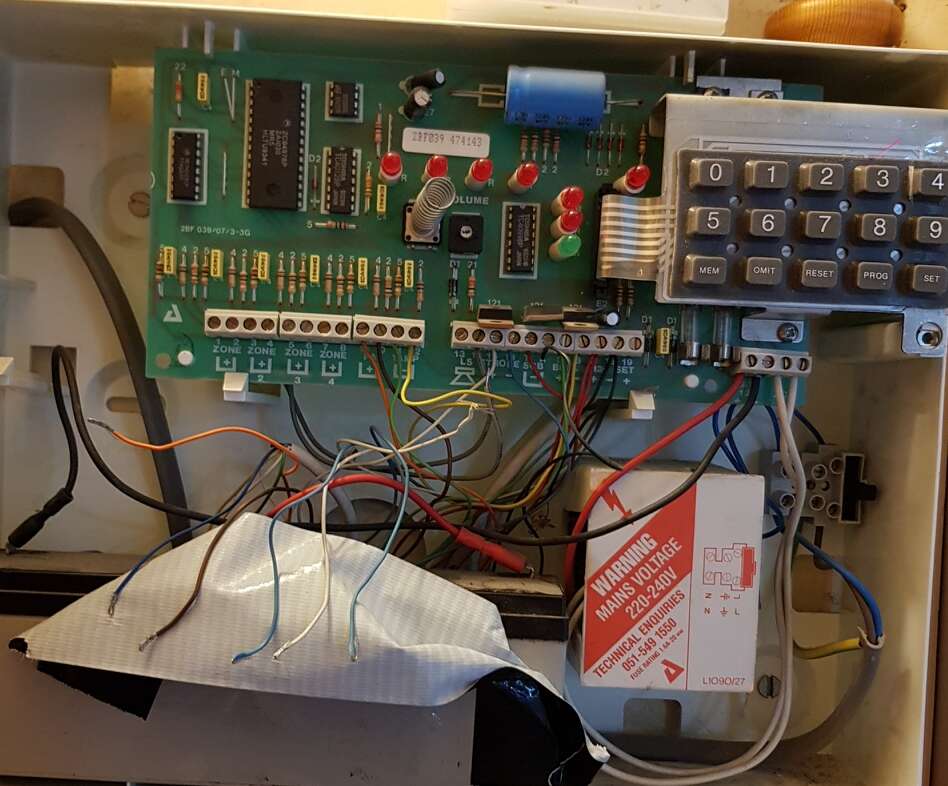
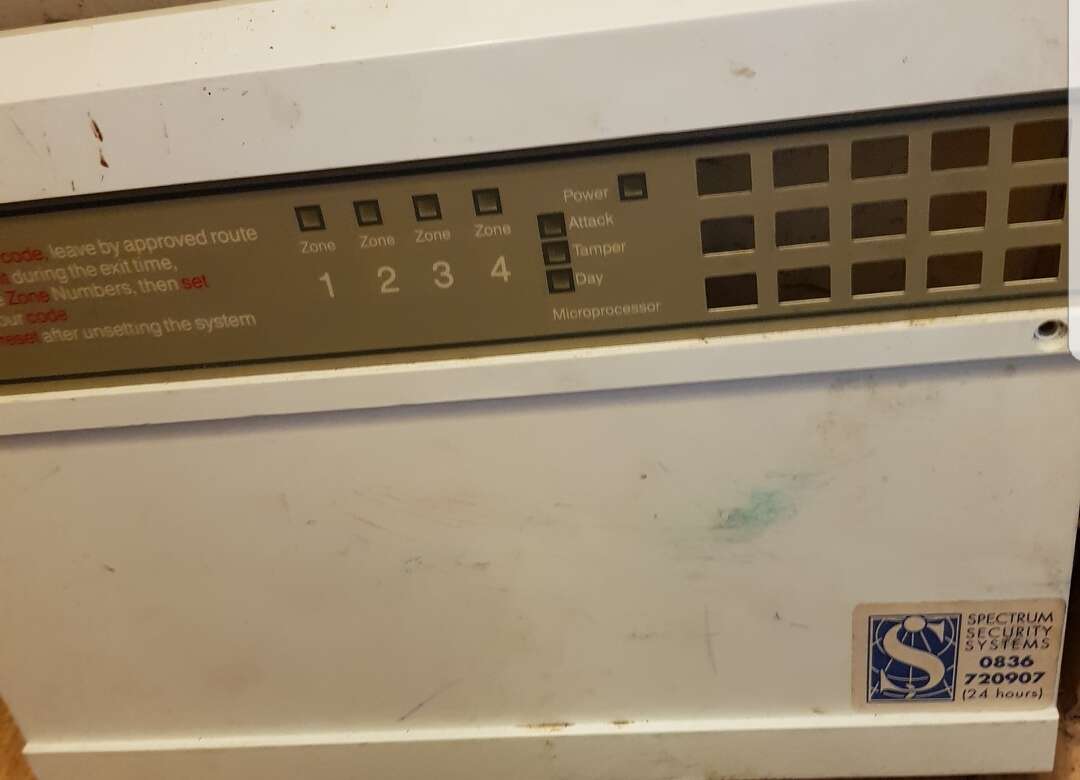
Hi, We bought a house with an old optima XM house alarm. No codes provided as the house was being rented for many years. The seller did not remember/knew the codes and they did not care either :-/ The alarm MCB was simply tripped out. When I tripped it back in the speaker in the control panel was making a horrible noise and the strobe outside was flashing (no sound from the bell). The power light on the panel was lit. I was trying to find info on line but due to this alarm being so ancient - there's hardly anything... I disconected all zone wires and speaker to preserve my hearing:-) What now? I am almost 100% sure one can reset codes to default by bridging certain terminals. Please advice, your help will be much appreciated. I would like trying to revive it before spending cash on new alarm. This one seems quite descent to me and it's wired too! Cheers