

Skip to content
View in the app

A better way to browse. Learn more.

Security Installer Community

A full-screen app on your home screen with push notifications, badges and more.

To install this app on iOS and iPadOS
  1. Tap the Share icon in Safari
  2. Scroll the menu and tap Add to Home Screen.
  3. Tap Add in the top-right corner.
To install this app on Android
  1. Tap the 3-dot menu (⋮) in the top-right corner of the browser.
  2. Tap Add to Home screen or Install app.
  3. Confirm by tapping Install.

Paul mc1888

Newbie
  • Joined

  • Last visited

  1. Thanks James checked everything again this morning. Will pick up another keypad tomorrow and fingers crossed
  2. James thanks. Done all the tests and even connected to old alarm and still nothing on the lcd. The keypad does not light up either. Tried new battery also. The sounder is also going off as well.
  3. Paul mc1888 joined the community
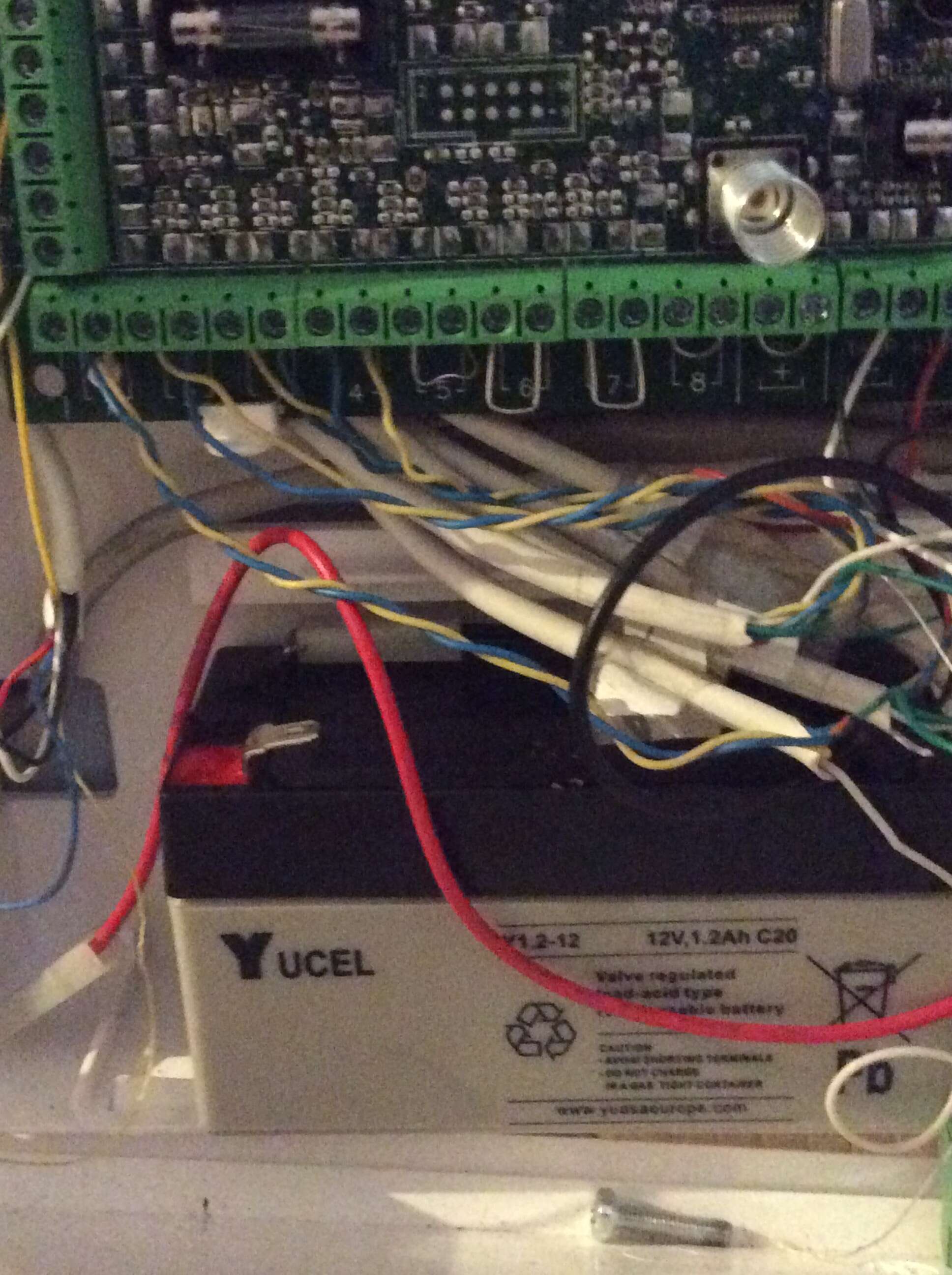
  4. Just fitted a new Accenta G4 and the keypad is blank. Check the terminal and there is power to the keypad. Check the continuity and all connections are ok. The sounder is going as well. Any ideas
Important Information

By using this site, you agree to our Terms of Use.

Account

Navigation

Search

Search

Configure browser push notifications

Chrome (Android)
  1. Tap the lock icon next to the address bar.
  2. Tap Permissions → Notifications.
  3. Adjust your preference.
Chrome (Desktop)
  1. Click the padlock icon in the address bar.
  2. Select Site settings.
  3. Find Notifications and adjust your preference.