

Skip to content
View in the app

A better way to browse. Learn more.

Security Installer Community

A full-screen app on your home screen with push notifications, badges and more.

To install this app on iOS and iPadOS
  1. Tap the Share icon in Safari
  2. Scroll the menu and tap Add to Home Screen.
  3. Tap Add in the top-right corner.
To install this app on Android
  1. Tap the 3-dot menu (⋮) in the top-right corner of the browser.
  2. Tap Add to Home screen or Install app.
  3. Confirm by tapping Install.

Titch

Newbie
  • Joined

  • Last visited

Everything posted by Titch

  1. Thanks for the response. I definitely think the flush ones are the way to go. Maybe it's time for a full install. The system is a bit dated anyhow. I think I need to get the professionals in.
  2. I agree. I just thought it would be trickier as the door hasn't got a flat surface to mount on.
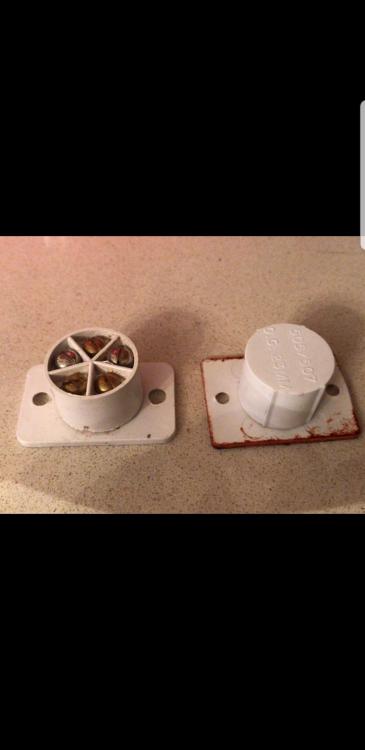
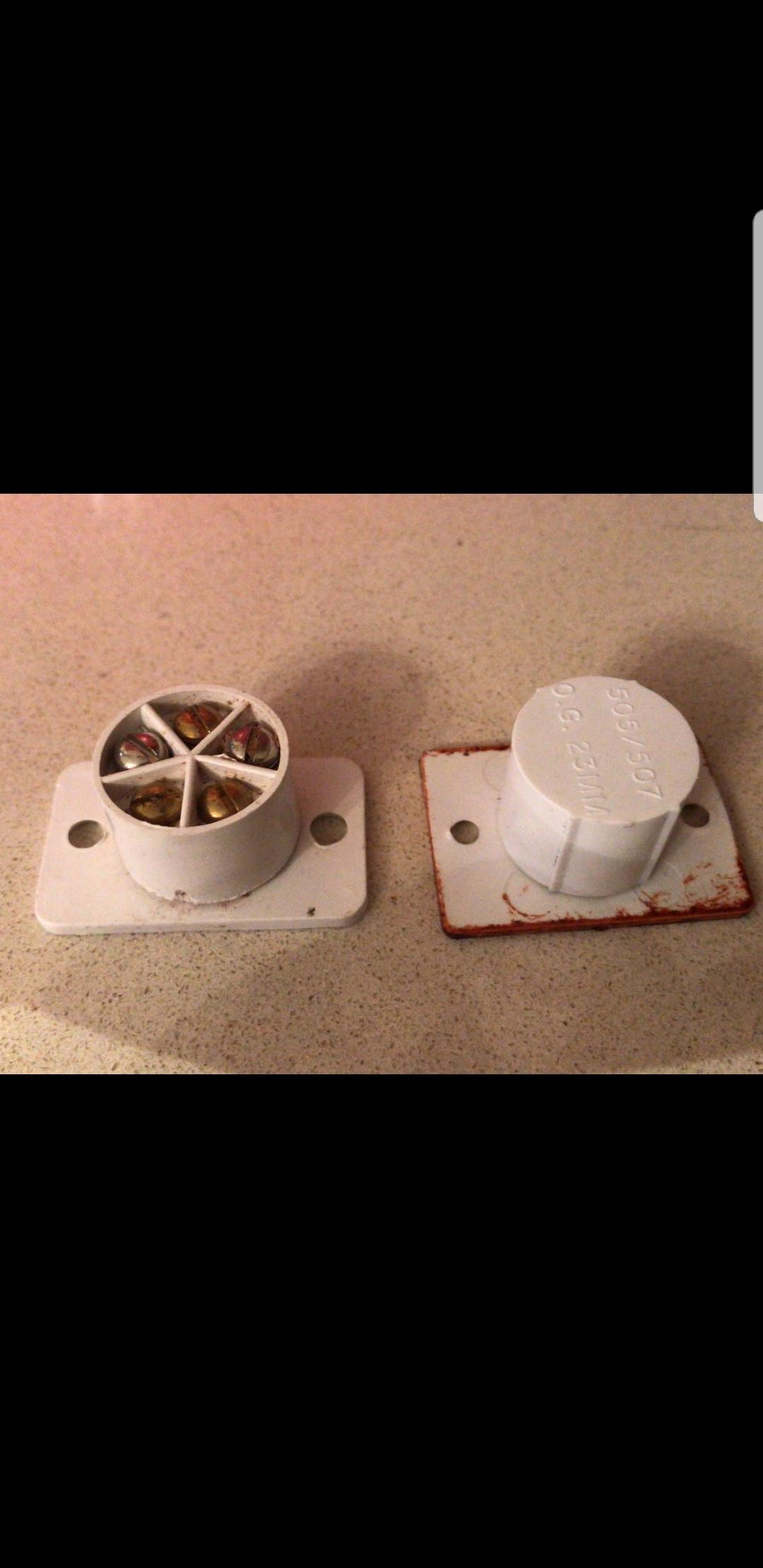
  3. Hi All, Needed a bit of advise. Had a new aluminium front door installed. The previous wooden door had a flush contact sensor. I've attached a photo. I needed a new sensor that would be on the surface rather than flush. Not quite sure what to get. Originally it was a CQR MAXIMAL FLUSH CONTACT FC504 O.G 23MM. Can anyone point me in the right direction on what to replace it with? Will this do the job? https://rover.ebay.com/rover/0/0/0?mpre=https%3A%2F%2Fwww.ebay.co.uk%2Fulk%2Fitm%2F261754615766 Any help will be greatly appreciated. Titch
Important Information

By using this site, you agree to our Terms of Use.

Account

Navigation

Search

Search

Configure browser push notifications

Chrome (Android)
  1. Tap the lock icon next to the address bar.
  2. Tap Permissions → Notifications.
  3. Adjust your preference.
Chrome (Desktop)
  1. Click the padlock icon in the address bar.
  2. Select Site settings.
  3. Find Notifications and adjust your preference.
