_2d2230.png)
_5a42ce.png)

IanP
Member
-
Joined
-
Last visited
-
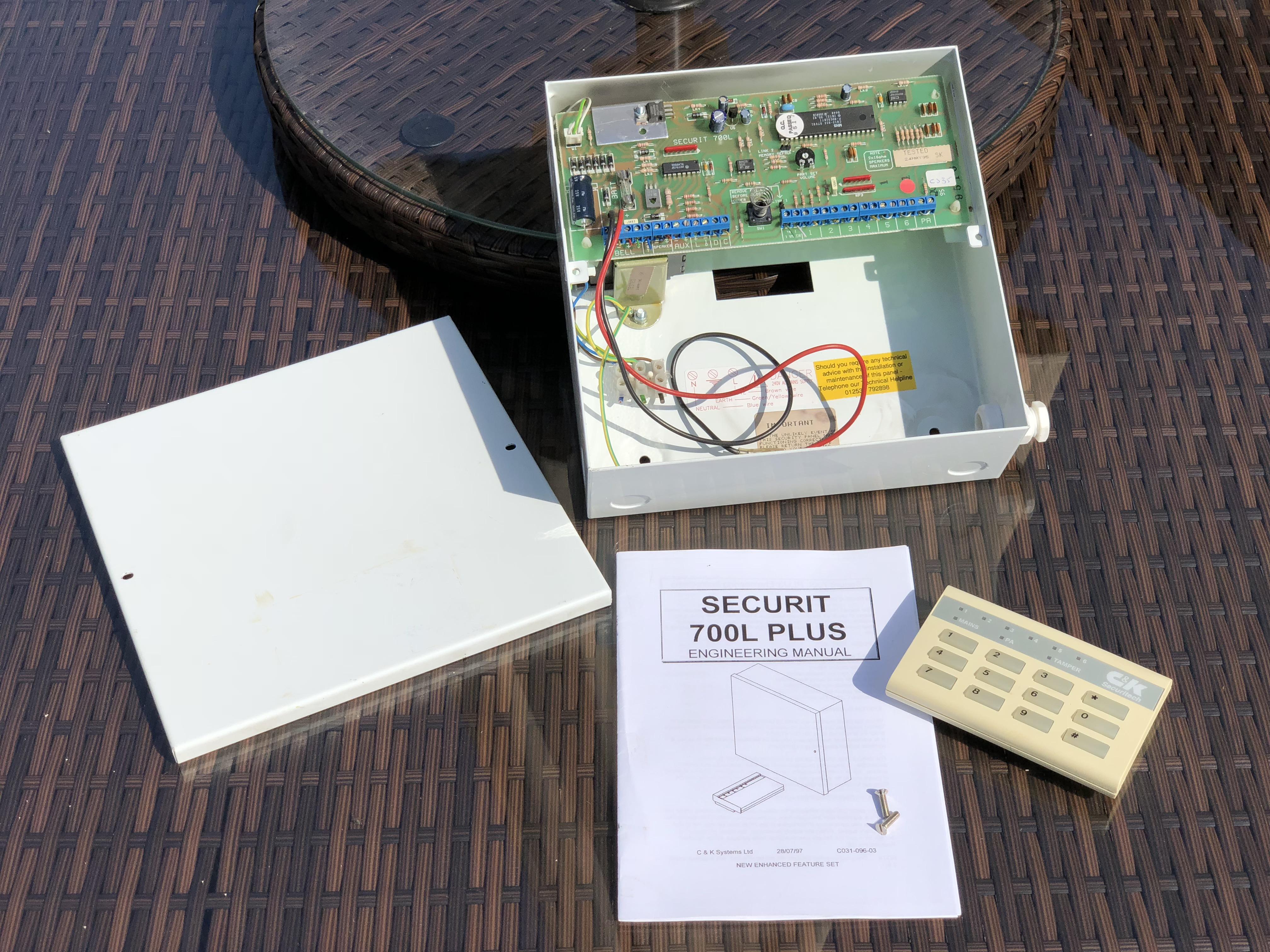
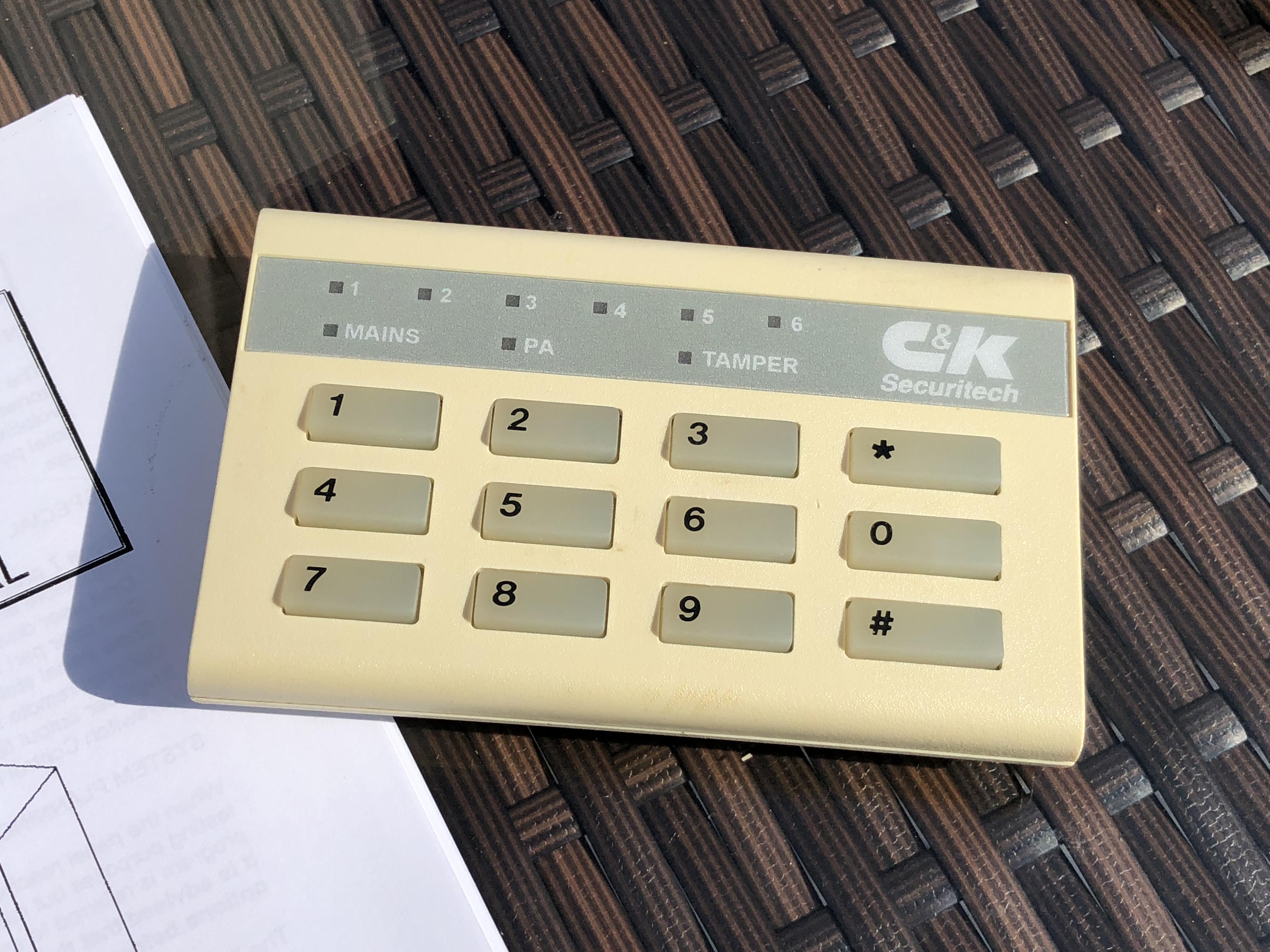
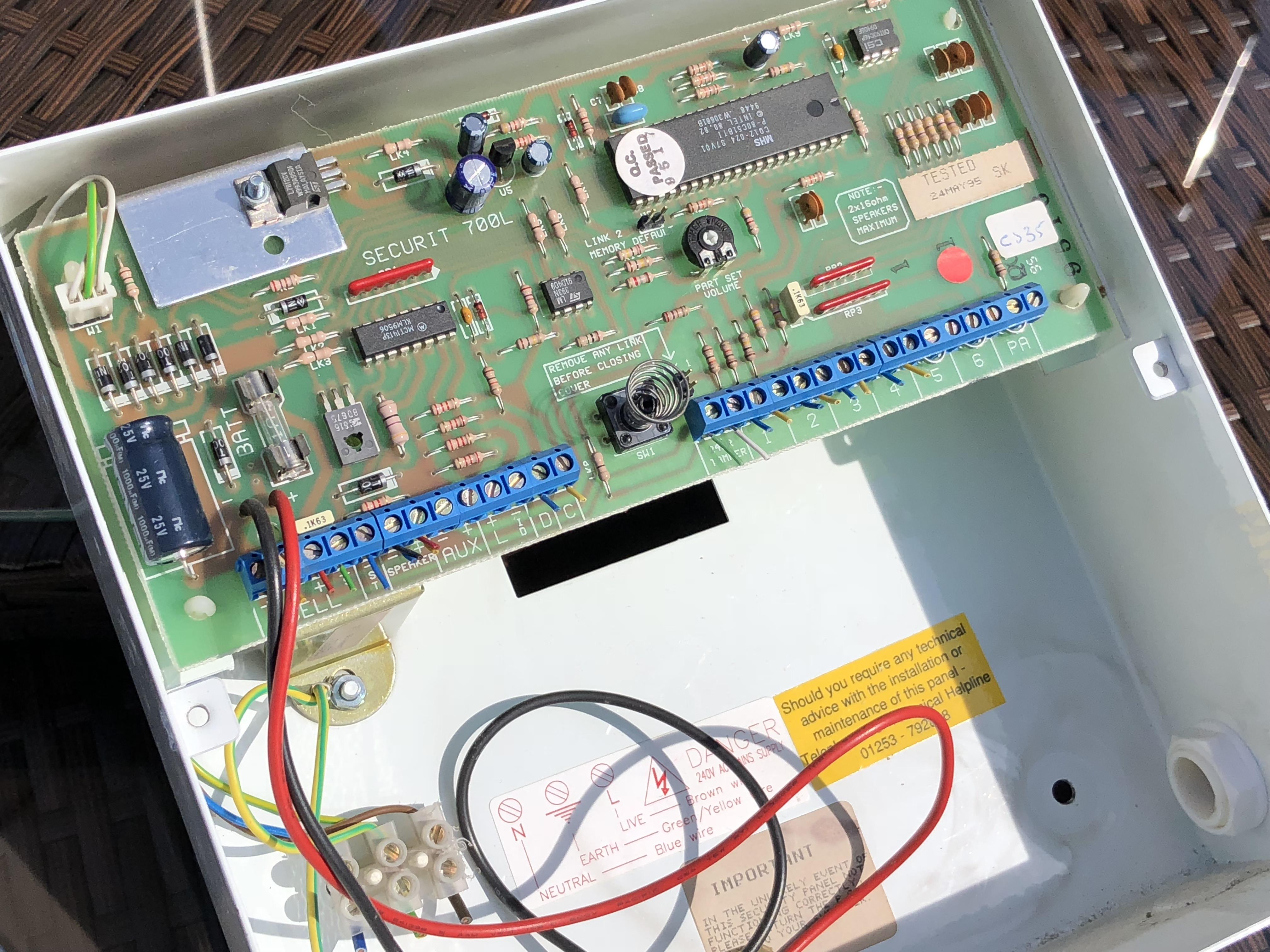
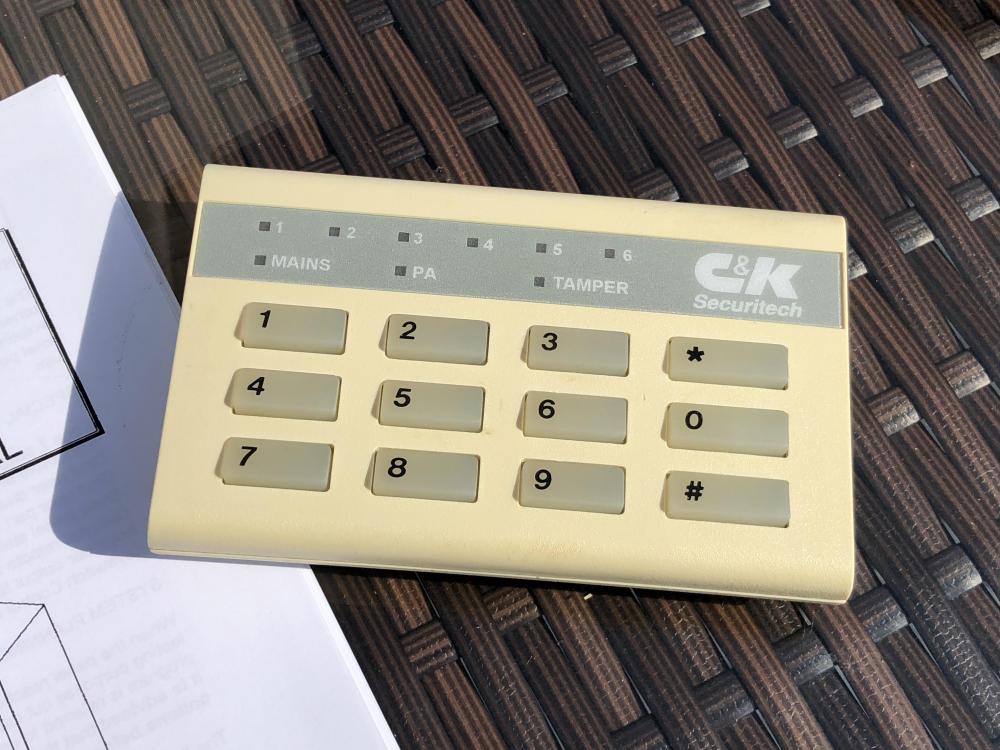
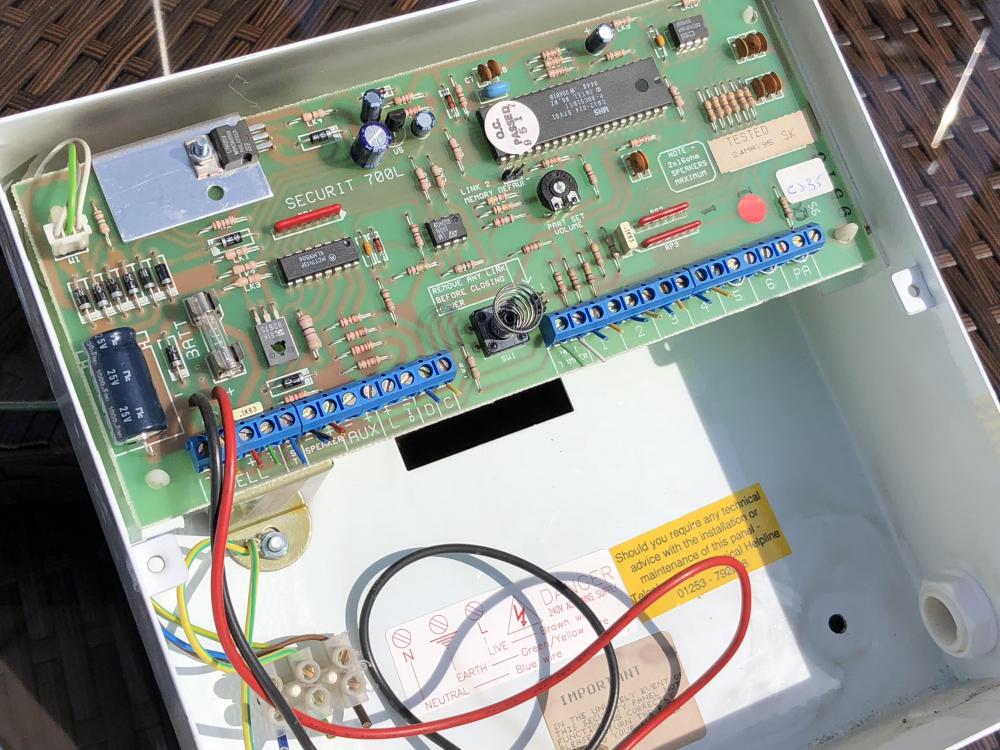
I've noticed there is still interest in the Securit 700L Plus. I have one, recently removed from my home due to an upgrade. It is in perfect working order and good condition. See photos. Open to offers.
-
Virtually transparent.
-
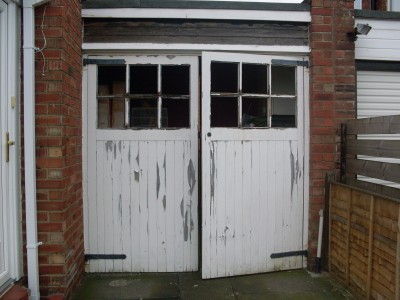
The garage, which its in full view of the other ten houses in a quiet and (so far) crime-free cul-de-sac has a police-approved sectional door with no external lock or handle, just a BiSecur radio system operated from the car. So maybe not what you envisioned
-
-
Just thinking... would a second keypad in the garage, which would not be itself alarmed, be a better solution than combining zones?
-
Thanks, I'll give my local pro a bell...
-
Thanks, not what I wanted to hear!!!
-
Hello, first post! I've got a Securit 700L system with zones 1, 2, 3 & 4 used with PIRs. Zone 1 is by default Entry / Exit. I'd like to make Zone 3 the same, so I can enter/leave via a door in that zone also. I've got the manuals but cannot see a way of doing it... Any clues would be welcome!!!! Thanks.