Skip to content
View in the app

A better way to browse. Learn more.

Security Installer Community

A full-screen app on your home screen with push notifications, badges and more.

To install this app on iOS and iPadOS
  1. Tap the Share icon in Safari
  2. Scroll the menu and tap Add to Home Screen.
  3. Tap Add in the top-right corner.
To install this app on Android
  1. Tap the 3-dot menu (⋮) in the top-right corner of the browser.
  2. Tap Add to Home screen or Install app.
  3. Confirm by tapping Install.

FuzzyDunlop

Newbie
  • Joined

  • Last visited

  1. Thanks for your response. I wouldn't know actually, the previous owners seemed like the type not to bother with things like that. Sounds like a service is in order. Sorry to ask such a newbie question but how do I find a good reputable service engineer? I'm based in Essex
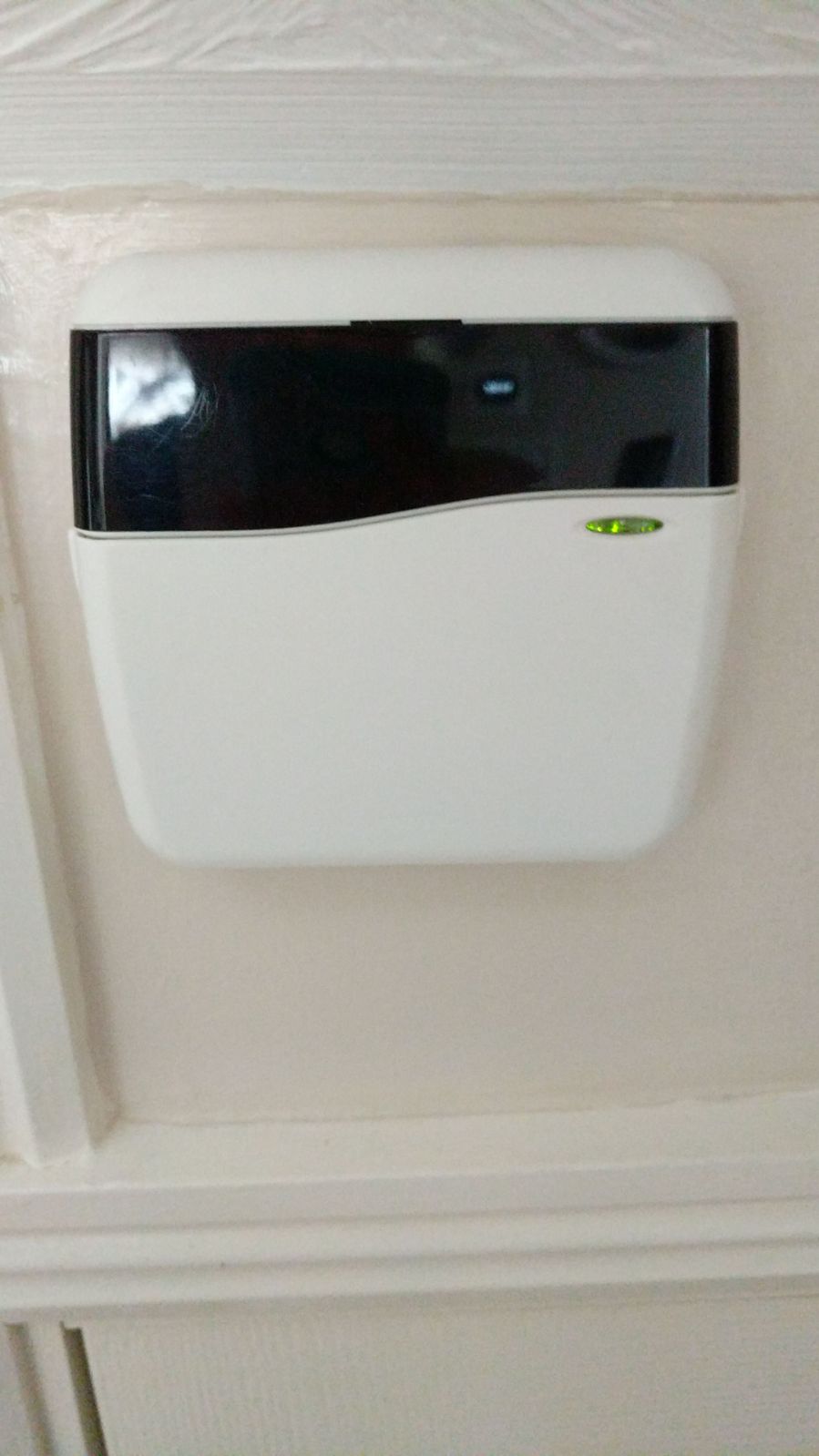
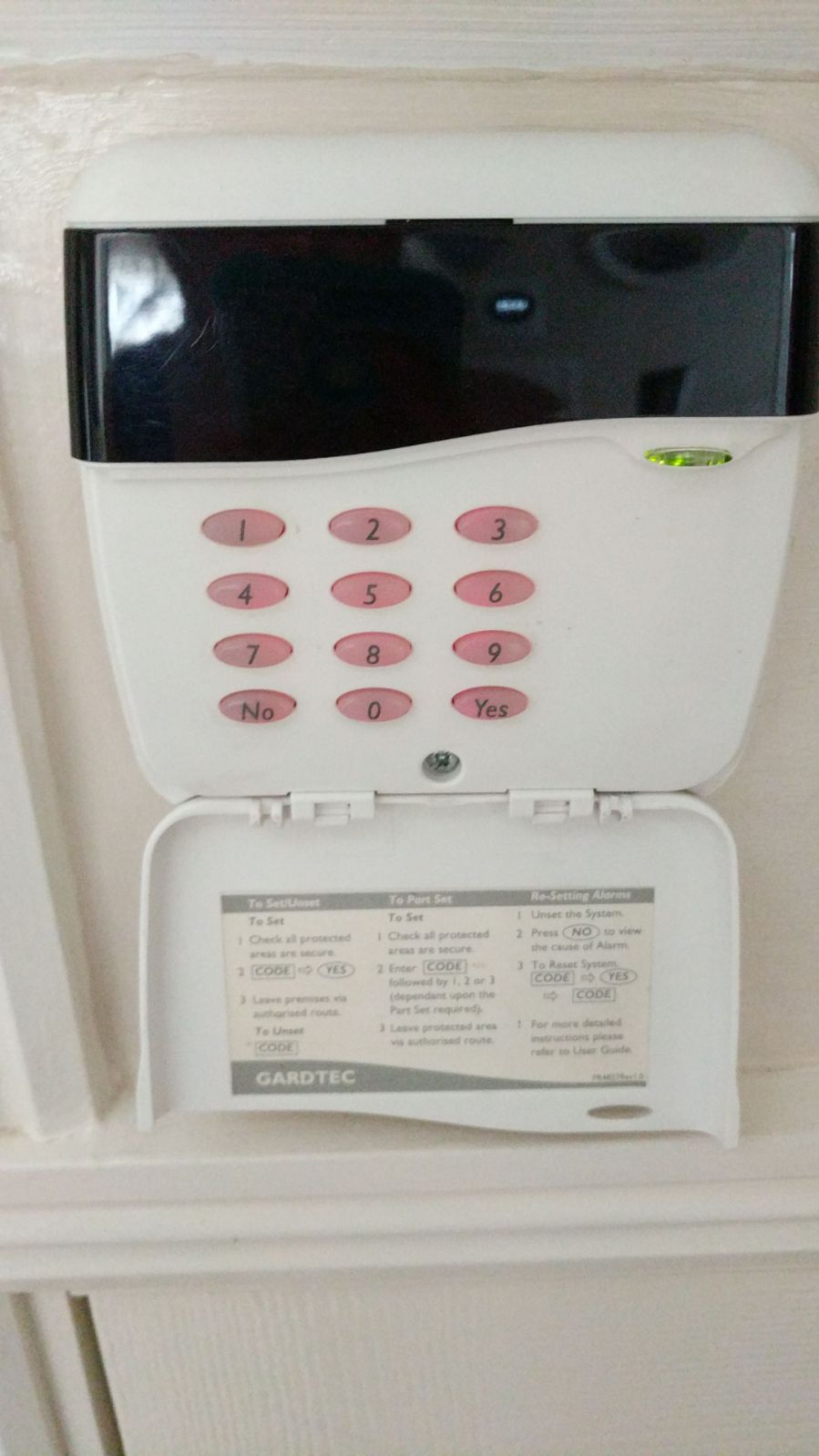
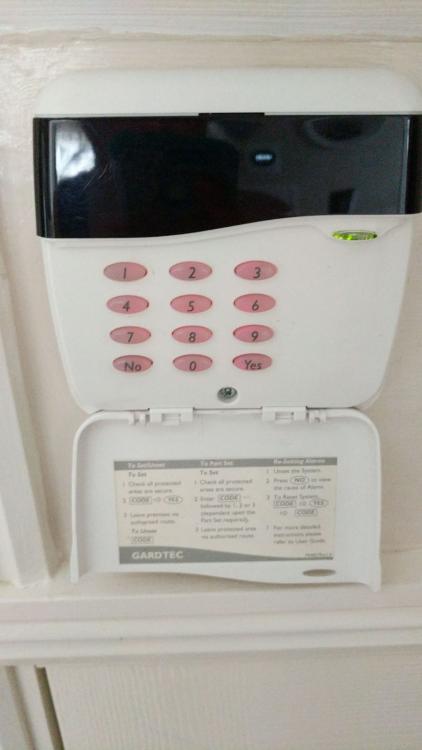
  2. Hi, thanks in advance for any help you can offer I recently moved into my new house, with a working Gardtec alarm system. Last week the alarm went off during a powercut and we typed in the code to stop it. The screen went blank and now doesn't work at all. It looks like it still has power, because the green light is on (see photos). I'm not sure what Gardtec we have but I hope the panel photos help identify it. Any ideas on how to fix or do I need to replace?
Important Information

By using this site, you agree to our Terms of Use.

Account

Navigation

Search

Search

Configure browser push notifications

Chrome (Android)
  1. Tap the lock icon next to the address bar.
  2. Tap Permissions → Notifications.
  3. Adjust your preference.
Chrome (Desktop)
  1. Click the padlock icon in the address bar.
  2. Select Site settings.
  3. Find Notifications and adjust your preference.