_2d2230.png)
_5a42ce.png)
diehardguy
Newbie
-
Joined
-
Last visited
-
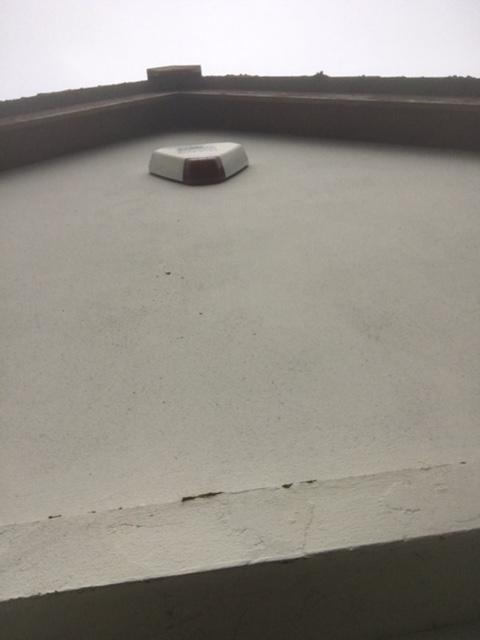
I was thinking about it, but I don’t have a ladder high enough to reach the bell. I might just hire one for a day. I guess that currently the bell could be opened without triggering the alarm? Or will the bell trigger itself if tampered? Thanks for all the quick responses too.
-
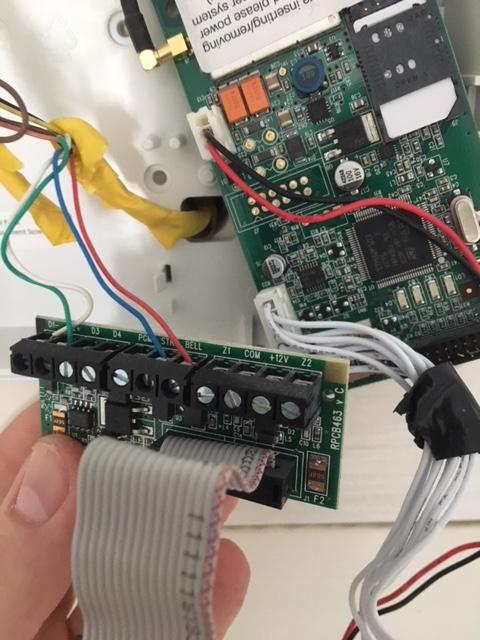
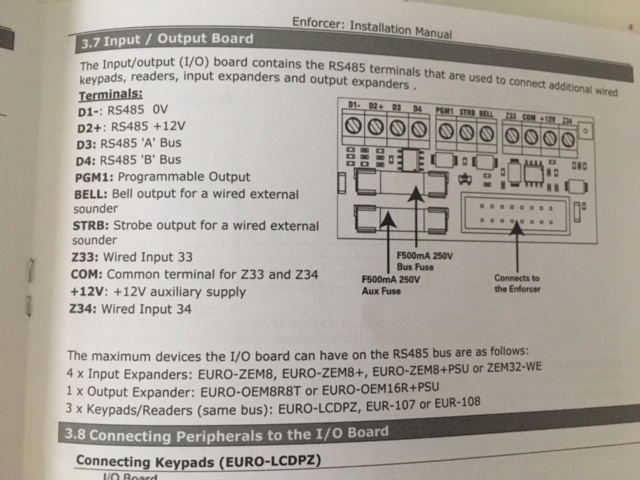
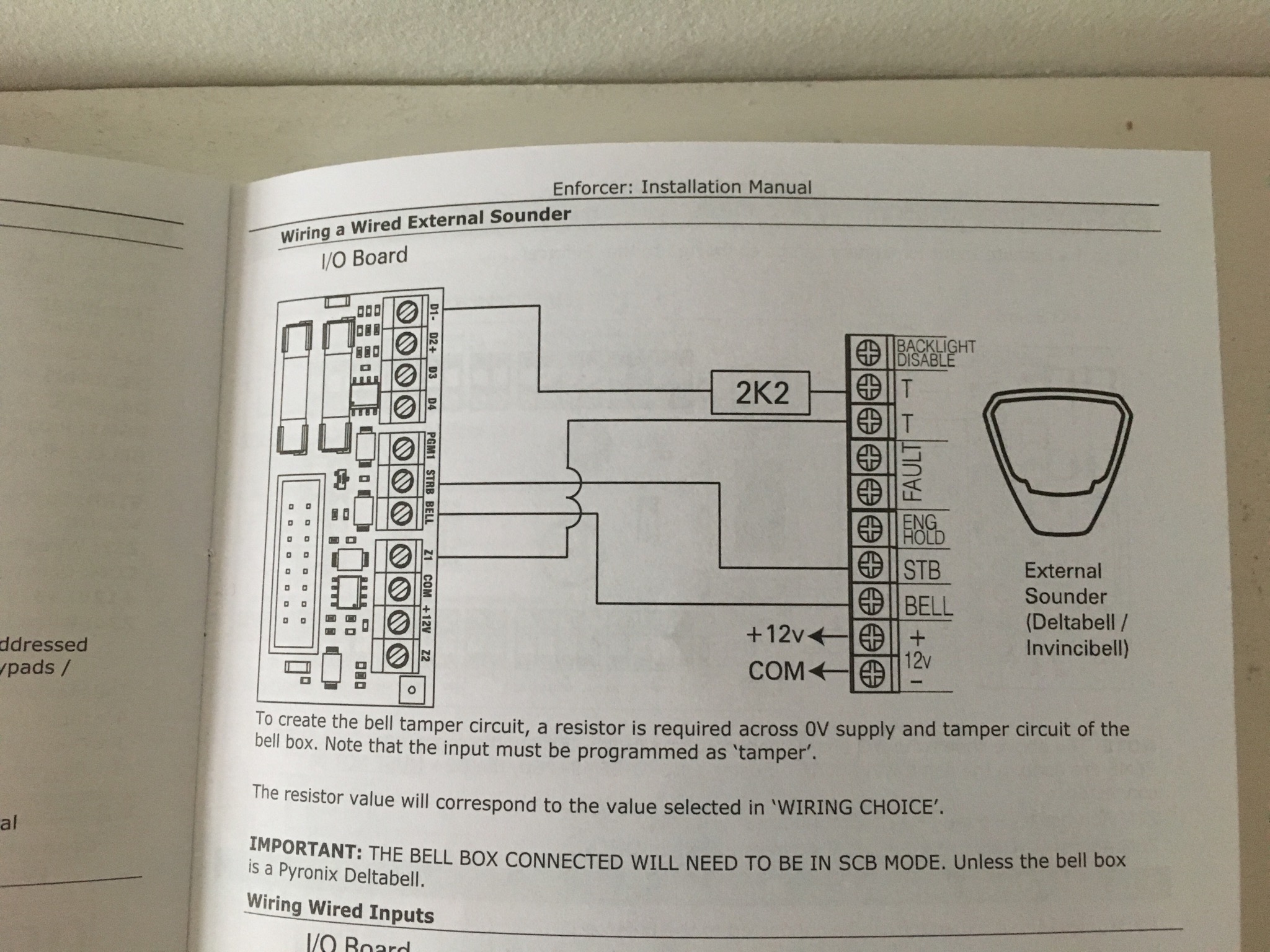
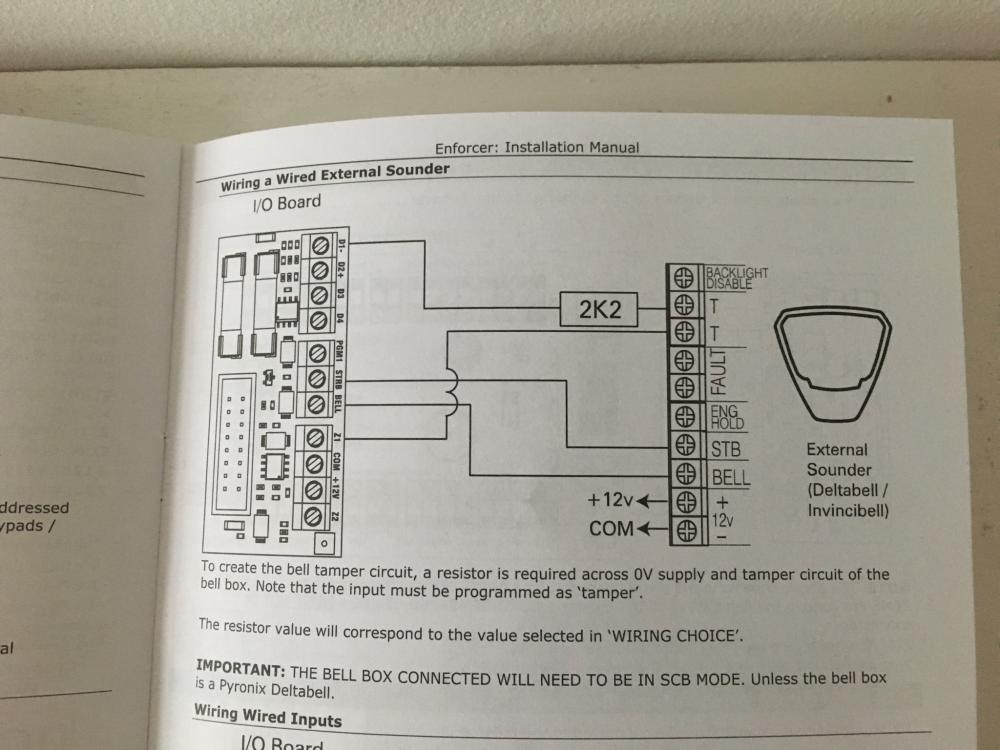
Cheers, tbh I’ve skipped over the manual mainly because there’s no help for this bell. I forgot to add the wiring diagram from the Enforcer manual
-
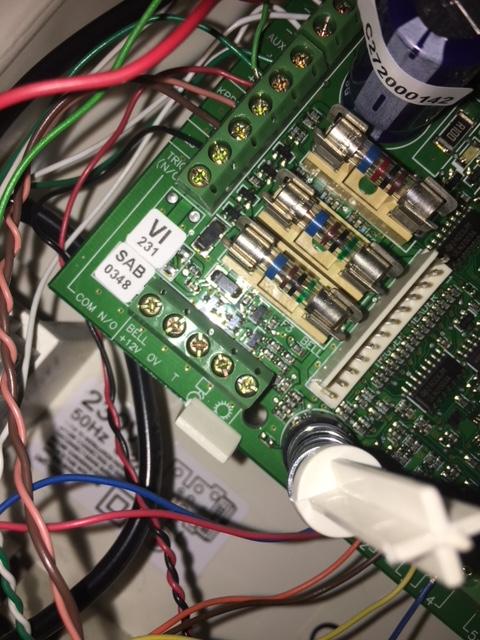
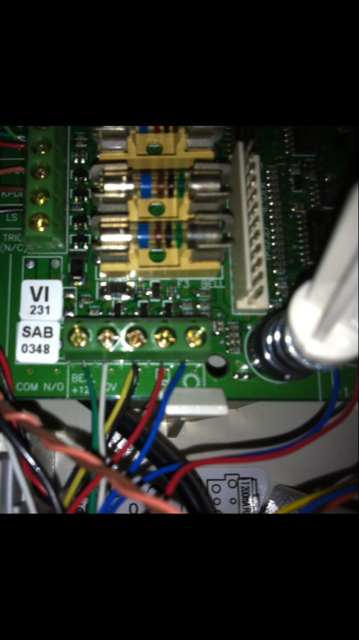
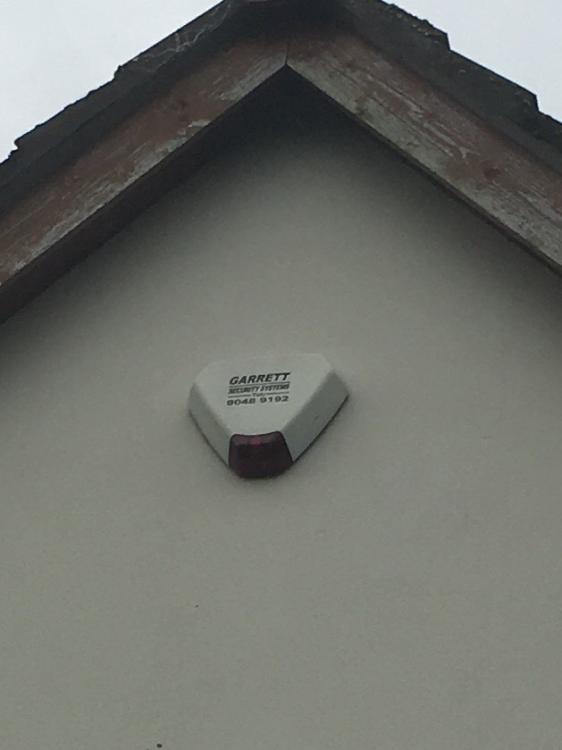
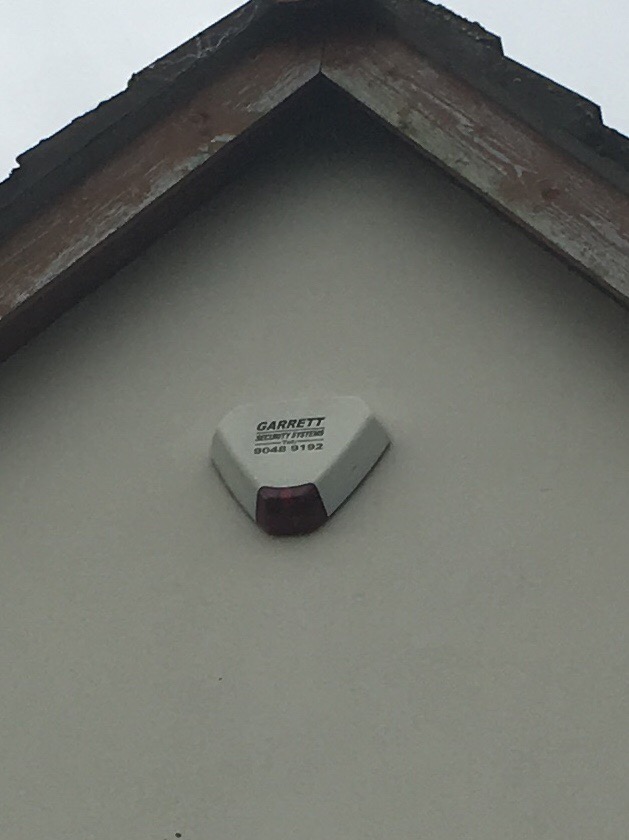
Hey all, a few years ago a self installed an Enforcer v9 alarm and seemed to get the existing bell working after replaying an Ademco Galaxy panel. ive just replaced the v9 panel with the v10 and although the PCB board is exactly the same I thought I’d check the wiring even though it seems to work as I’m concerned the tamper isn’t in right. ive attached pics of how the old ademco panel was wired and how I’ve wired the Enforcer. Also a pic of the bell, but I e no idea of the make/model. hopefully some of the experts can identify the bell and correct wiring. Btw I’m a cyber security expert so handy with electronics and not a numpty Not sure what to do with the black and yellow