_2d2230.png)
_5a42ce.png)

LONGMAN
Newbie
-
Joined
-
Last visited
-
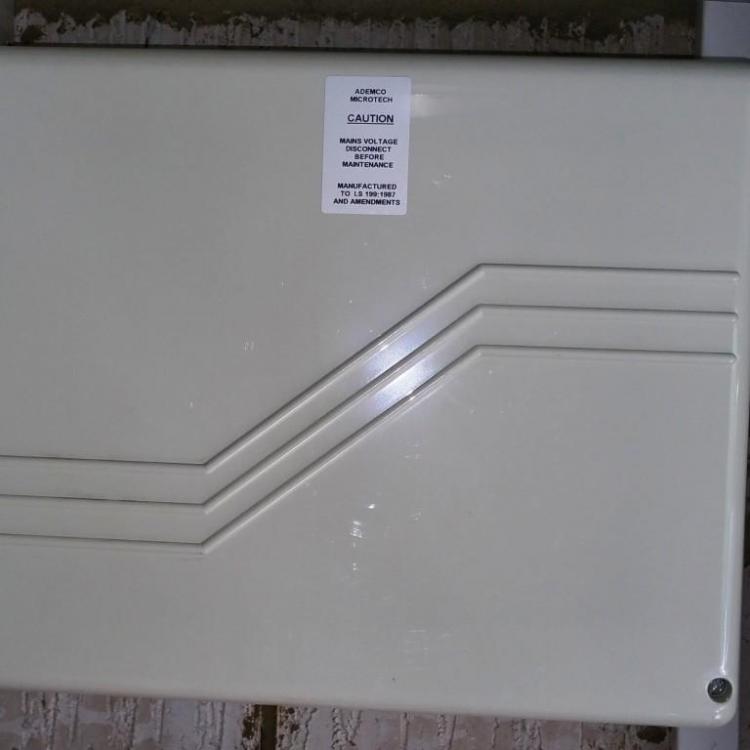
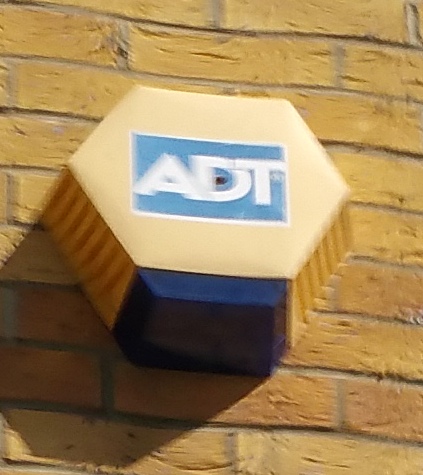
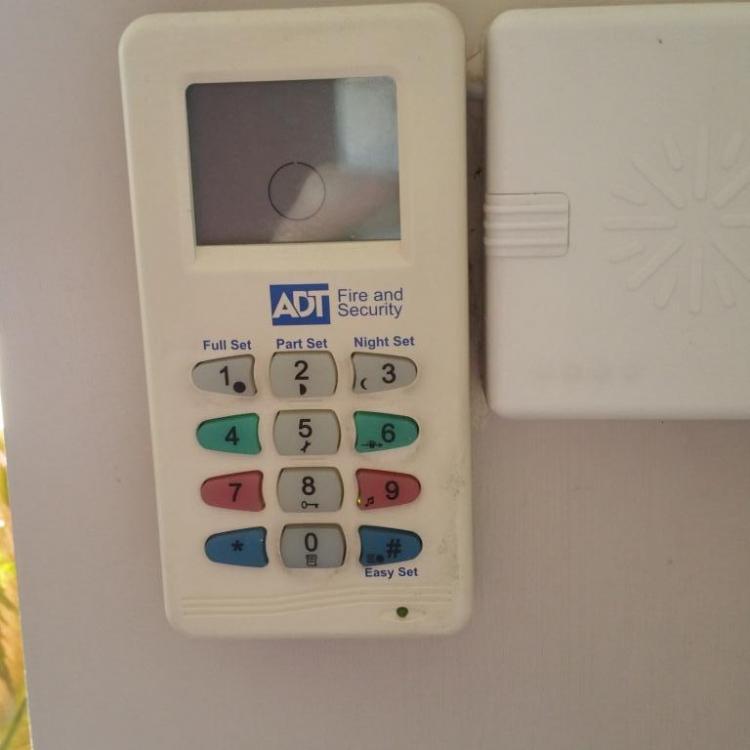
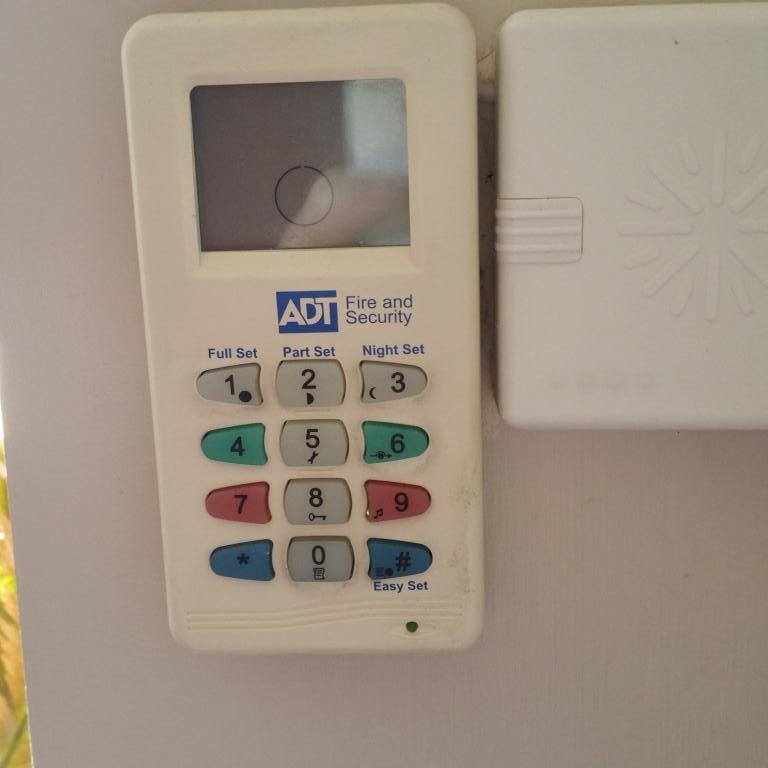
I have just moved into a house which has been fitted with an ADT alarm system. The panel is labelled as Ademco Microtech (Accord XPC, I think) and the system is simple just one contact (front door), three motion detectors, an internal sounder, an external sounder and a keypad (see photos). The system is wired to the house phone line - although I can readily disconnect it. Not wanting to pay ADT ~£30/month I have bought a Galaxy G2-12 to replace the Ademco panel, and I plan to run the Galaxy as an un-monitored bells-only alarm. The Ademco system has been left powered up and unset, but I haven't been left a user code for the system. I could ask ADT to come and decommission their system but they will want £££ to attend. I need to power the panel down and disconnect the devices - including the external sounder - without ruining my new neighbours days by setting the sounder off! There is a fused spur isolator next to the panel, and obviously I can disconnect the backup battery inside the panel when I shut it down, but from looking at the photos on the web the ADT external sounder looks like it is their standard Elmdene model which can be wired as an SAB, and I don't want to set that off. Once the old system has been shut down I am fairly comfortable that I can sort out the wiring and the programming to complete the changeover. All suggestions gratefully received! Thanks in anticipation.