_2d2230.png)
_5a42ce.png)

James Freeman
Newbie
-
Joined
-
Last visited
Everything posted by James Freeman
-
Ok, thanks for the reassurance. I did think about having a paid for alarm, but couldn't justify the monthly cost. I only wanted an alarm to help deter burglars and hope they would move on to the next house without an alarm. I think I'd still like to install cctv as another layer of security as it really has spooked me!
-
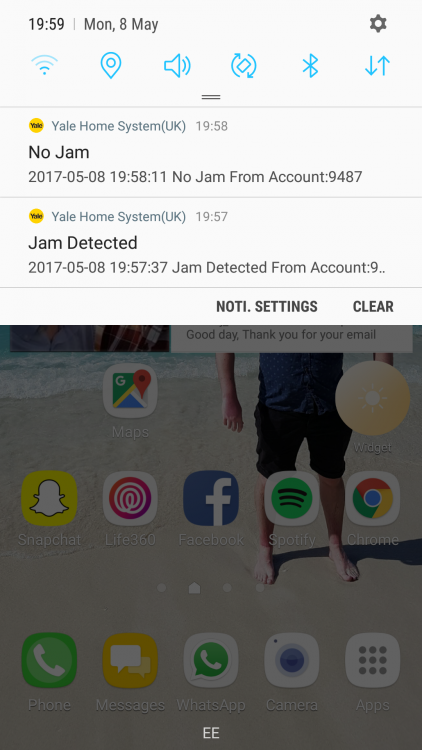
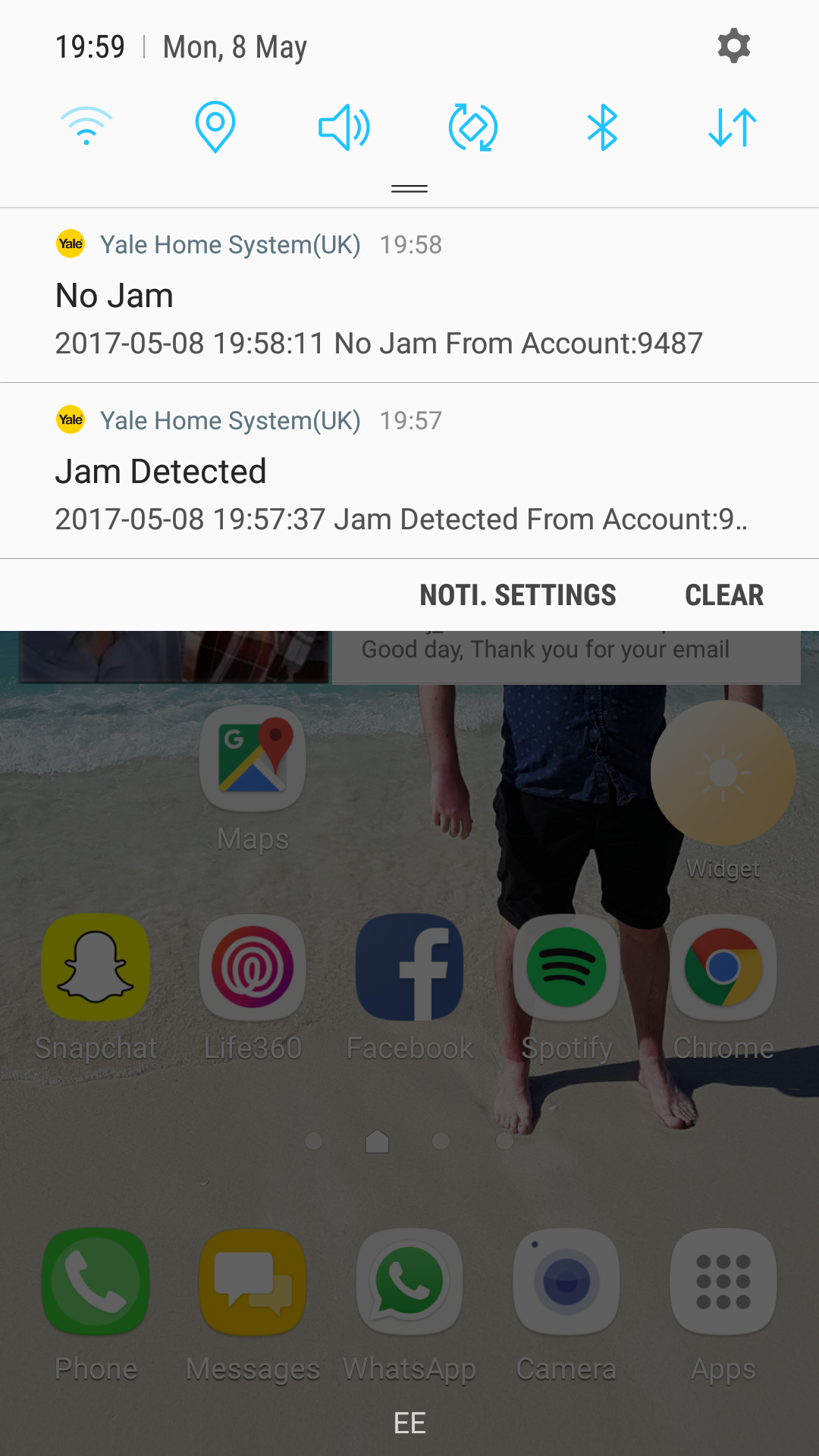
Hi, A year an a half ago we bought our new home. It's an end of terrace at the end of a cul-de-sac. When we moved in we kind of figured out that it had previously been burgled because the French doors at the back had different handled and there are marks on it from it being jimmyed open. Anyway, when we moved in I got a Yale Easyfit smartphone alarm and me and my dad installed it. I figured that having an alarm would help deter anyone and they would burgled somewhere else. Anyway, last night at 8pm the alarm beeped and I got a notification on my phone saying that a 'Jam detected' and then another notification 30 seconds later saying 'no jam'. I didn't sleep a wink last night because I was concerned about getting robbed. So I've ordered a Patlock to go over the French door handles and am going to install CCTV this weekend (once I've looked into this further). Are jams common or is someone trying to interfere with our alarm?