_2d2230.png)
_5a42ce.png)

caveo security
Member
-
Joined
-
Last visited
Everything posted by caveo security
-
Just ordered new one now. This had new battery fitted in on last Wednesday anyway.
-
First of all I didn't hold legs at all mate.
-
On 20k
-
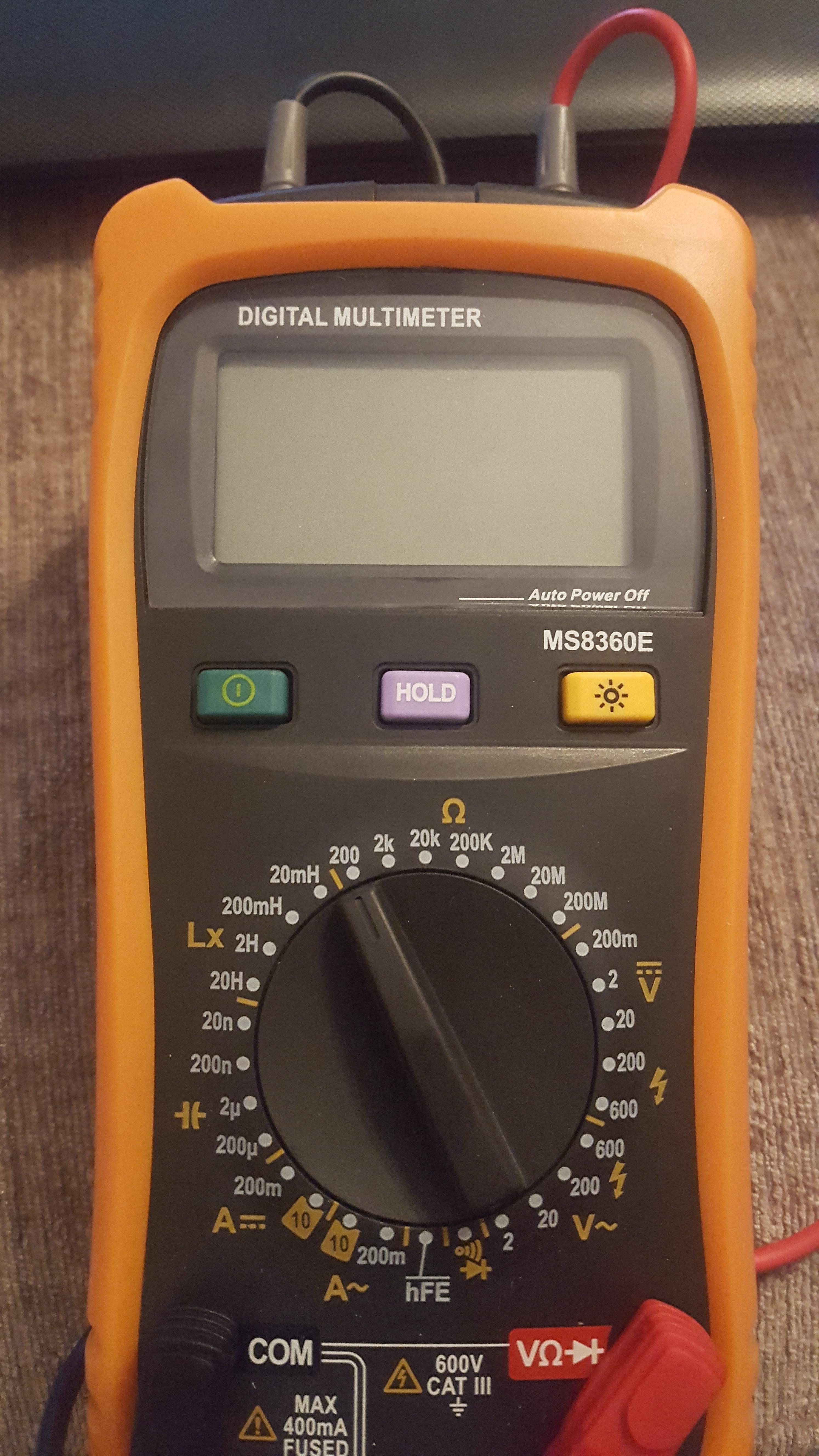
Well then why it's not showing anything when measuring simple 2k2 resistor? Anyway I'll test on other multimeter on Monday will see but I think it's faulty.
-
Just ordered thank you very much for your time.
-
£59.99
-
Yeah it's display only 1 like it's ready for measuring
-
0 all the time 0. I have just checked on resistor and showed 0 as well. Obviously on kilo ohms I checked. So I just think meter is faulty?
-
Yes it does I've check that in the first place.
-
Bought less then month ago
-
I do own multimeter... I'm just asking because it's not working for me. I was told to twist to spare cables in each device together and measure resistance on those two cables in panel site. But each pir I have measured shows me 0 so clearly there is something wrong. The reason I ask was just simply to make sure that I'm doing it right.
-
I have a question as I never done that. Will anyone be able to tell me step by step how to do resistance reading for NSI ? I know each zone need to be measured but can anyone tell me how should I do it ? Please ?
-
Thank you again.
-
Guys anyone know where I can download wintex from ? I got CD but unfortunately my laptop don't have cd player and texecom website wont alow me to download as I'm not registerd installer on their web.
-
Hi WDT, All been sorted already but thank you anyway for trying to get me on the right track. I really appreciate a hales from all guy here even those a bit sarcastic
-
Guys issue sorted. Faulty camera. No camera page no ping. All it was doing was a self test.
-
I have done that Sir and I was asked to put them separately in single posts by my Master james.wilson
-
You can not ping it On NVR you can see triangle next to the internal IP of the camera like its not connecting at all. I have tested data cable with tester and all looks fine there. I think Tesco is hiring all the time
-
That is not one of the questions hahaha It is real fault I found today
-
I have been called out to an IP PTZ camera which had video loss. I have tested the power on camera and seems to look OK camera does self testing properly. I have tested out CAT5 cable and there is nothing wrong with cable. Any clue what can be the fault ? Or its just camera went faulty ?
-
Is it because in the even of alarm sounder goes of after 15 min? So strobe is more like an notification that there is something wrong ?:P
-
Well I don't think that you work for Tavcom, but even if I'm not breaking any rules By asking questions here I'm no just asking to pass I'm asking to learn something useful which gonna stay in my head Well I would use multi meter to read the voltage and resistance ?
-
hahaha I even didn't think that it is gonna be that simple But yeah I will go for it
-
Ok then so AM is one and what would be the other one having in mind that it will be something basic ?
-
Thank you very much Sir