_2d2230.png)
_5a42ce.png)

caveo security
Member
-
Joined
-
Last visited
-
Just ordered new one now. This had new battery fitted in on last Wednesday anyway.
-
First of all I didn't hold legs at all mate.
-
On 20k
-
Well then why it's not showing anything when measuring simple 2k2 resistor? Anyway I'll test on other multimeter on Monday will see but I think it's faulty.
-
Just ordered thank you very much for your time.
-
£59.99
-
Yeah it's display only 1 like it's ready for measuring
-
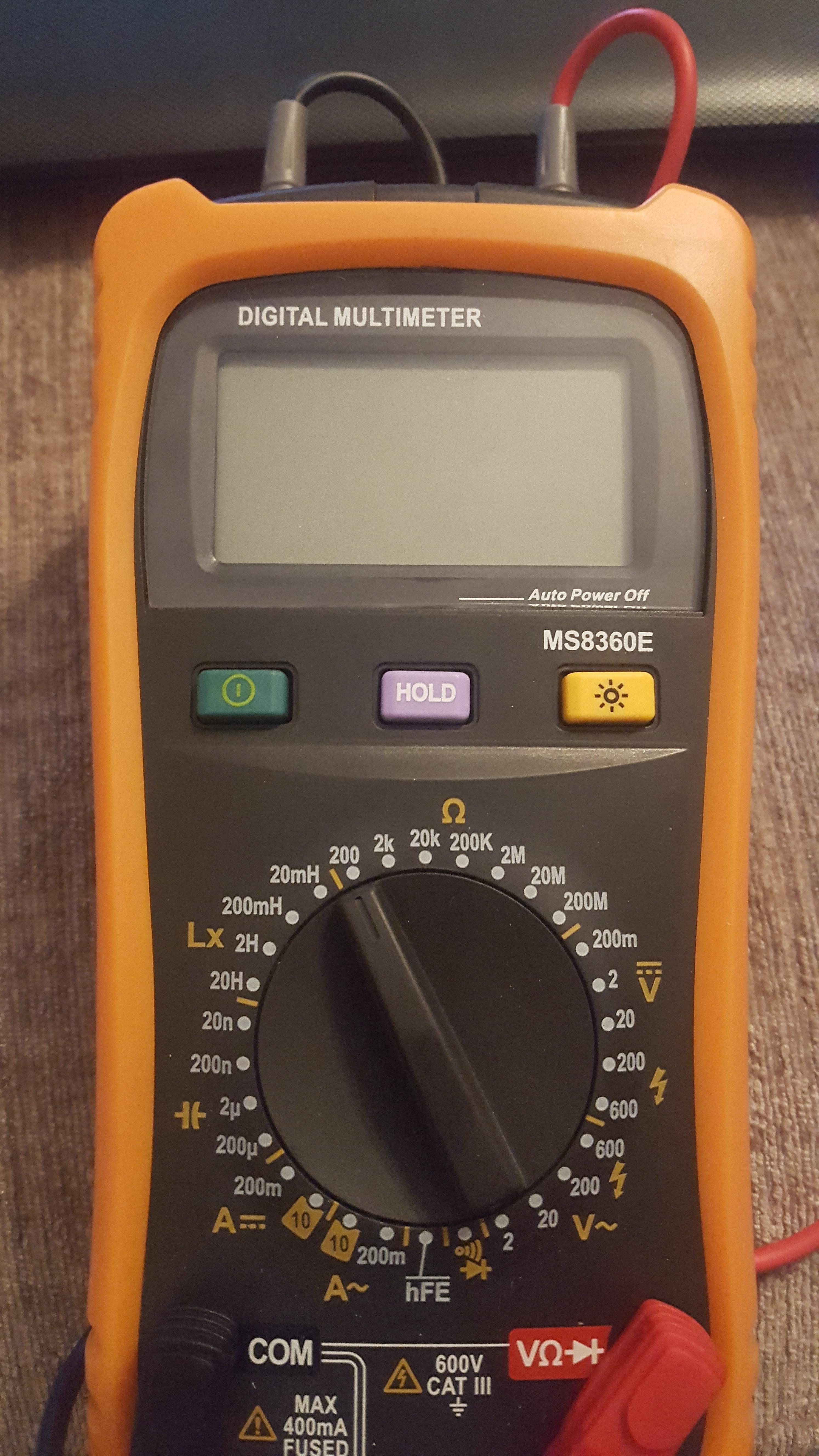
0 all the time 0. I have just checked on resistor and showed 0 as well. Obviously on kilo ohms I checked. So I just think meter is faulty?
-
Yes it does I've check that in the first place.
-
Bought less then month ago
-
I do own multimeter... I'm just asking because it's not working for me. I was told to twist to spare cables in each device together and measure resistance on those two cables in panel site. But each pir I have measured shows me 0 so clearly there is something wrong. The reason I ask was just simply to make sure that I'm doing it right.
-
I have a question as I never done that. Will anyone be able to tell me step by step how to do resistance reading for NSI ? I know each zone need to be measured but can anyone tell me how should I do it ? Please ?
-
Thank you again.
-
Guys anyone know where I can download wintex from ? I got CD but unfortunately my laptop don't have cd player and texecom website wont alow me to download as I'm not registerd installer on their web.
-
Hi WDT, All been sorted already but thank you anyway for trying to get me on the right track. I really appreciate a hales from all guy here even those a bit sarcastic