_2d2230.png)
_5a42ce.png)

tony-d
Newbie
-
Joined
-
Last visited
-
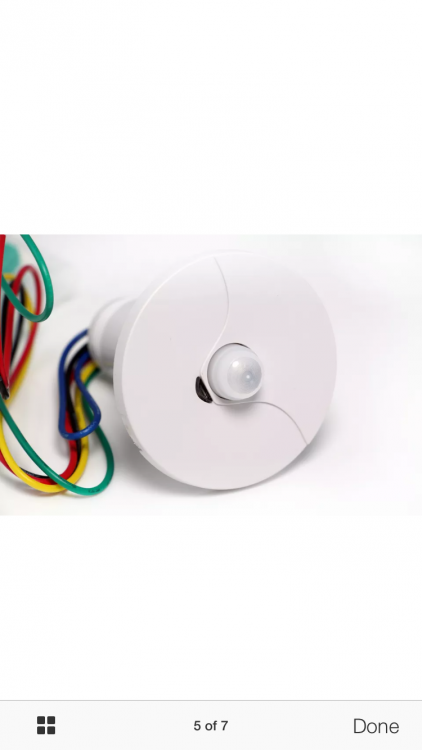
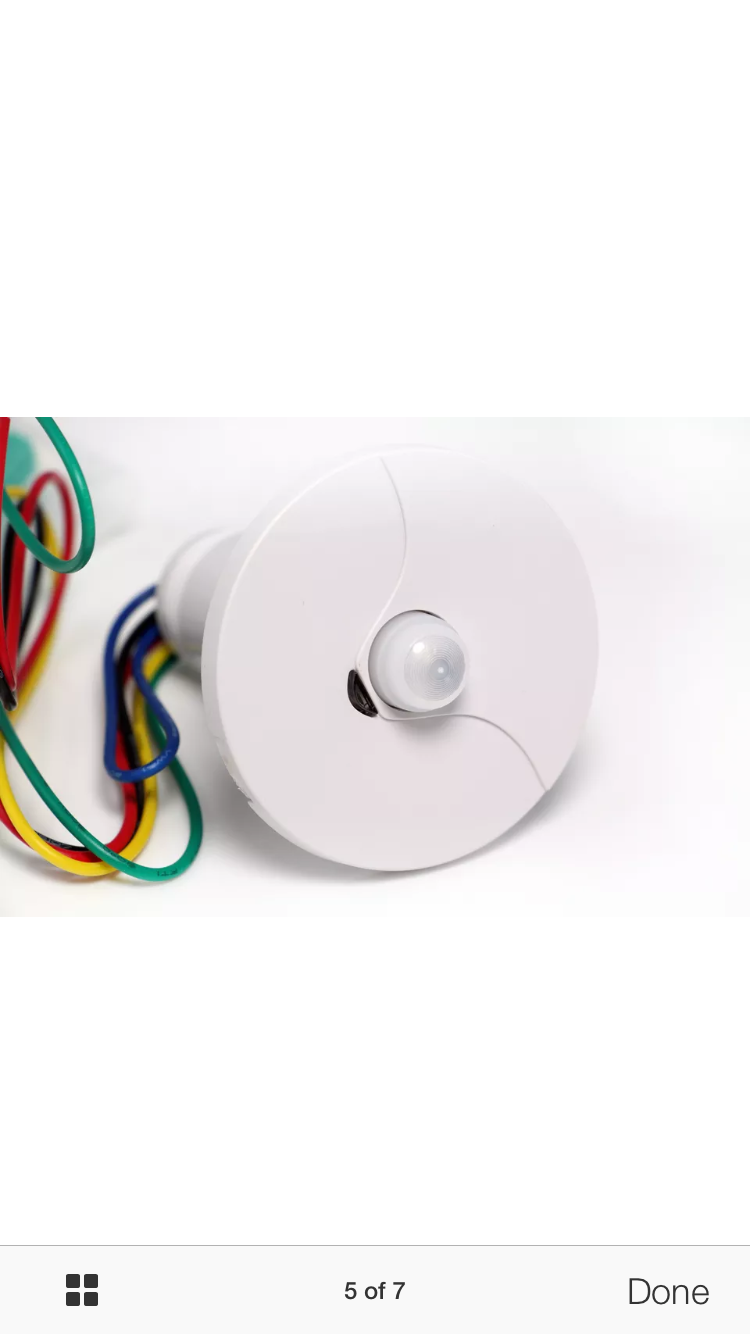
Good Morning Forum, could someone kindly point me in the right direction please. I have purchased some 360 degree ceiling alarm PIR which I would like to wire up with my existing panel. could someone help me what I would do with the dip switch settings please. I have 4 sensors in total pretty basic system really. I have attached the instructions to this email. any help would be great. PIR.pdf
-
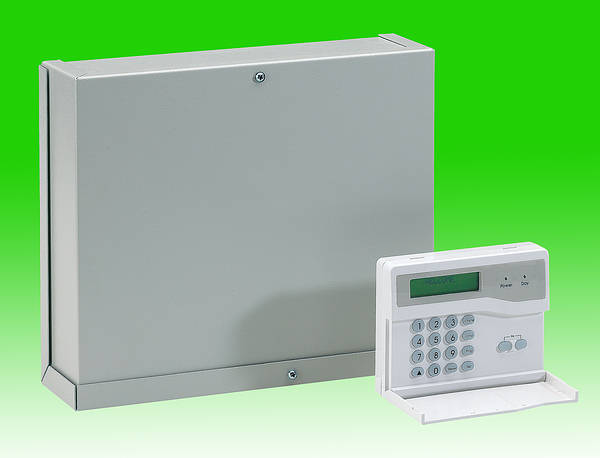
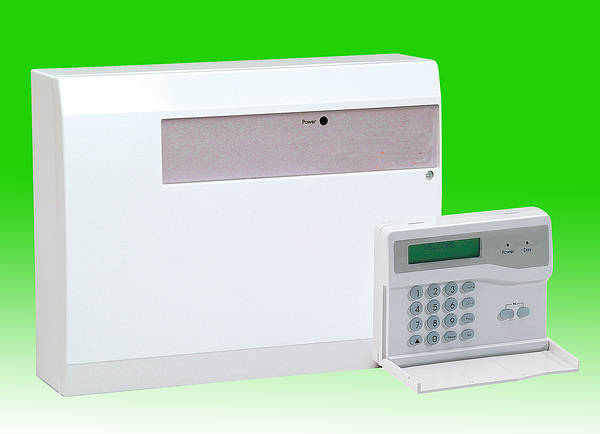
Good afternoon Forum I recently installed an Accenta Gen4 Alarm Panel - Metal Case alarm system from TLC-DIRECT and everything is working fine. I wanted to get rid of the PIR's on the wall and replace them with 360 degree PIR in the ceiling (pictured attached). My dilemma is the PIR I currently have 6 core cables wired up and these new ones I want to order from flea bay only have 5 cables which are pre wired from the picture, can someone tell me if they will work with the panel I have or am I wasting my money? any help or advice would be perfect.