Skip to content
View in the app

A better way to browse. Learn more.

Security Installer Community

A full-screen app on your home screen with push notifications, badges and more.

To install this app on iOS and iPadOS
  1. Tap the Share icon in Safari
  2. Scroll the menu and tap Add to Home Screen.
  3. Tap Add in the top-right corner.
To install this app on Android
  1. Tap the 3-dot menu (⋮) in the top-right corner of the browser.
  2. Tap Add to Home screen or Install app.
  3. Confirm by tapping Install.

Garry

Trade Full Member
  • Joined

  • Last visited

Everything posted by Garry

  1. Garry replied to a post in a topic in Members Lounge (Public)
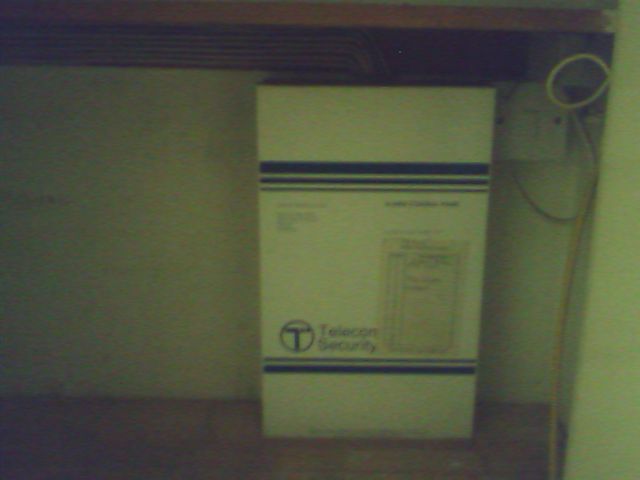
    Oh memories. Do any of you remember the Mumferd and White 5152 big white box keyswitch jobby and if you wanted to expand the system the boxes where the same size as the panel huge white boxes running up the wall. The best thing was a lot of the jobs that had them use to keep the key on a chain at the side of the panel There was also the Cpb2s and 4s all great fun them was the days. I was at a job the other day and found this little beuty in a cupboard all powerd down sorry about the poor quality pic. Regards Garry.

Important Information

By using this site, you agree to our Terms of Use.

Account

Navigation

Search

Search

Configure browser push notifications

Chrome (Android)
  1. Tap the lock icon next to the address bar.
  2. Tap Permissions → Notifications.
  3. Adjust your preference.
Chrome (Desktop)
  1. Click the padlock icon in the address bar.
  2. Select Site settings.
  3. Find Notifications and adjust your preference.