_2d2230.png)
_5a42ce.png)

robertjan
Newbie
-
Joined
-
Last visited
Everything posted by robertjan
-
Good evening, Just an short question, I replaced my GD48 panel recently. Can you guys help how to make the banner empty after arming the alarm. In my old GD48 the banner became empty after arming the alarm. I can't find the right setting? Thanks a lot! Kind regards, Robert-Jan
-
It works! I found cable which was broken... 😉 thnx for all the help!
-
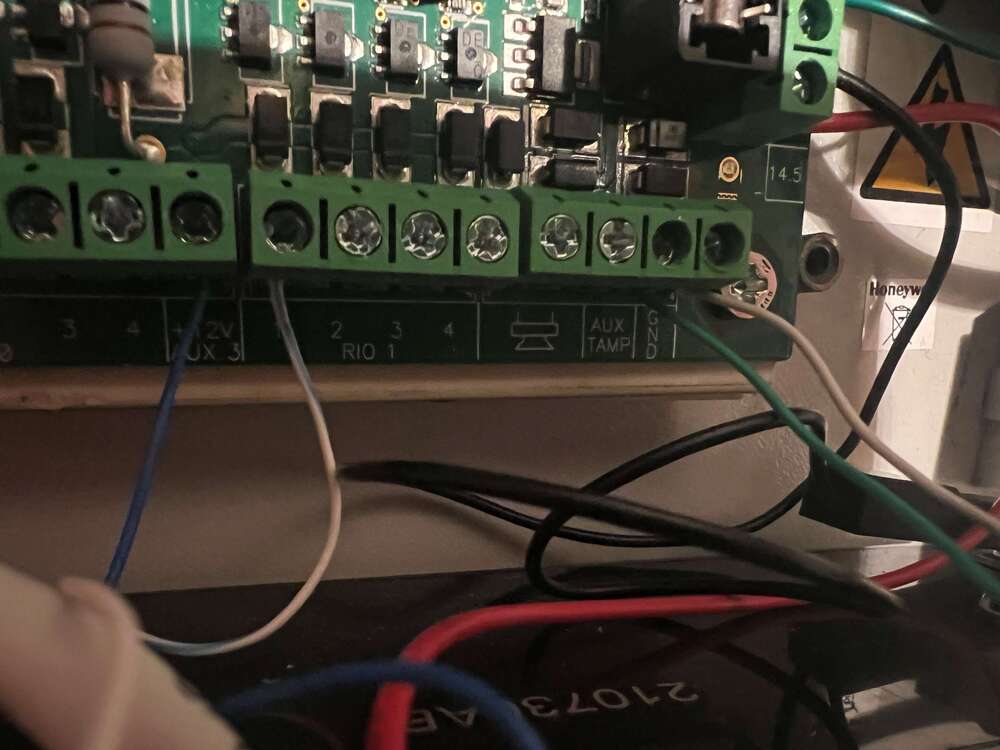
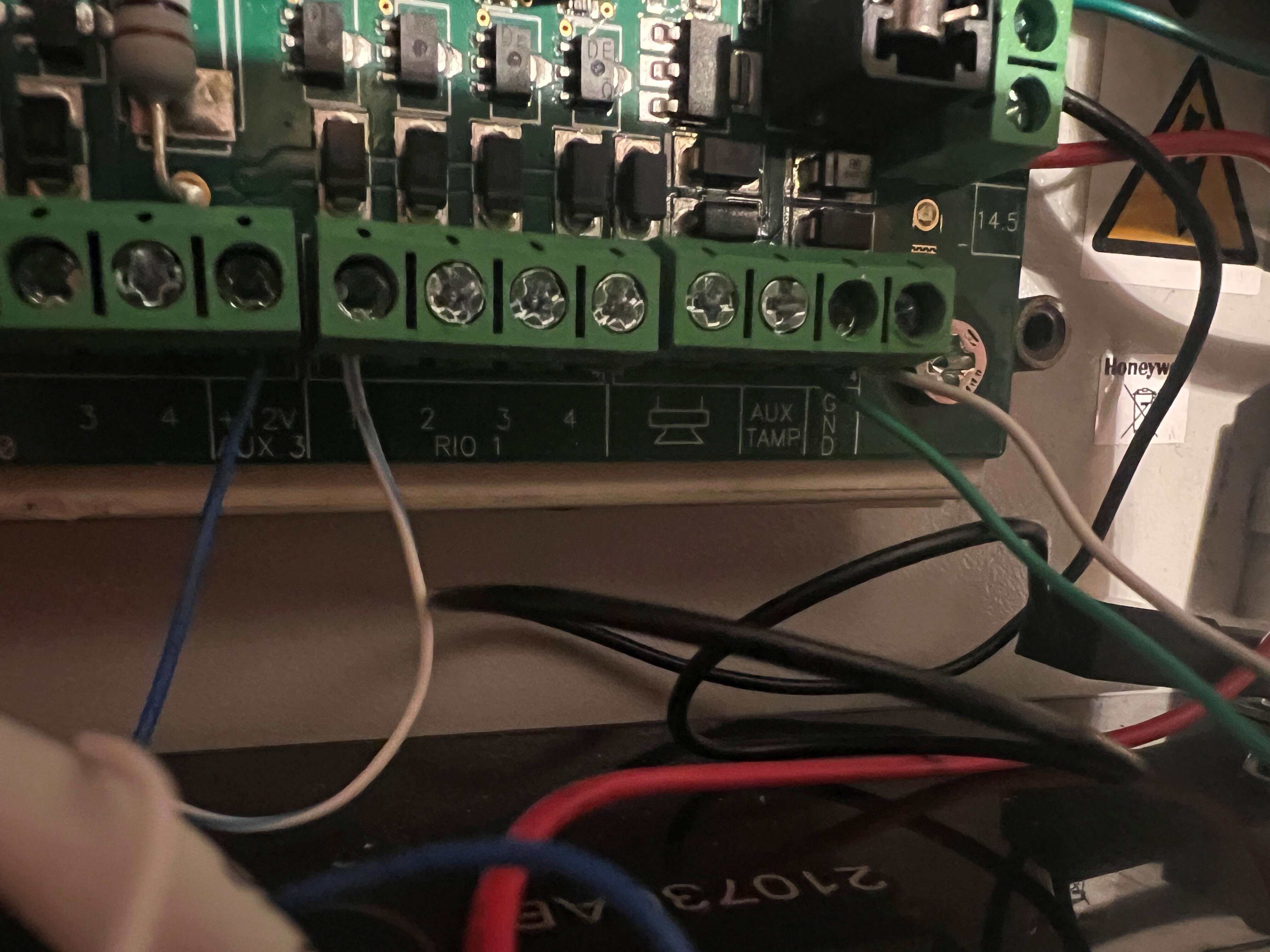
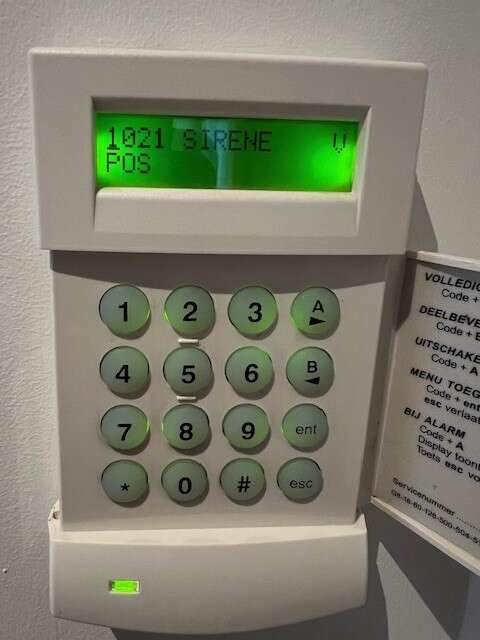
Hi, thanks, I changed some things, current setting: Positive wire of the siren on aux 3 Negative wire of the siren on RIO 1 1 See attached. In the menu: 52: zone function is Inbraak (burglary) 53. 1021 Siren V POS 53.1 =Siren If I set the alarm it detects Inbraak(burglary) but the siren gives no sound. Any Thoughts? Kind regards, Robert-Jan
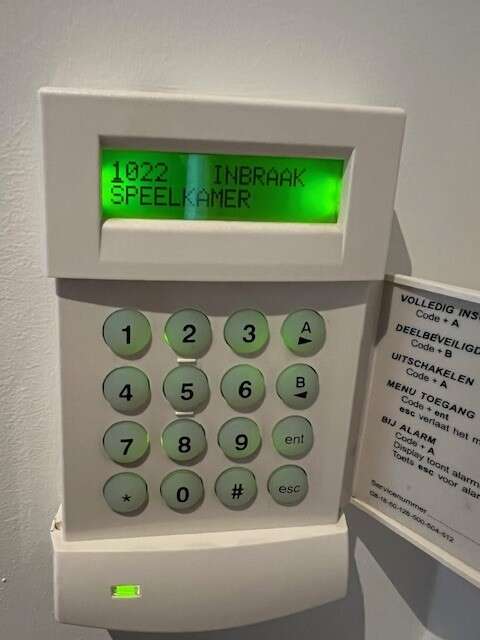
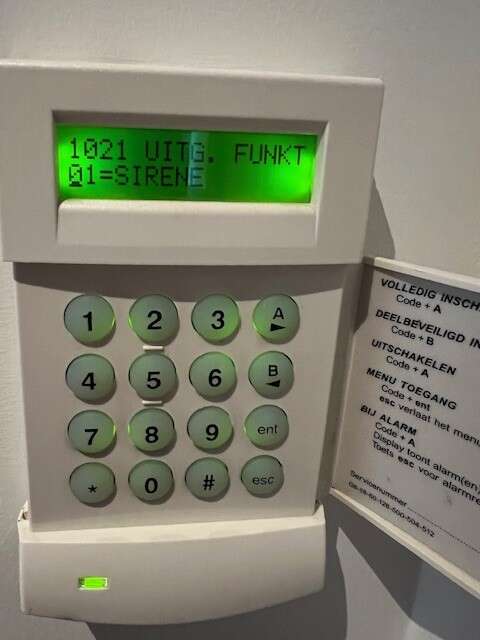
-
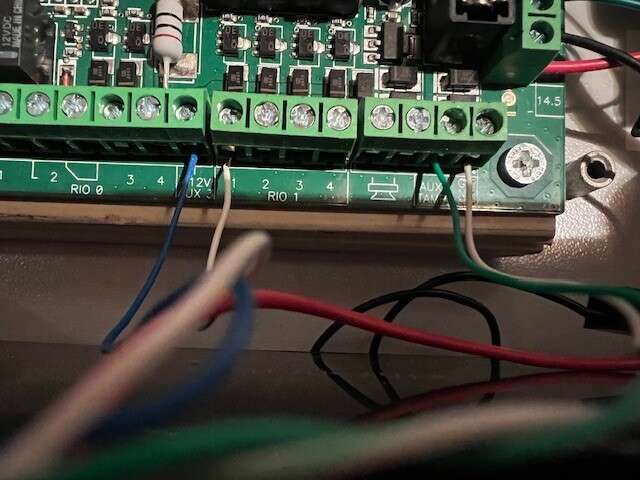
Goodevening, I could use some help setting up a Betty Siren (see datasheet attached) on my GD48. My setup is as follows; MK7, Selfmon LCE-K3 and RF Portal C079-2 on the Bus, connected to several DO8M and IR8M sensors. Everything works fine, except my siren, I don't get it working. I connected (+) (blue) to AUX3 and (-) (blue/white) 1001, see attached. In my system 10001 output set to Siren V and neg. Tamper from the siren (white/green and green tot AuxTEMP and GND No sound of the siren when zones are violated. All zones are labelled to intruder and Siren also. Can someone help me out? Thanks so much! Kind regards, Robert Jan Datasheet_Betty_sirene.pdf