_2d2230.png)
_5a42ce.png)

Grego
Member
-
Joined
-
Last visited
Everything posted by Grego
-
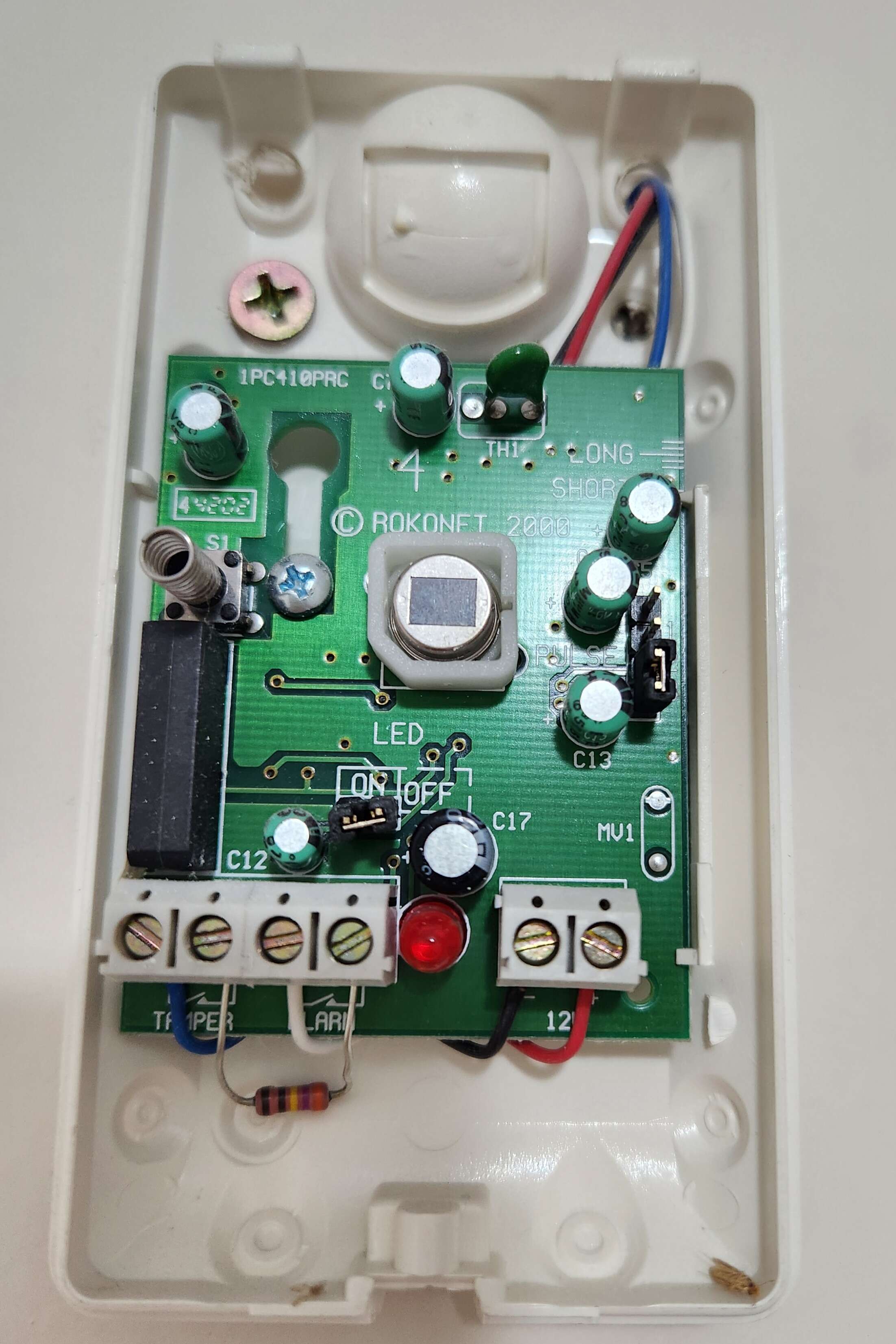
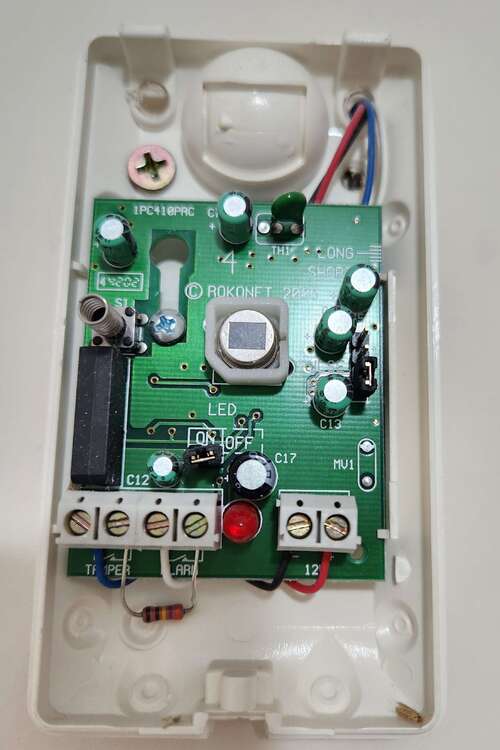
Thanks for the suggestion, didn't think of that. Here's the internal...
-
PIR Sensors could be model number RK410RQ? They are discontinued.
-
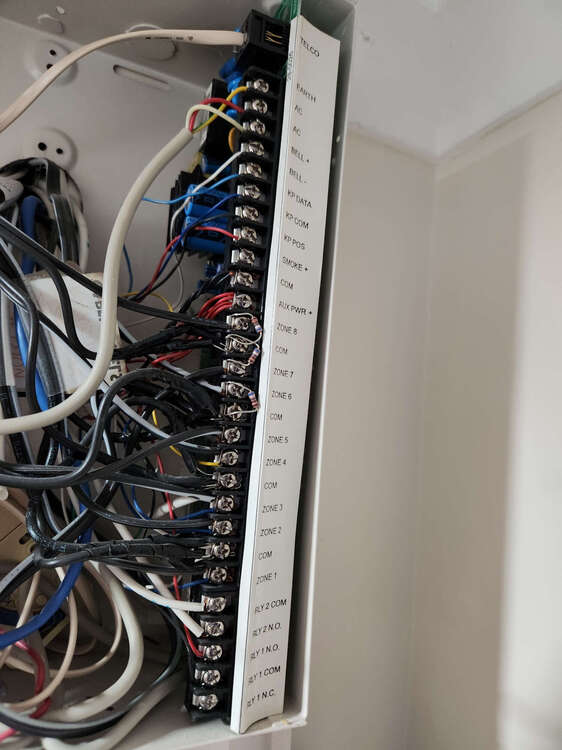
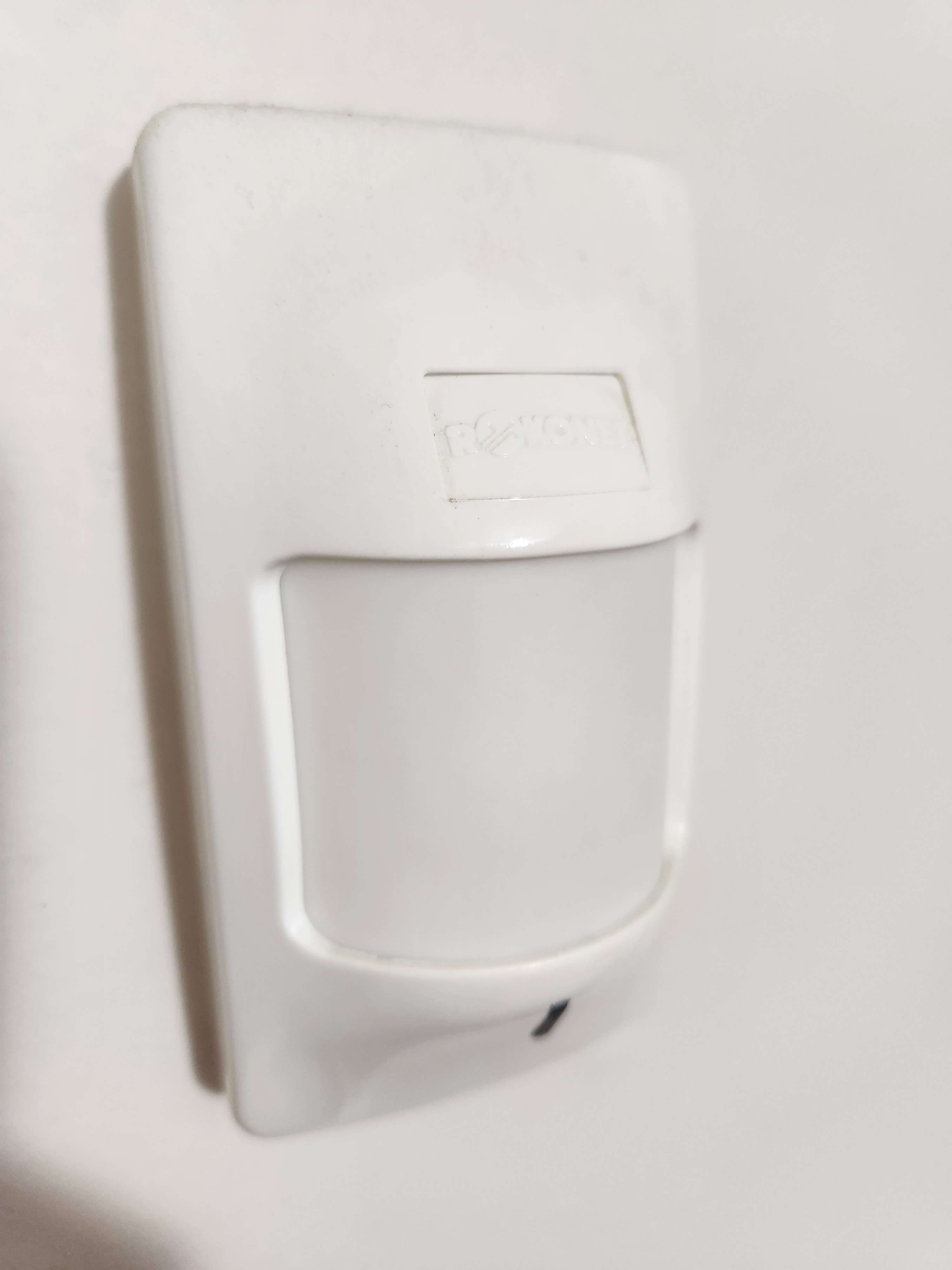
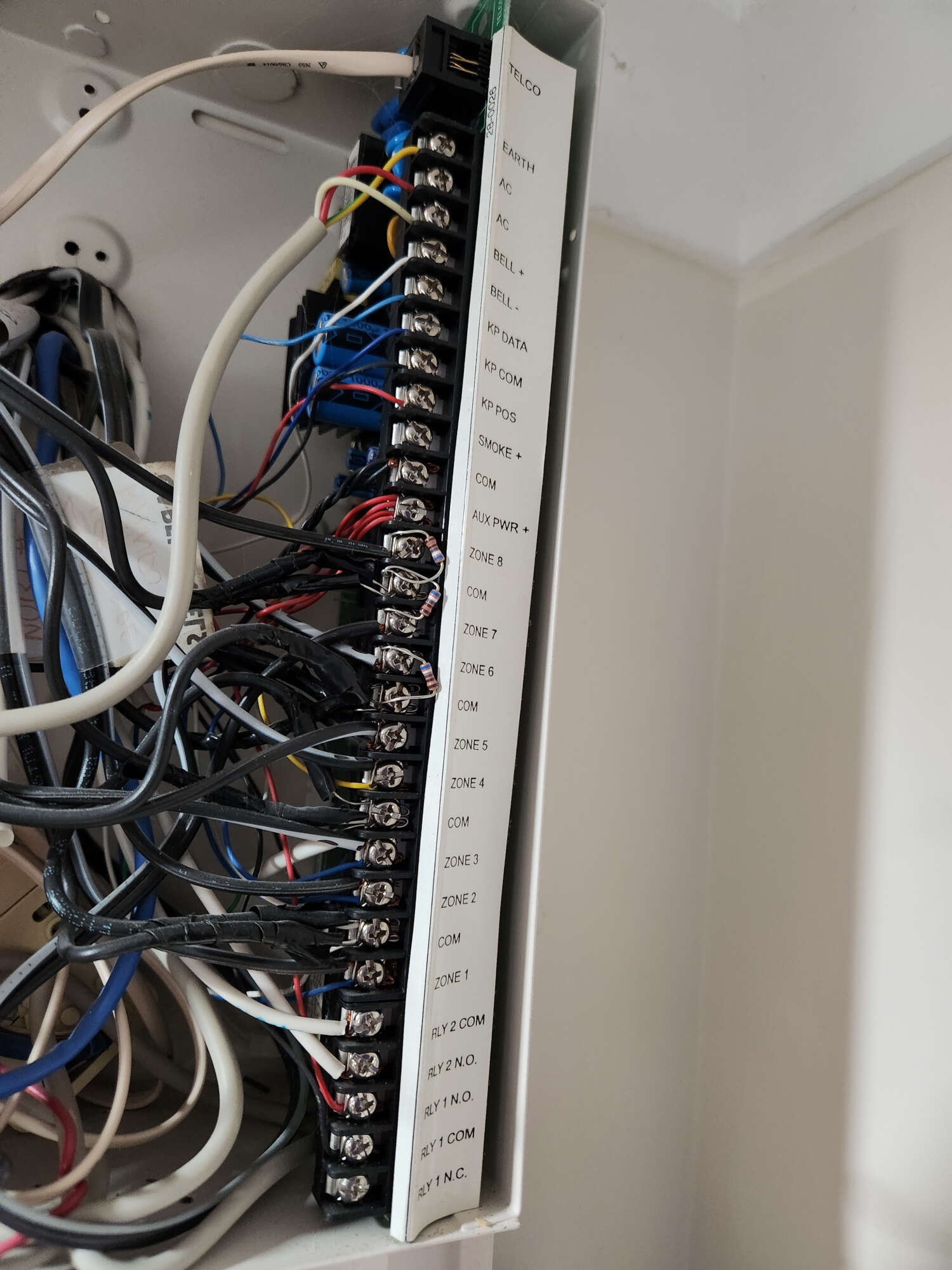
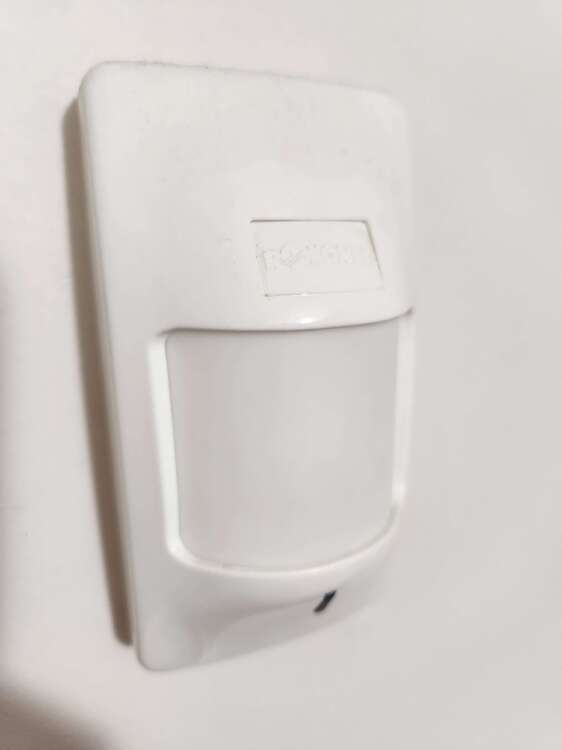
Thank you for providing feedback, much appreciated. Yes, I did receive all the resistor packs etc. The PIR's are literally 'glued' to the corner in the room, so removing one... well my wife thought I was going to rip the plaster off ? So, here is a front view... they are a Rokonet PIR sensors. Not sure if that helps, let me know. In my previous photo, the PIR's are on zone 1, 2, and 3. Since it's proving challenging to take the existing PIR's off the wall, I will take a look at the wiring inside my current alarm panel - I suspect if the current panel doesn't use resistors then the PIR's likely have them installed. I am open to updating the PIR's if that makes sense. Thanks, Mark
-
Have recently begun migrating from a really ancient Hills Reliance R128 Security System to a Honeywell Galaxy Flex FX100+ system. The learning curve so far has been high, but I must admit this site has been an amazing source of information and reference material. Have also been reading the galaxy flex installer manual, but I must admit the easiest way I have found to get up to speed has been the wiring diagrams supplied in this forum. I think I have most things covered... but I am a little unsure of the most appropriate method for wiring the PIR sensor units. I have included a photo of the existing Hills Reliance panel, but I am thinking it may not be beneficial. I was wondering if a kind person could point me towards a wiring diagram or photo of the standard approach to wiring a PIR sensor to a Flex FX100+ board. As I said, excellent forum, and thanks for all the information you share. Thanks, Mark