_2d2230.png)
_5a42ce.png)

James1979
Newbie
-
Joined
-
Last visited
-
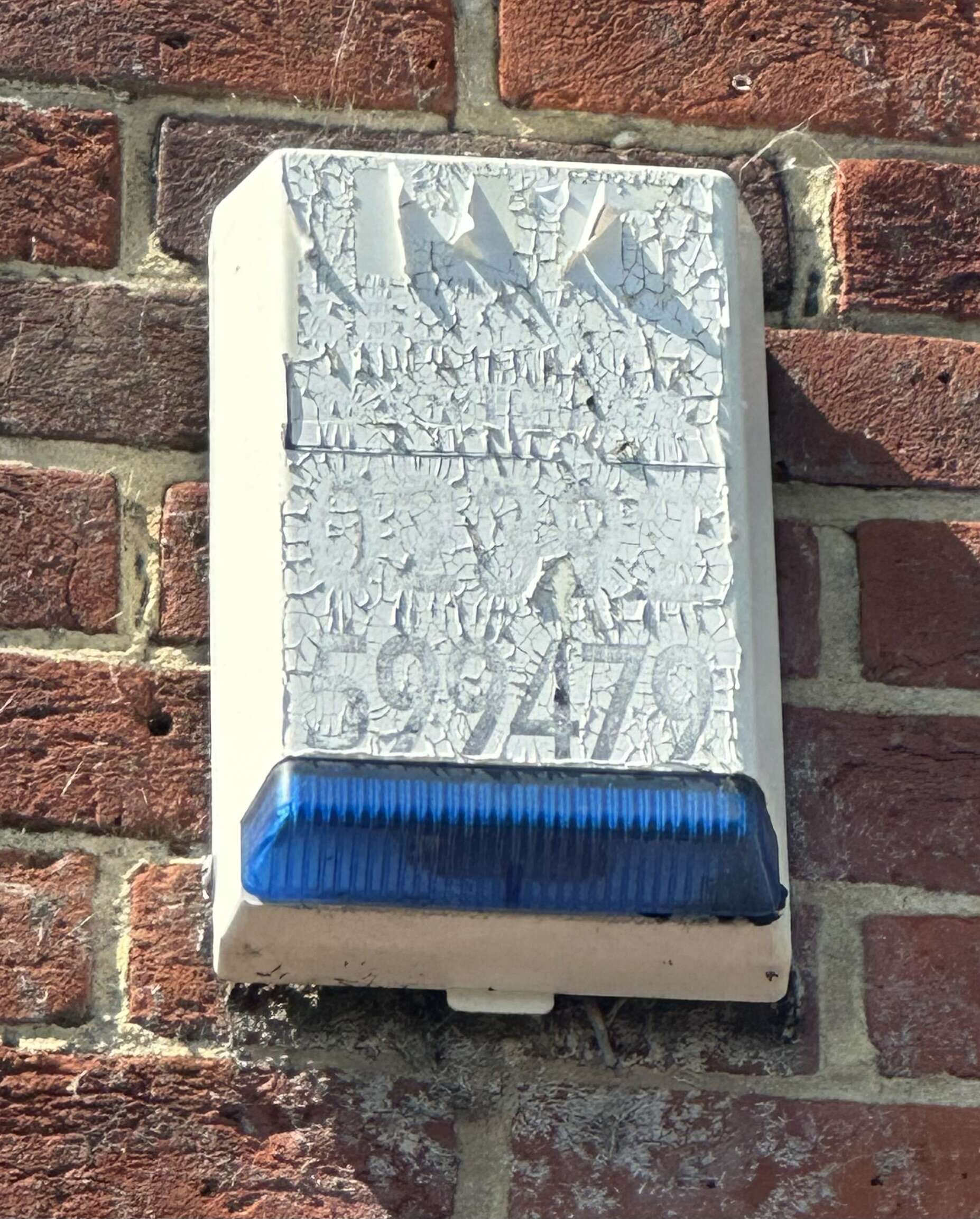
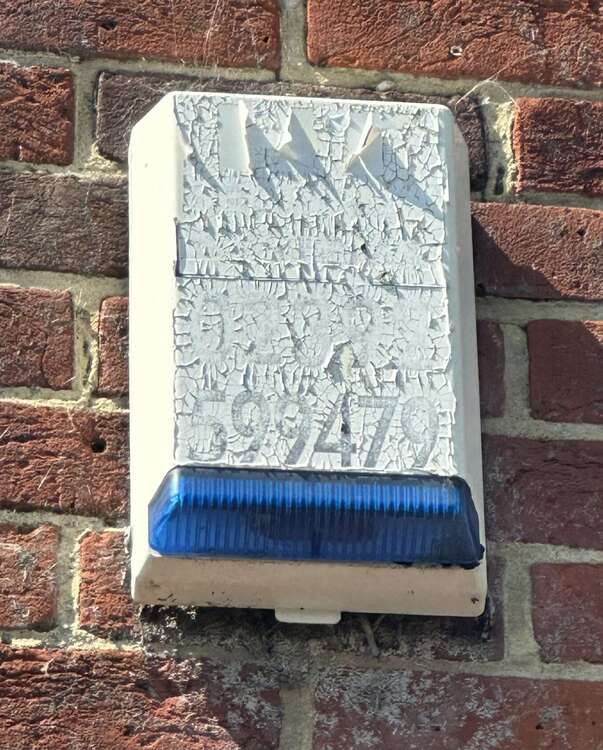
Thanks for the reply and decommissioning sounds much more sensible. I’m happy to get up to the siren and disable it. Not sure what kind it is as the label isn’t legible anymore (have attached photo though). Is it simple enough diy job to disable siren once cover is off? I’m assuming removing the cover will cause alarm to sound anyway and then it needs the incoming wires disconnecting and battery removed? Then power off for box (as battery is already a gonna).
-
James1979 joined the community
-
Hi - I have a very old Optima XM6 alarm system which we have never set since living in this house (7 years!) It’s never sounded until yesterday when the power was turned off for an EV charger install. When power was restored, the alarm stopped so I’m guessing it needs a new internal battery. There is only one light on the front (power) with no others lit (not day or anything else). i have tried to follow steps to put it in engineer mode so it doesn’t sound when I remove the panel cover but the keypad is completely dead and doesn’t make any sound when buttons pressed so I can’t. So, my questions are: 1. if I remove the cover without putting it in tamper or engineer mode, will the alarm sound? 2. will it stop if I just replace the panel? 3. Since I’ve never used the code the previous owners gave us, if it’s not correct or doesn’t work, am I right in thinking that #### is the default code if it’s reset itself? I think once the panel’s off and old battery is disconnected, I should then kill the mains power - replace battery, turn mains back on, press reset and all will be well?! Thanks for any help.