_2d2230.png)
_5a42ce.png)

Haveagoatanything
Member
-
Joined
-
Last visited
Everything posted by Haveagoatanything
-
All the new PIRs are now installed and working, thanks you to everyone who contributed. I would of been lost without out you. thanks again james
-
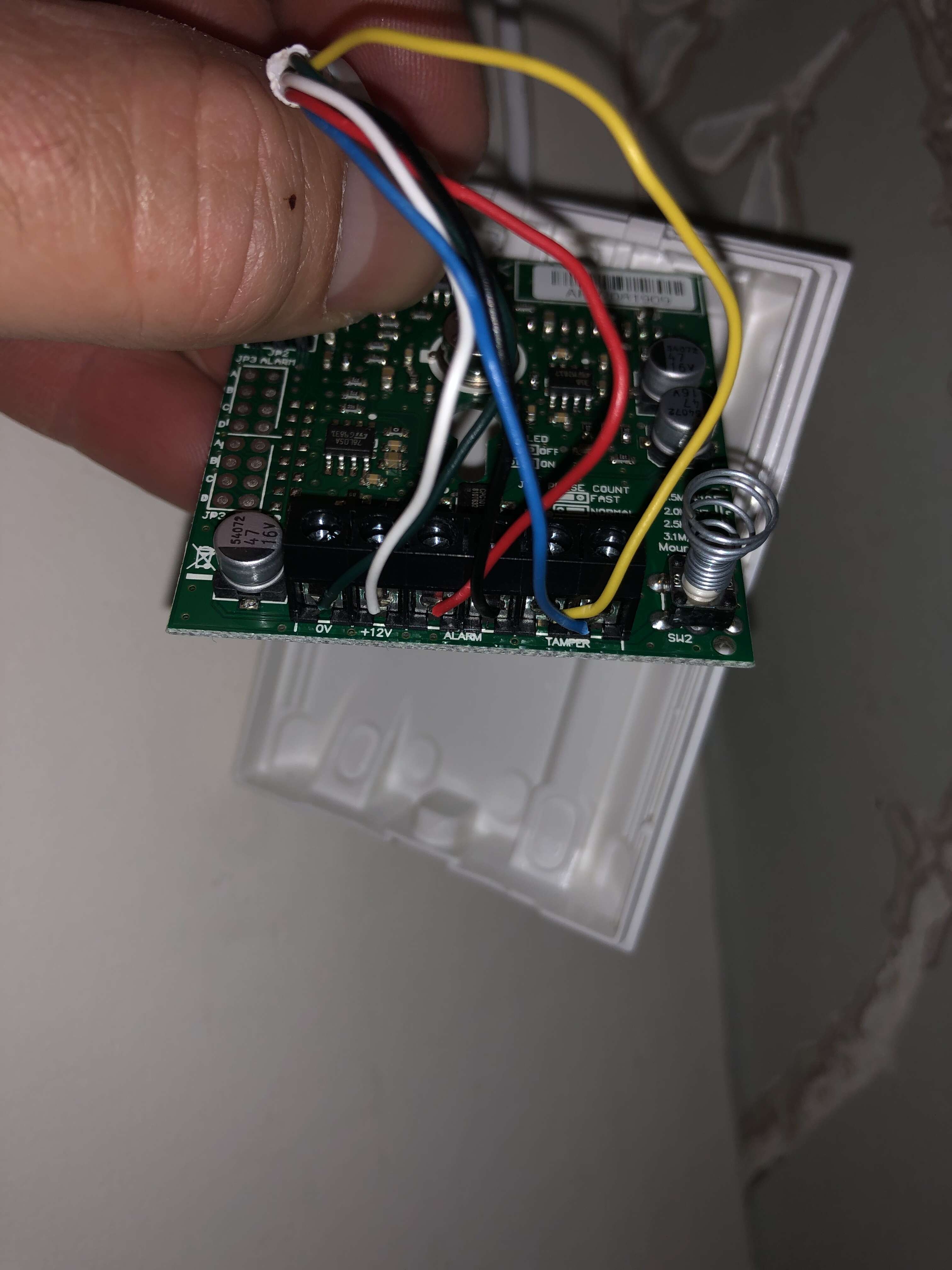
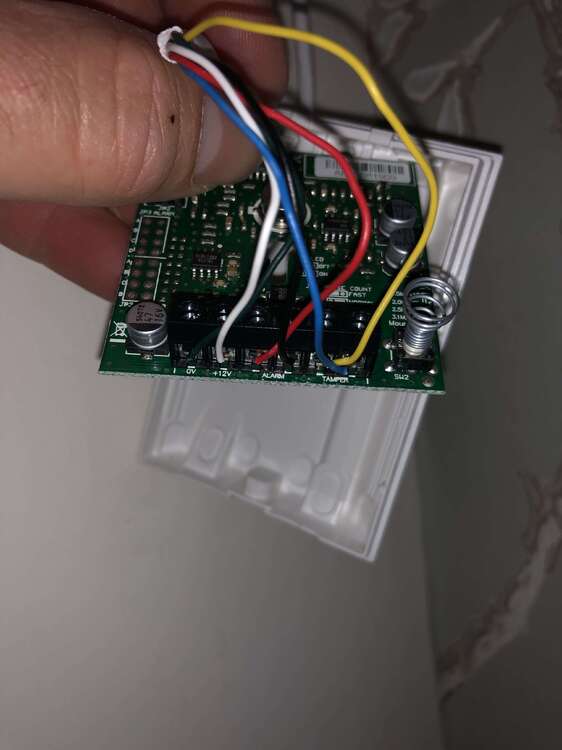
This is the wiring from the old PIR that I have just rewired to as it was. I have just set the alarm and this zone triggers the alarm! So it did/does work. (Not sure about the other zones) I will give this a try! thanks!
-
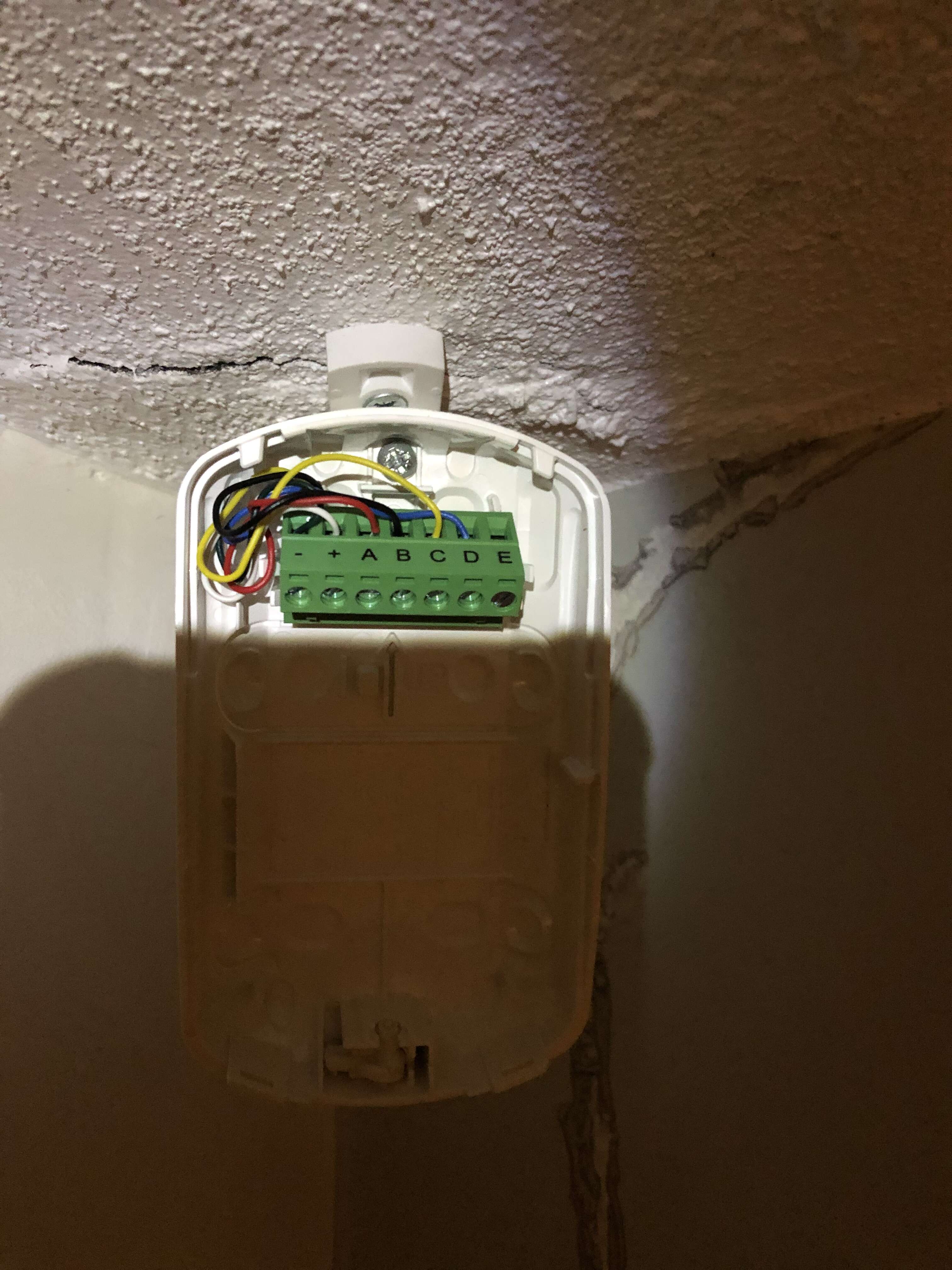
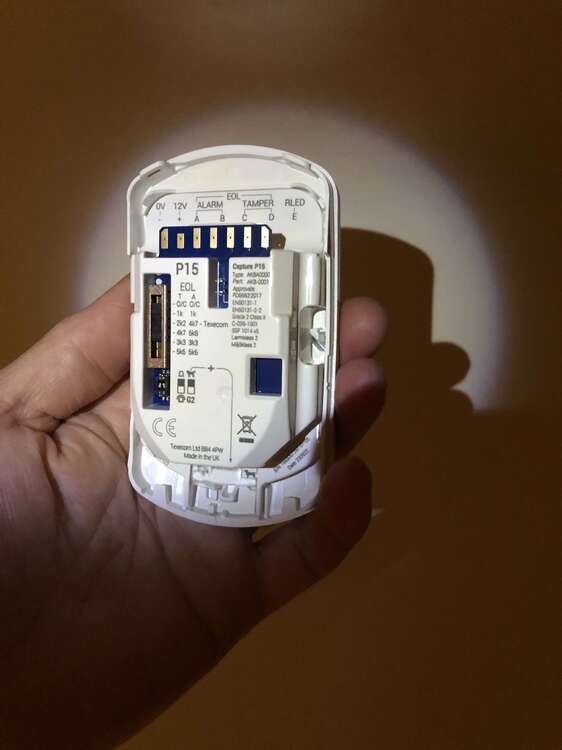
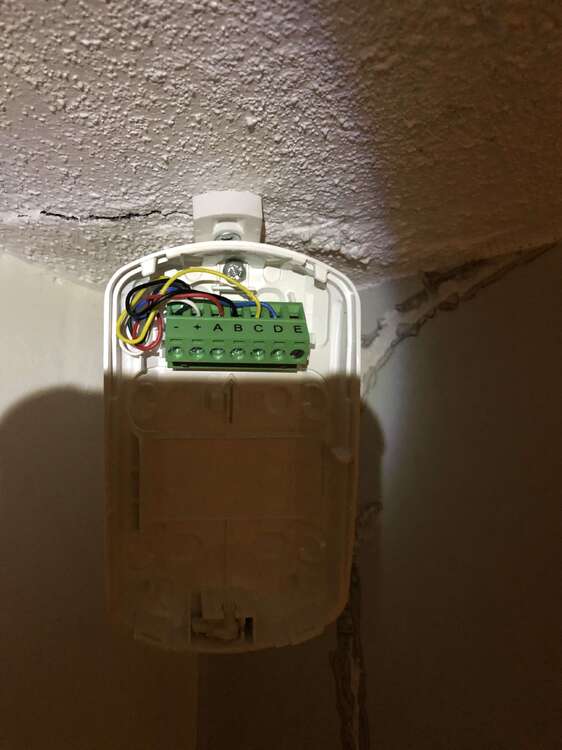
Here is the wiring on the P15, plus also the the G2 switch is on and the shutter at the bottom is set to dog. I haven’t moved the EOL setting.
-
I will post these tomorrow
-
? What! I haven’t got a clue!
-
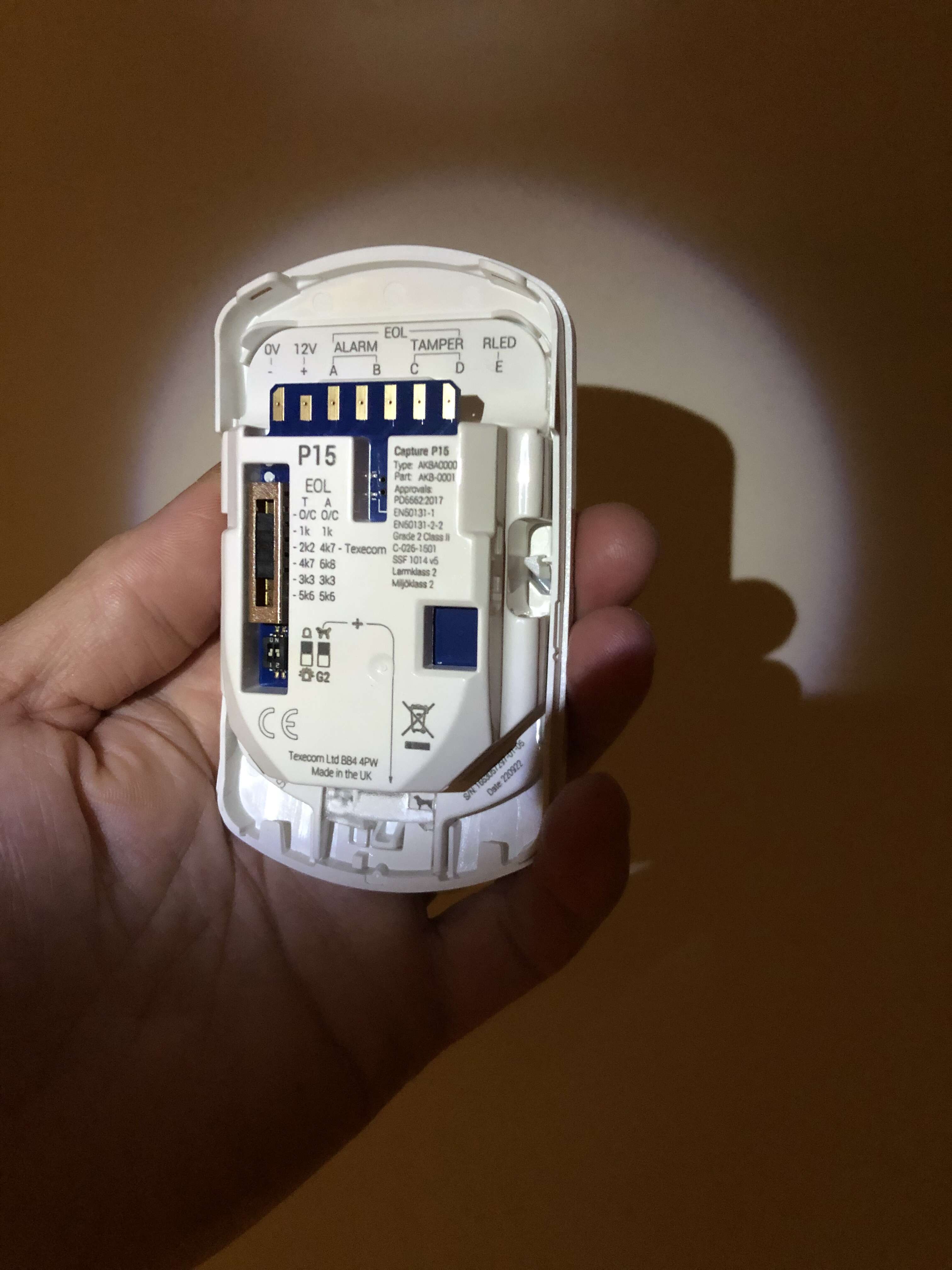
I took this yesterday when I had it open.
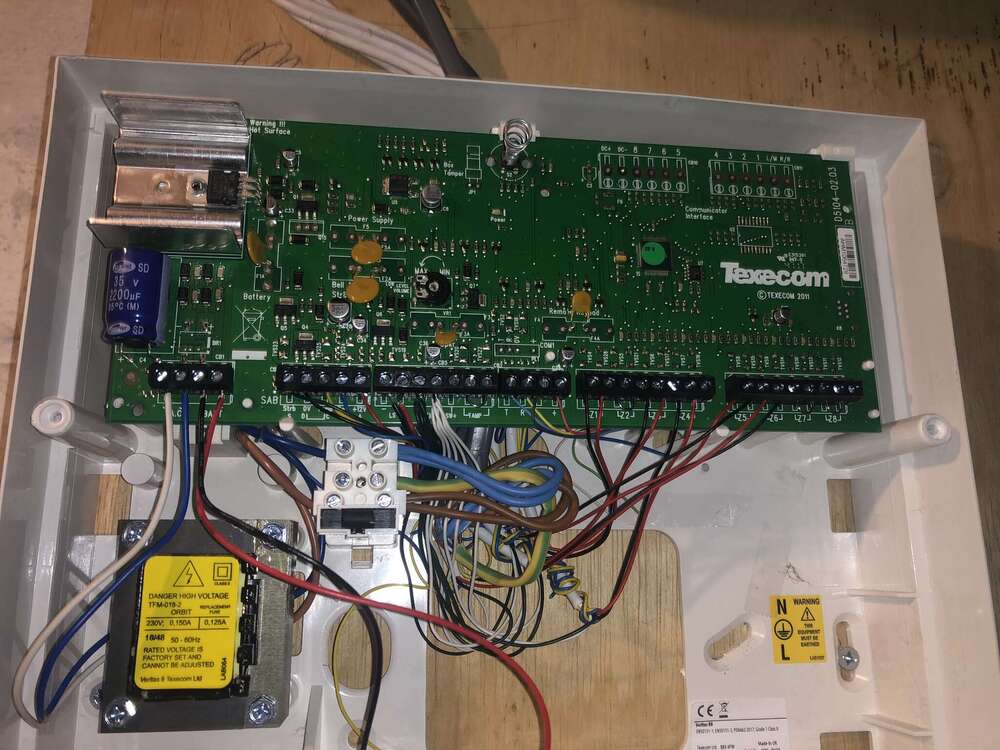
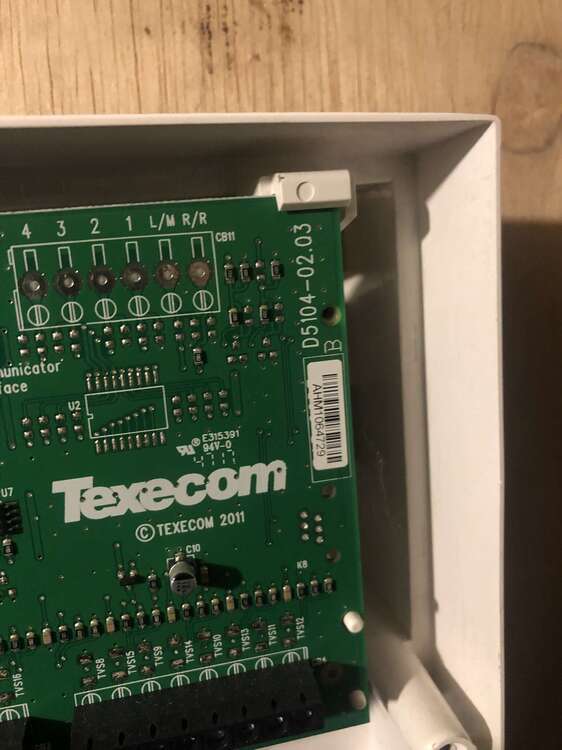
-
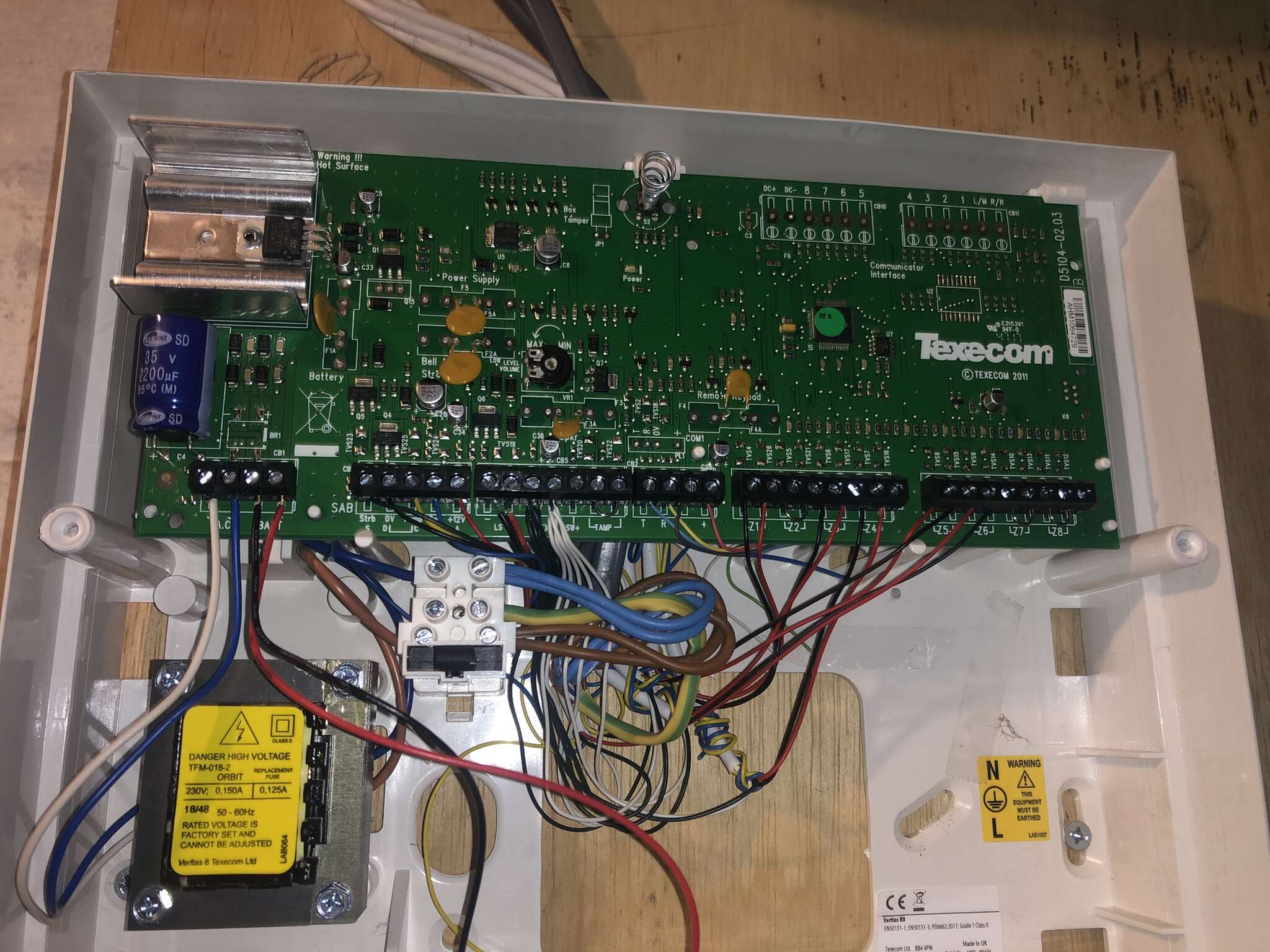
Thank you all for the replies. late finish today so I haven’t been able to do anything with it. The plan so far is 1. take a photo of the current new PIR with wiring. 2. Set the old PIR up, take a photo of the wiring and do a test to see if this triggers the alarm when it is on. 3. Test the other zones too to see if these trigger the alarm when it is on.
-
The system has worked for the last 3 years. However I can’t be sure this PIR worked when armed! The new pir didn’t light up when there was movement when armed but did when not armed
-
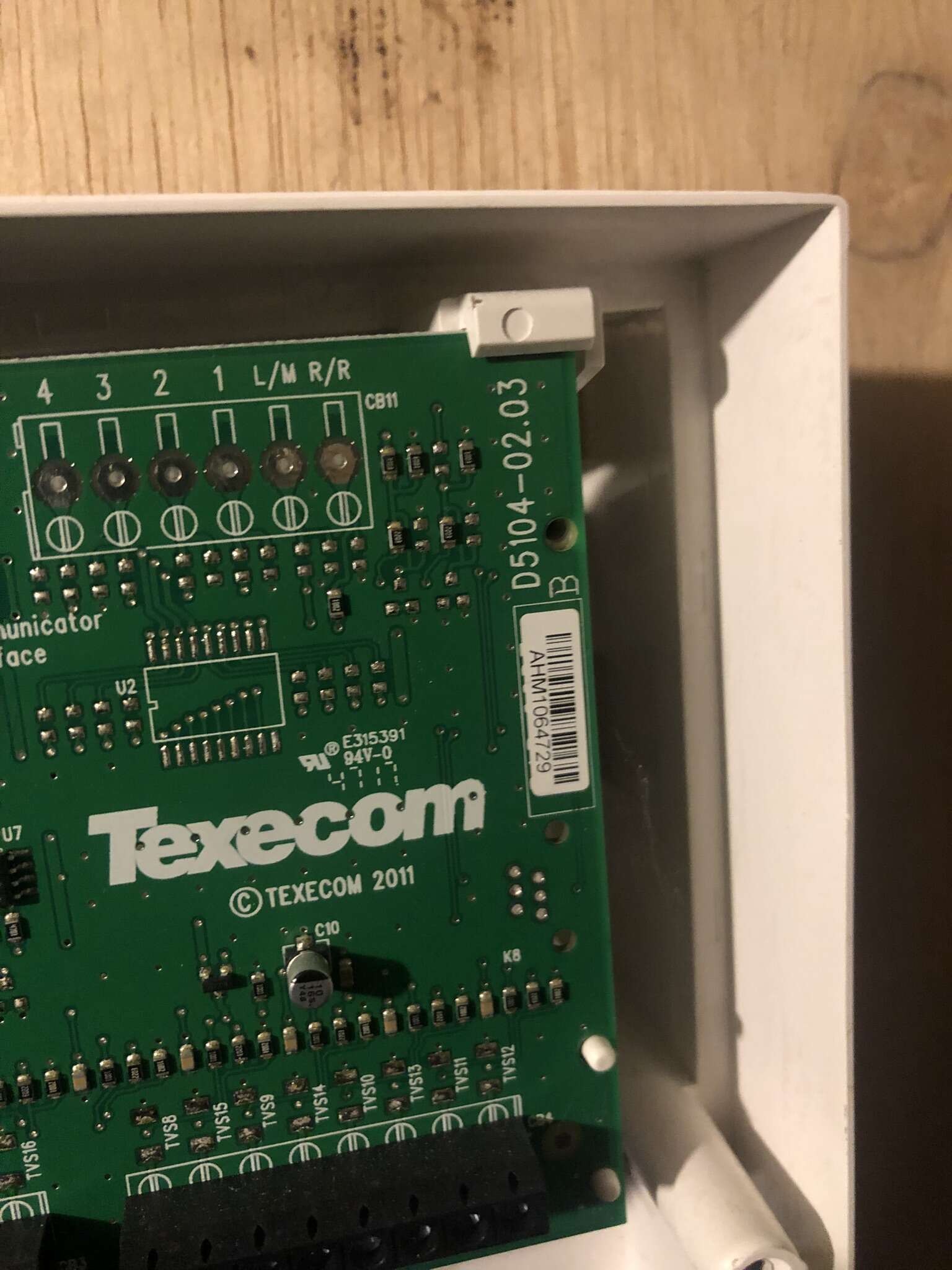
I have purchased 4 new ‘Capture P15 AKB-0001’ PIRs to swap out the old none cat friendly texecom AAA1000s. I naively thought that it would be a simple task. I made a note of what wires went into which terminal and did a like for like swap with the PIRs. After I powered the alarm back up, I got the blue light from the PIR when it detected movement but when I set the alarm it didn’t sense a thing. OLD PIR WIRING (left to right) 0V- green 12V+ white Alarm red Alarm black Tamper yellow Tamper blue NEW CAPTURE P15 (L to R) 0V- green 12V+ white alarm A red alarm B black tamper C yellow tamper D blue Can anyone tell me where I’m going wrong, I would be most grateful. thanks in advance james