_2d2230.png)
_5a42ce.png)

KDS51
Newbie
-
Joined
-
Last visited
Everything posted by KDS51
-
I have been in touch with Eaton Support and a power cycle has resolved the issue. Thank you.
-
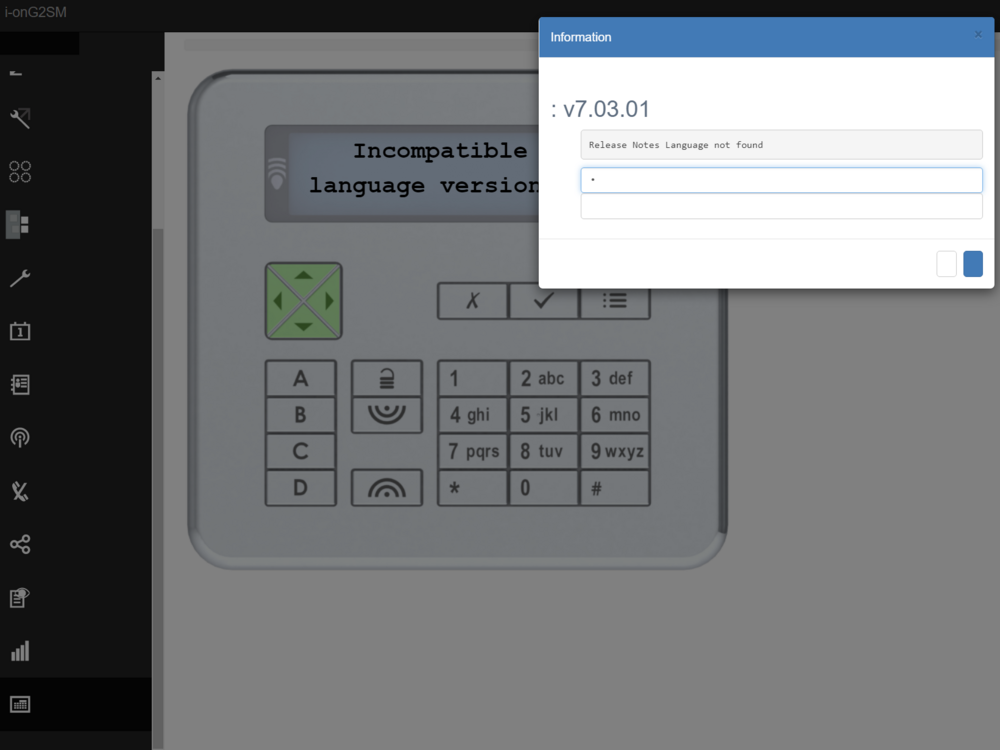
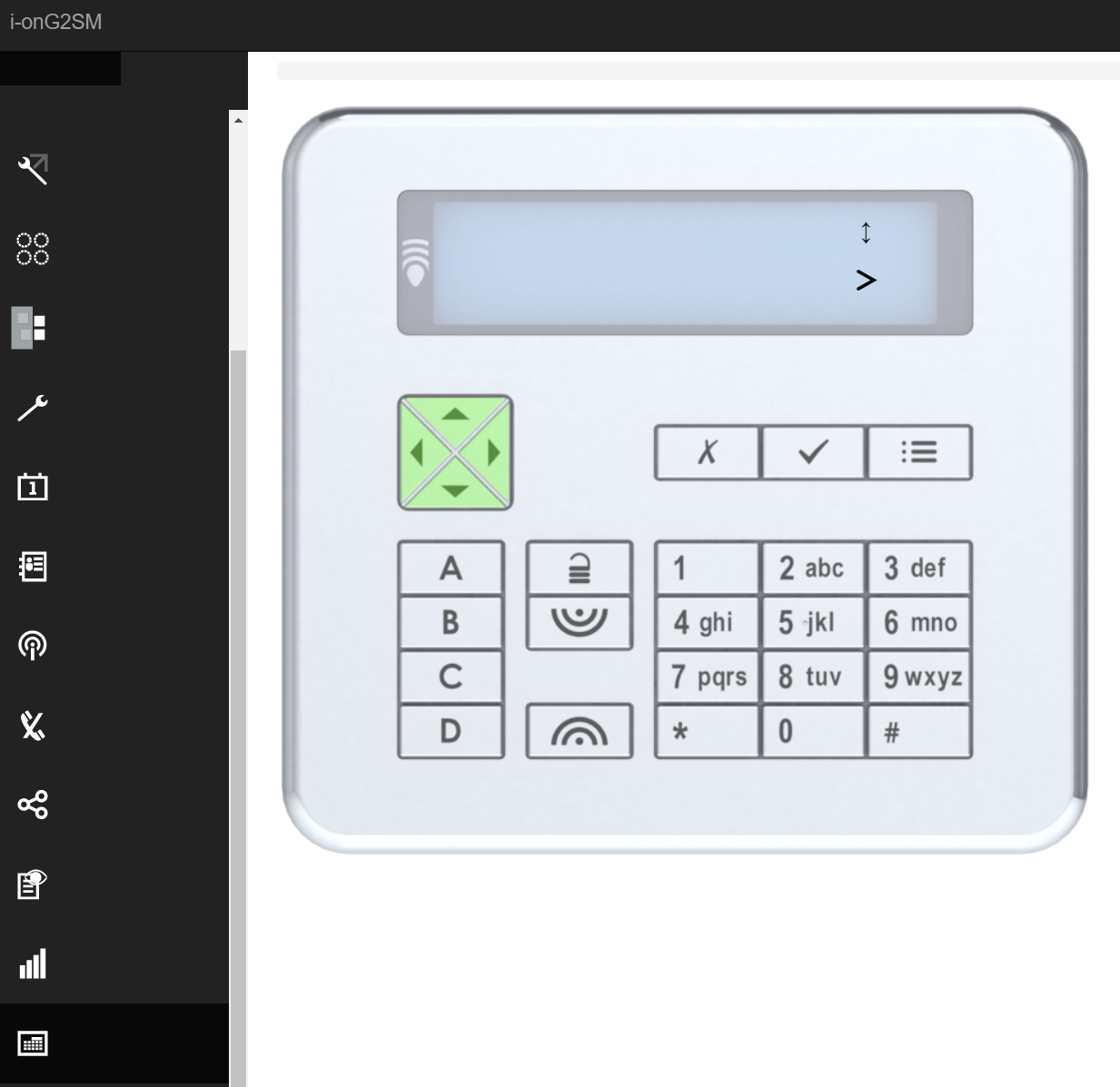
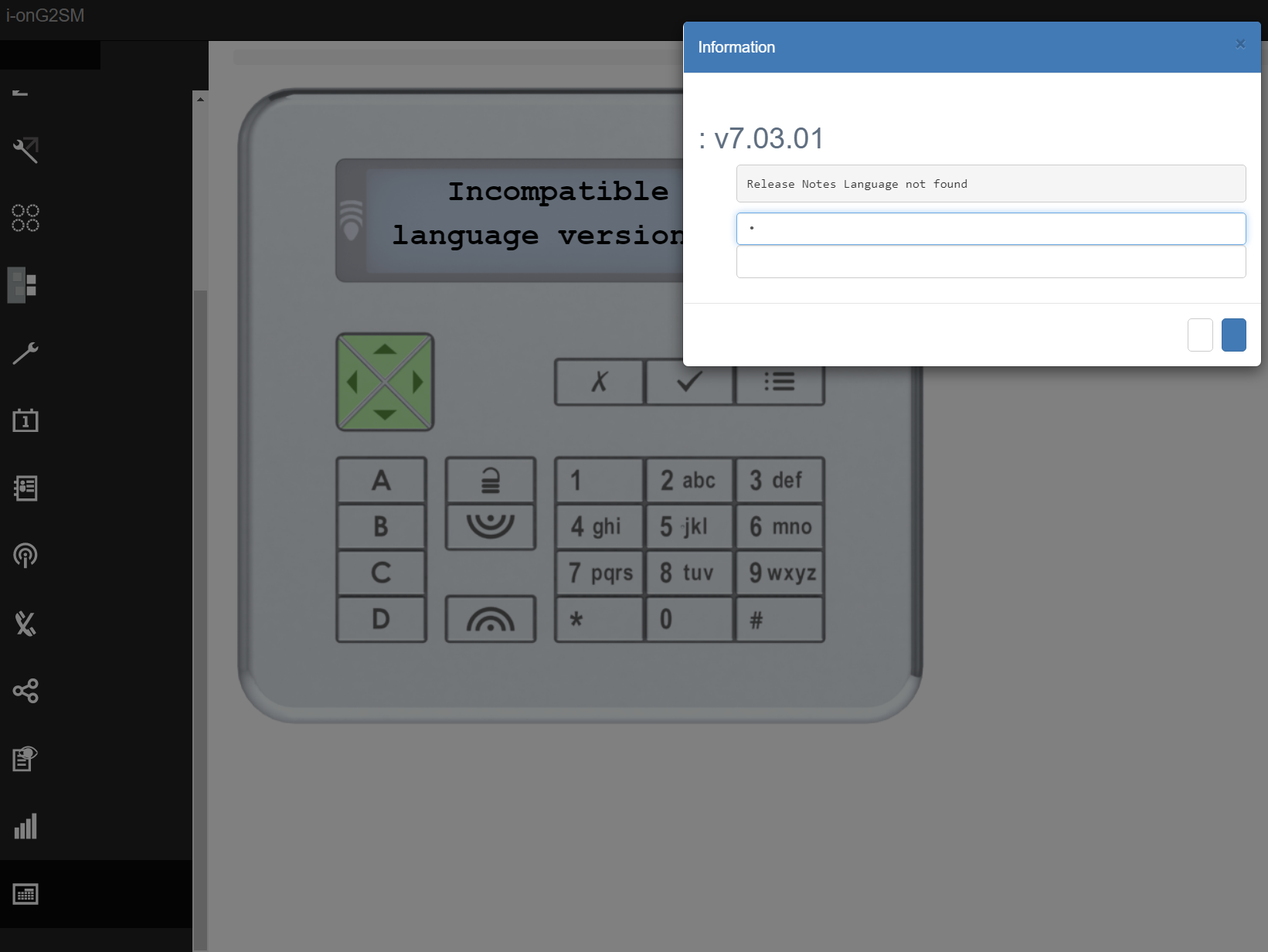
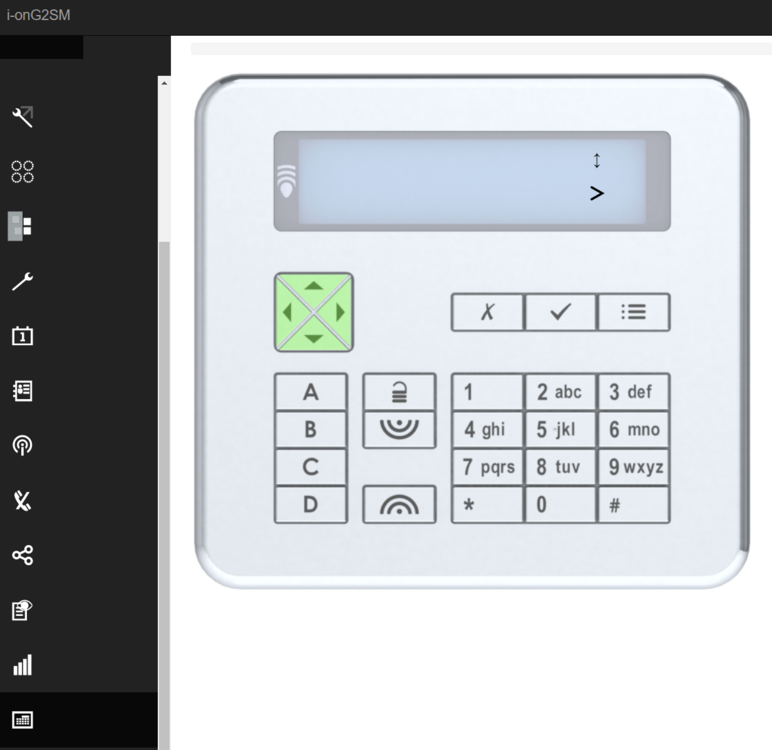
I can't see any text on they virtual or actual keypad to guide me, so I don't know where I am in the menus. I've tried making educated guesses for the right key presses but I cant find the right ones. These are the key press sequence I'm guessing so far. (for part set system) login with installer code detectors ; press down output ; press down part set ; press down system options ; press right user options ; press down restore defaults ; press down installer options ; press down confirmation ; press down hardware ; press down radio options ; press down masking options ; press down perimiter options ; press down shunt groups ; press down date & time ; press down updates ; press right language ; ???????
-
Hi Al-yeti, Thanks for the reply, I can't see any text on the keypad, the virtual keypad or the web interface, so I don't which key presses will get me to the menu to update the file. If someone can give me a list of key presses to try and load the file from the SD card, I can give it a try and hope that works. something like this: From the web start with the spanner icon, then choose the 4th option down, then the 3rd option etc. or from the keypad enter installer code enter user code click the tick press the down arrow twice press the right arrow etc.
-
Hi I have just installed an Eaton i-onG2SM but in doing the firmware upgrade I think I manged to delete the language file so I just get black screens. From the web interface it looks like I can still login and get to every menu. Can someone out there help me with how to recover the file or list what sequence of clicks through the icons and menus, I need to to press to blindly reinstall the file. If it helps I can install an SD card with just the English language file. Thank you