_2d2230.png)
_5a42ce.png)

Womble
Member
-
Joined
-
Last visited
-
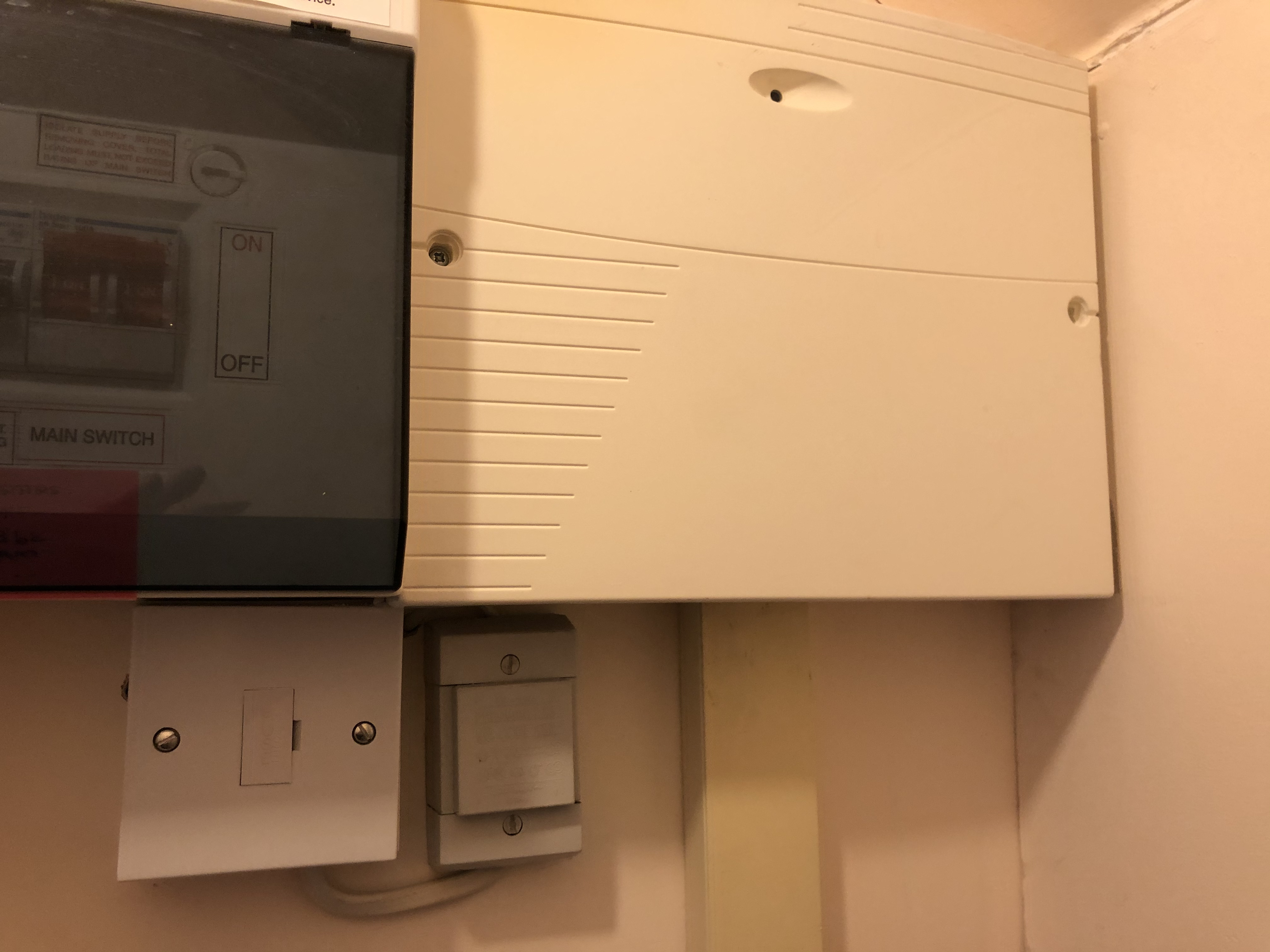
Yes it does feed the front door bell! No wonder no one has rung our bell recently! so, any thoughts on how I can isolate the alarm system? It would be great to have the downstairs lights back - and the door bell!
-
Not sure - will test it later!
-
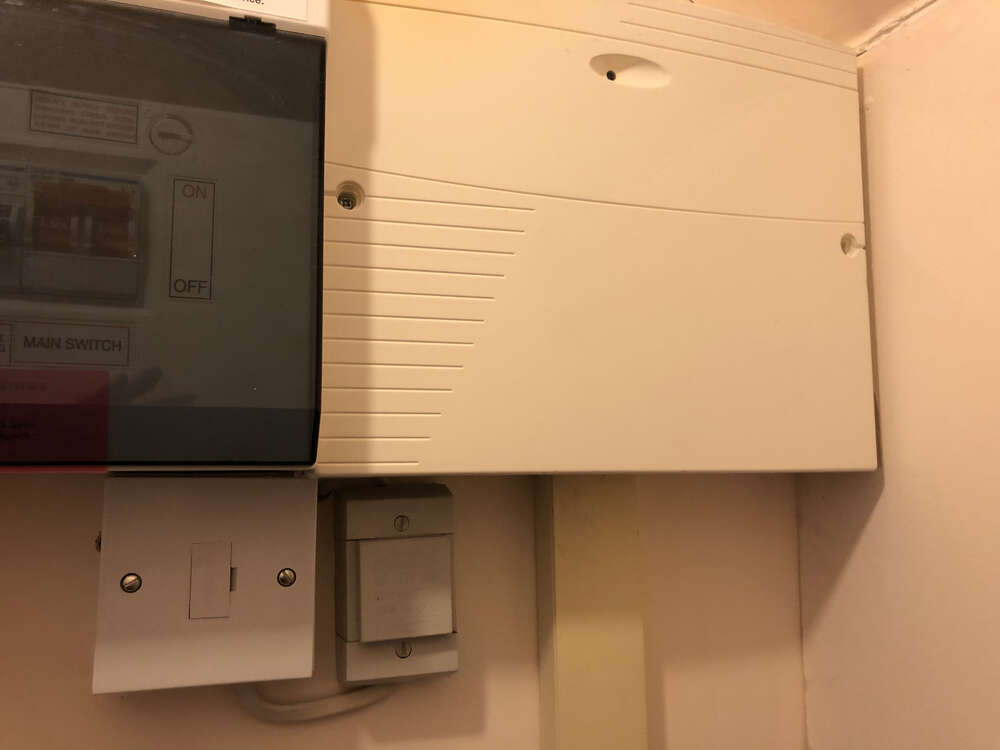
Hi SWB, you are right - this is a picture of the control panel. So do you think I can safely isolate?
-
Thanks everyone Looks like a new control panel is the way to go My wife doesn’t want anyone in the house until the pandemic is under control - say after we have received vaccines Unfortunately the alarm is on the same power circuit as some downstairs lights - is there anything we can do to disconnect the alarm, so we can turn the power off? With the power on / battery unplugged it seems to detect movement and beep accordingly in one of the zones thanks again!
-
Unfortunately don’t you have to input the existing code to set a new one? My existing code uses some numbers in column 1....
-
Logically I did think of that - but I was wondering if there was anything else I should do first before checking / replacing the keypad
-
A couple of nights ago we had a brief powercut and the alarm went off - internal and external bell I couldn't enter the reset code, as the keypad was not working properly - only second 2 columns of numbers were working - other buttons were unresponsive i.e. not beeping when you press them I tried to reset the system a few times by turning off the power but the alarm kept ringing, and I was still unable to input the reset code into the keypad Finally, i had no choice but to turn off the power to the control panel and the alarm went off shortly thereafter There was now no power to the keypad or seemingly the external bell All this happened at 2am, so we were just glad to get back to bed The next day, I googled for solutions and it seemed like my battery needed changing, so I ordered an identical Yuasa battery which arrived today. The external bell beeped every few minutes and today sounded like there was something clicking (like a bicycle bell not ringing properly) I have changed the battery and powered up but the keypad is still not working and I cannot enter the reset code, and the internal alarm sounds after a few minutes. However the external bell doesn't ring at all. I have also tried the battery alone, without the power on and I have the same issues Anyone have any ideas as to what the problem is? Thanks!