

Skip to content
View in the app

A better way to browse. Learn more.

Security Installer Community

A full-screen app on your home screen with push notifications, badges and more.

To install this app on iOS and iPadOS
  1. Tap the Share icon in Safari
  2. Scroll the menu and tap Add to Home Screen.
  3. Tap Add in the top-right corner.
To install this app on Android
  1. Tap the 3-dot menu (⋮) in the top-right corner of the browser.
  2. Tap Add to Home screen or Install app.
  3. Confirm by tapping Install.

Smithy

Newbie
  • Joined

  • Last visited

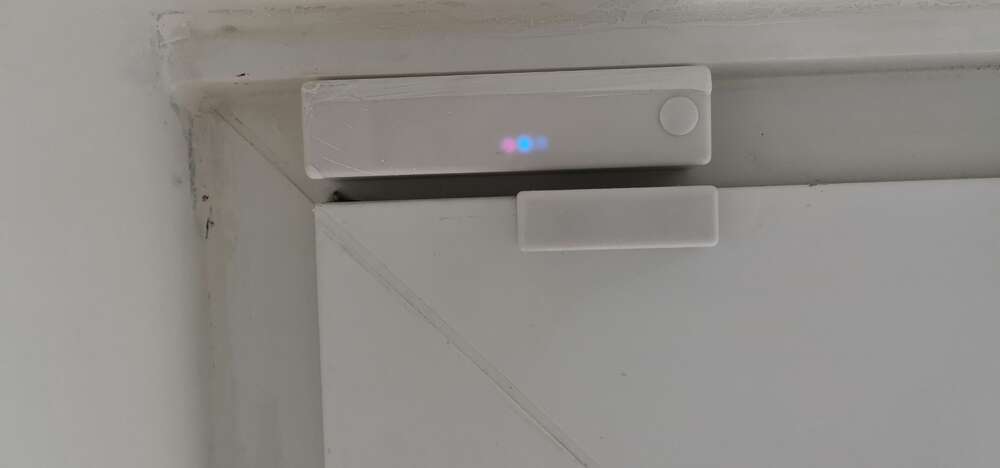
  1. Thanks for the thoughts but its not a PIR. It's a surface magnetic contact with tamper
  2. Smithy joined the community
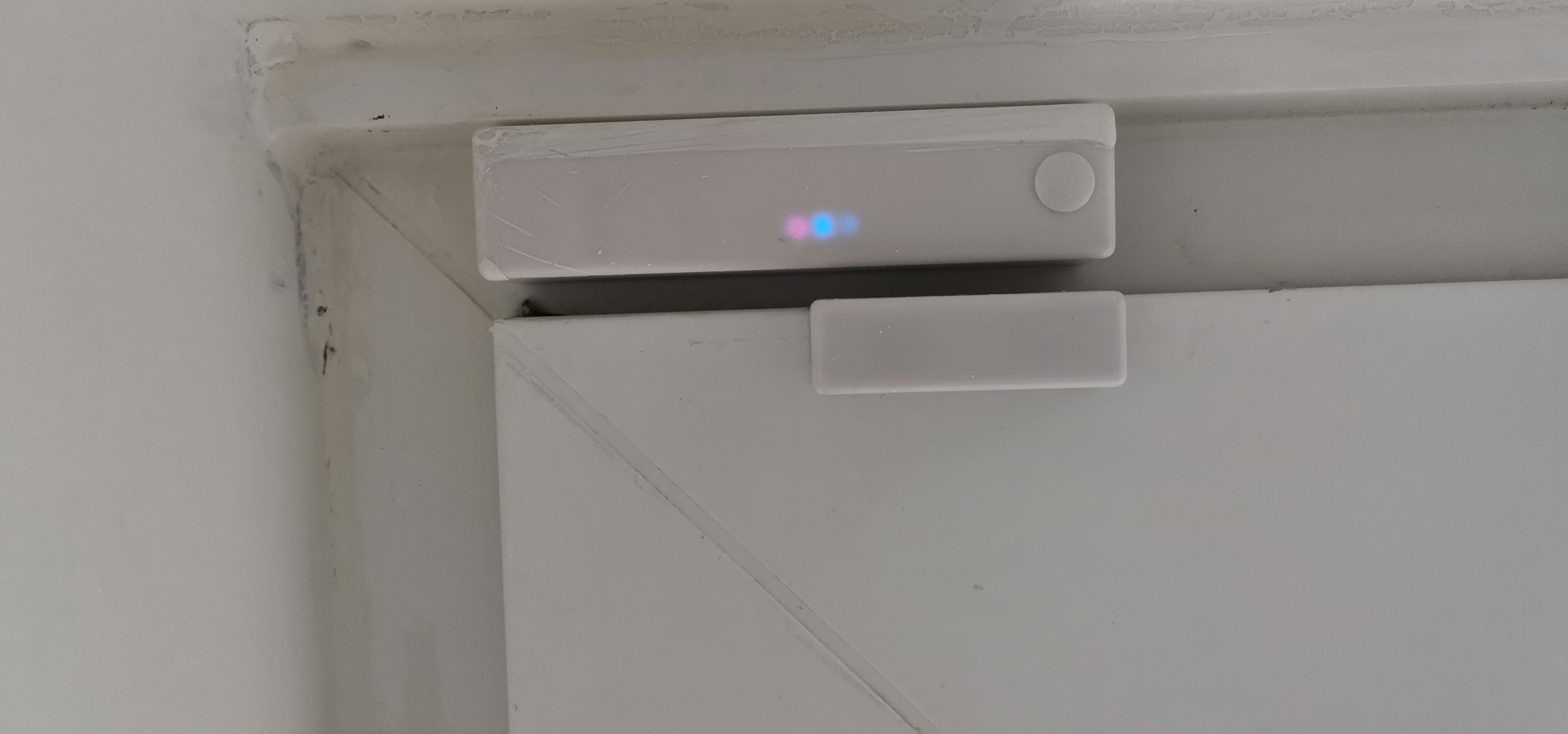
  3. I have some ongoing issues with alarms. An understatement for sure especially for someone not in the trade . On a rear exit door is a magnetic door sensor. On replacing the battery firstly the alarm did not go off as per the other sensors, but also were blue and red lights on the frame sensor. These went away, but the alarm does not set (pyronix enforcer), and oddly when you put your finger near the sensor the blue light comes on. Any help appreciated
Important Information

By using this site, you agree to our Terms of Use.

Account

Navigation

Search

Search

Configure browser push notifications

Chrome (Android)
  1. Tap the lock icon next to the address bar.
  2. Tap Permissions → Notifications.
  3. Adjust your preference.
Chrome (Desktop)
  1. Click the padlock icon in the address bar.
  2. Select Site settings.
  3. Find Notifications and adjust your preference.