

Skip to content
View in the app

A better way to browse. Learn more.

Security Installer Community

A full-screen app on your home screen with push notifications, badges and more.

To install this app on iOS and iPadOS
  1. Tap the Share icon in Safari
  2. Scroll the menu and tap Add to Home Screen.
  3. Tap Add in the top-right corner.
To install this app on Android
  1. Tap the 3-dot menu (⋮) in the top-right corner of the browser.
  2. Tap Add to Home screen or Install app.
  3. Confirm by tapping Install.

David12

Newbie
  • Joined

  • Last visited

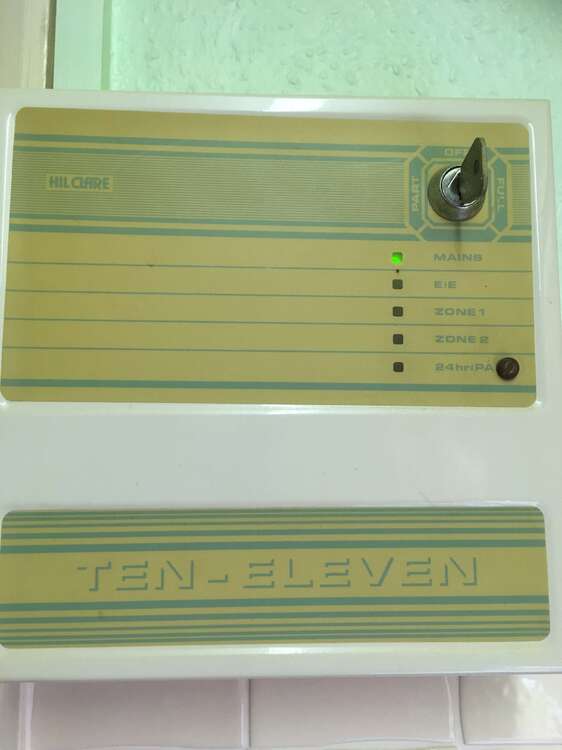
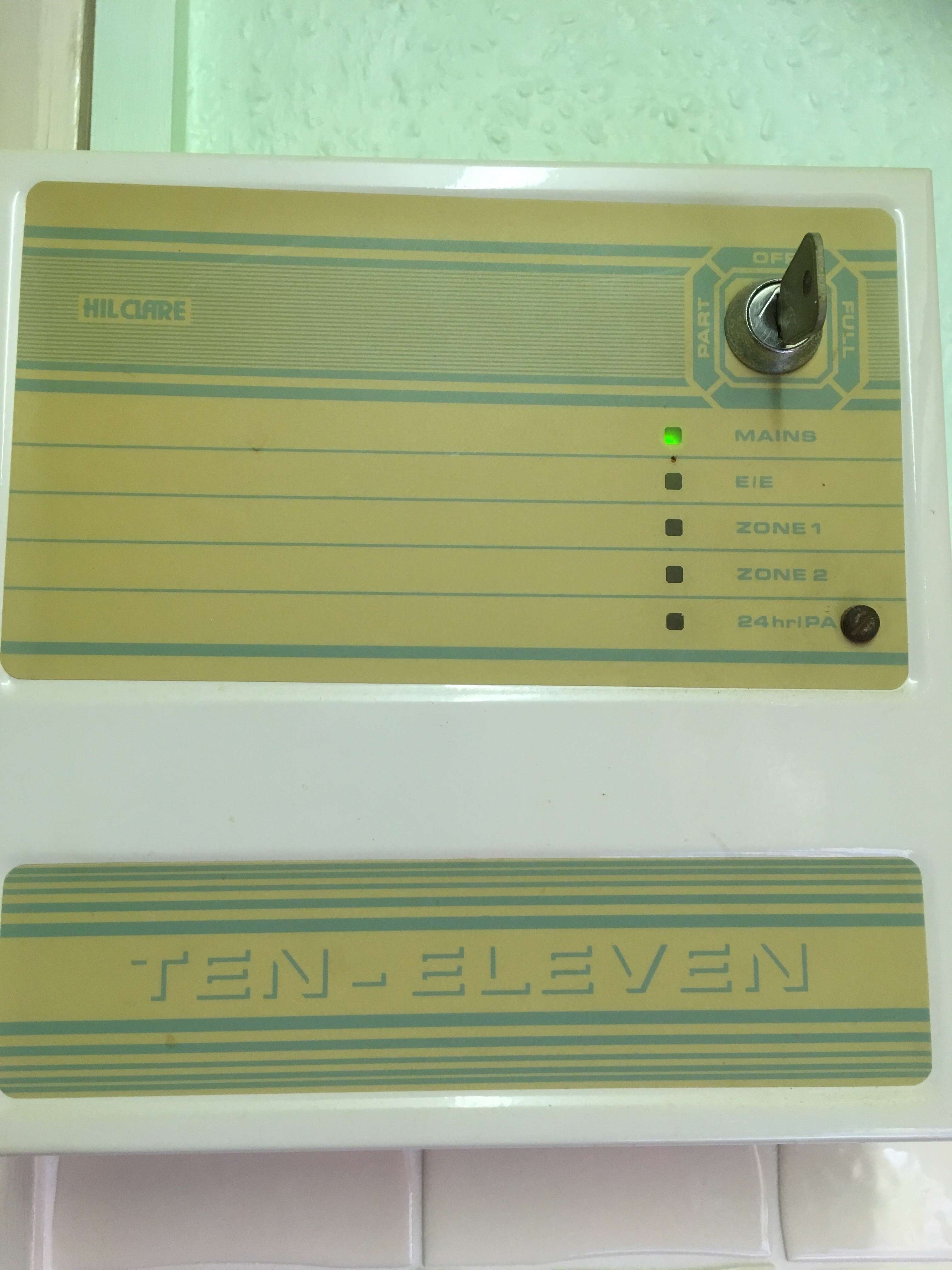
  1. My parents new home has an old Hilclare 1011 alarm installed. There are no instructions - does anyone know how we can get hold of some ? Also, is there anything behind the door - which seems to be held in place with a screw ? Is it safe to remove screw and open the door while still connected to mains ? Until they understand how to work it they would like to turn off the mains to the unit - but can't see how to do this - is the switch in the box perhaps ? Any help much appreciated please
Important Information

By using this site, you agree to our Terms of Use.

Account

Navigation

Search

Search

Configure browser push notifications

Chrome (Android)
  1. Tap the lock icon next to the address bar.
  2. Tap Permissions → Notifications.
  3. Adjust your preference.
Chrome (Desktop)
  1. Click the padlock icon in the address bar.
  2. Select Site settings.
  3. Find Notifications and adjust your preference.