


_2d2230.png)
_5a42ce.png)

jonnas
Member
-
Joined
-
Last visited
Everything posted by jonnas
-
I’ve been told these are genuine bought from Map Security not sure what to do now
-
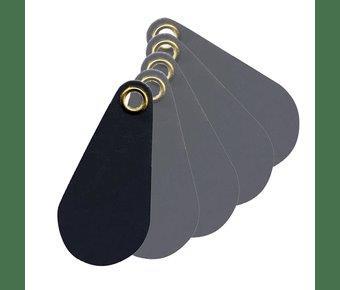
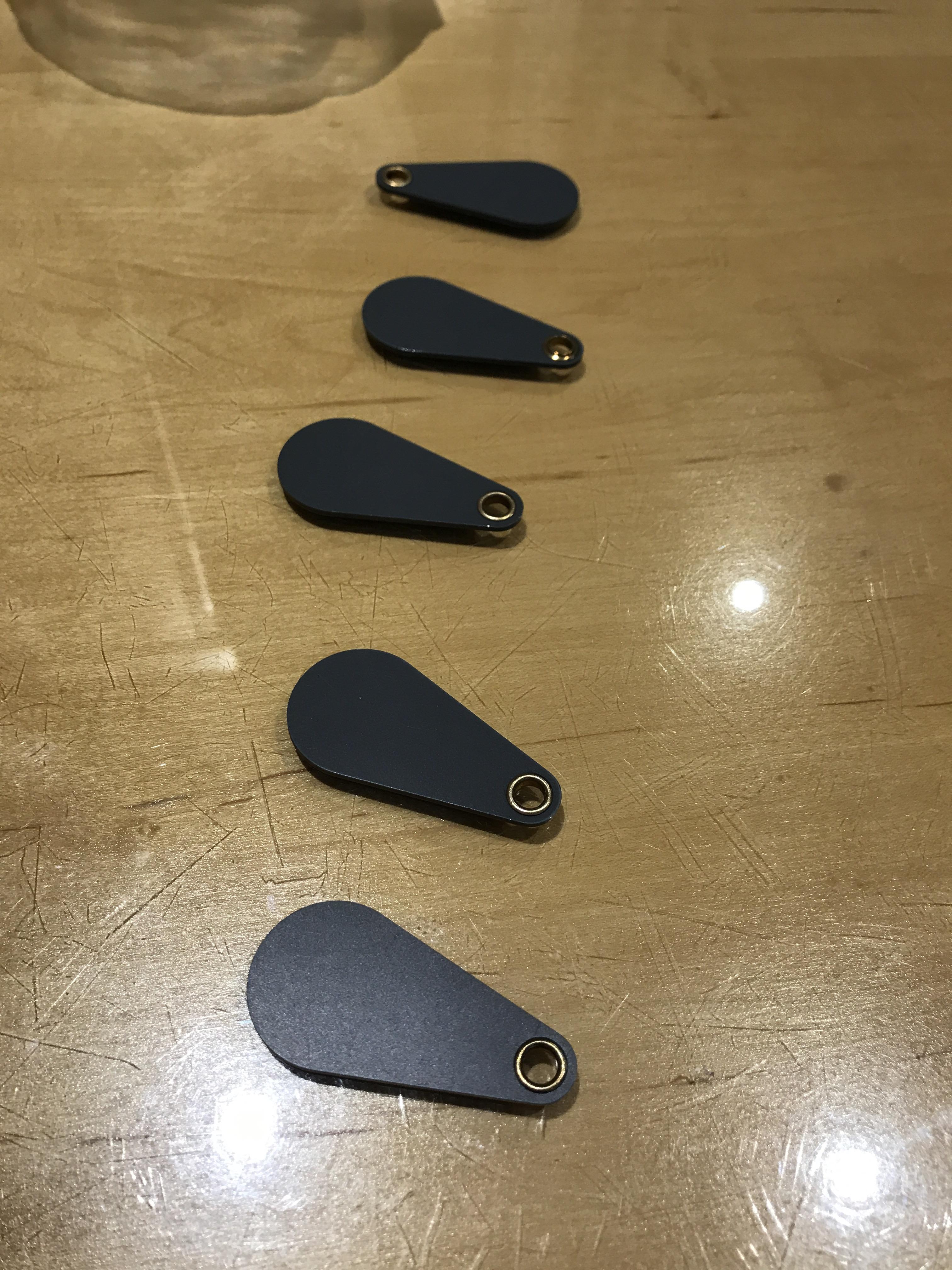
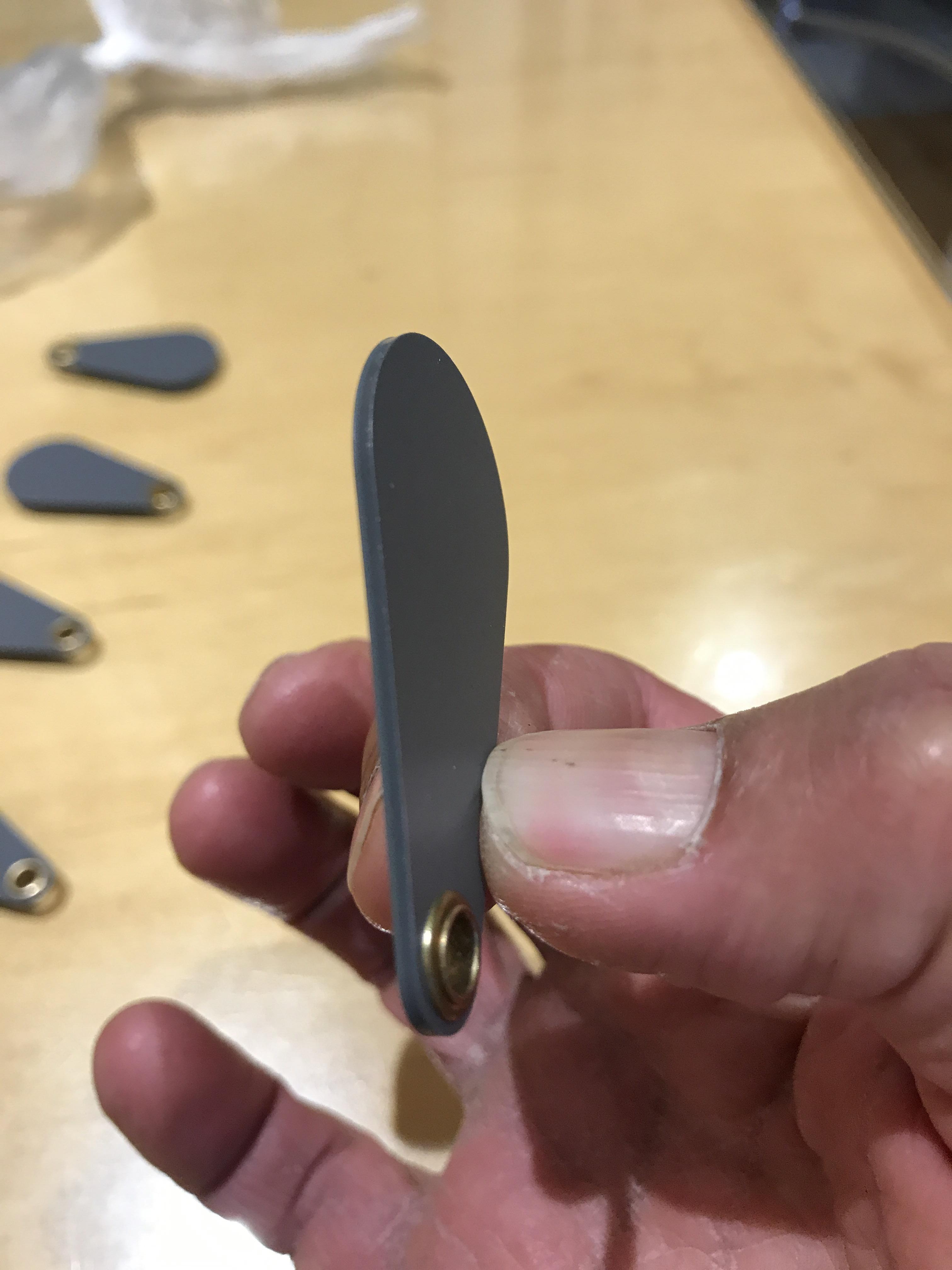
hi yes that's what I'm doing.hi no, no beeps nothing happens.Hi Thanks for the reply. I have been following the manual and been trying to program under the managers menu, when you get the option to either put in a code or present a tag I have managed to set up a user by entering a code, but if I want to set up another user with a tag, the tag is not recognised, basically nothing happens.Hi guys Having problem with programming proximity tags for the Enforcer V10. The tags are very thin and shaped like an egg, have been told that these are the correct for the Enforcer. Anyone point me in the right direction just in case I am doing something wrong ? Many thanks
 Hi Guys I am having trouble with night setting my enforcer, am hoping someone can help ? I have 4 Pir sensors in total and 4 door contacts in total all programmed in A for the full set. I also programmed the 4 door contacts which are downstairs and 3 off the Pir sensors downstairs under B as well. When I full set the alarm under A the sensors downstairs did not activate the alarm when set, but the one pir upstairs did activate the alarm. When full setting the alarm when the house is empty do I need press A and B ? Not sure if I have made an error programming somewhere.
Important Information
By using this site, you agree to our Terms of Use.