_2d2230.png)
_5a42ce.png)
dutchyholland
Newbie
-
Joined
-
Last visited
Everything posted by dutchyholland
-
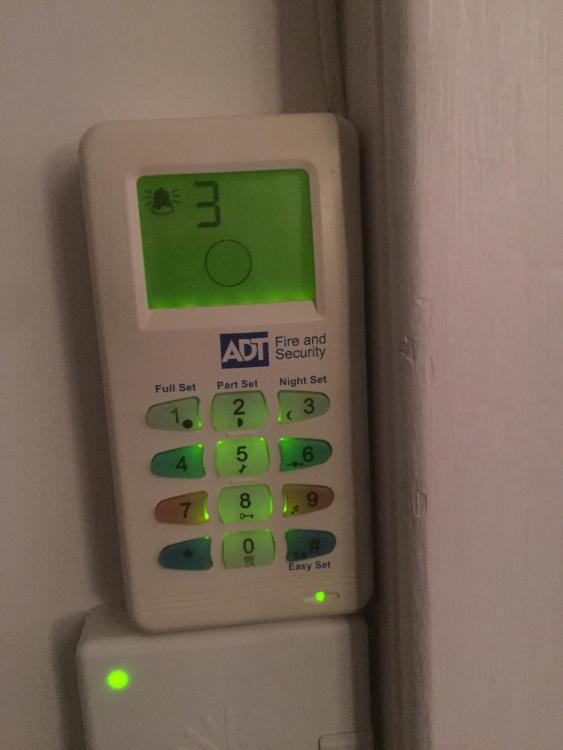
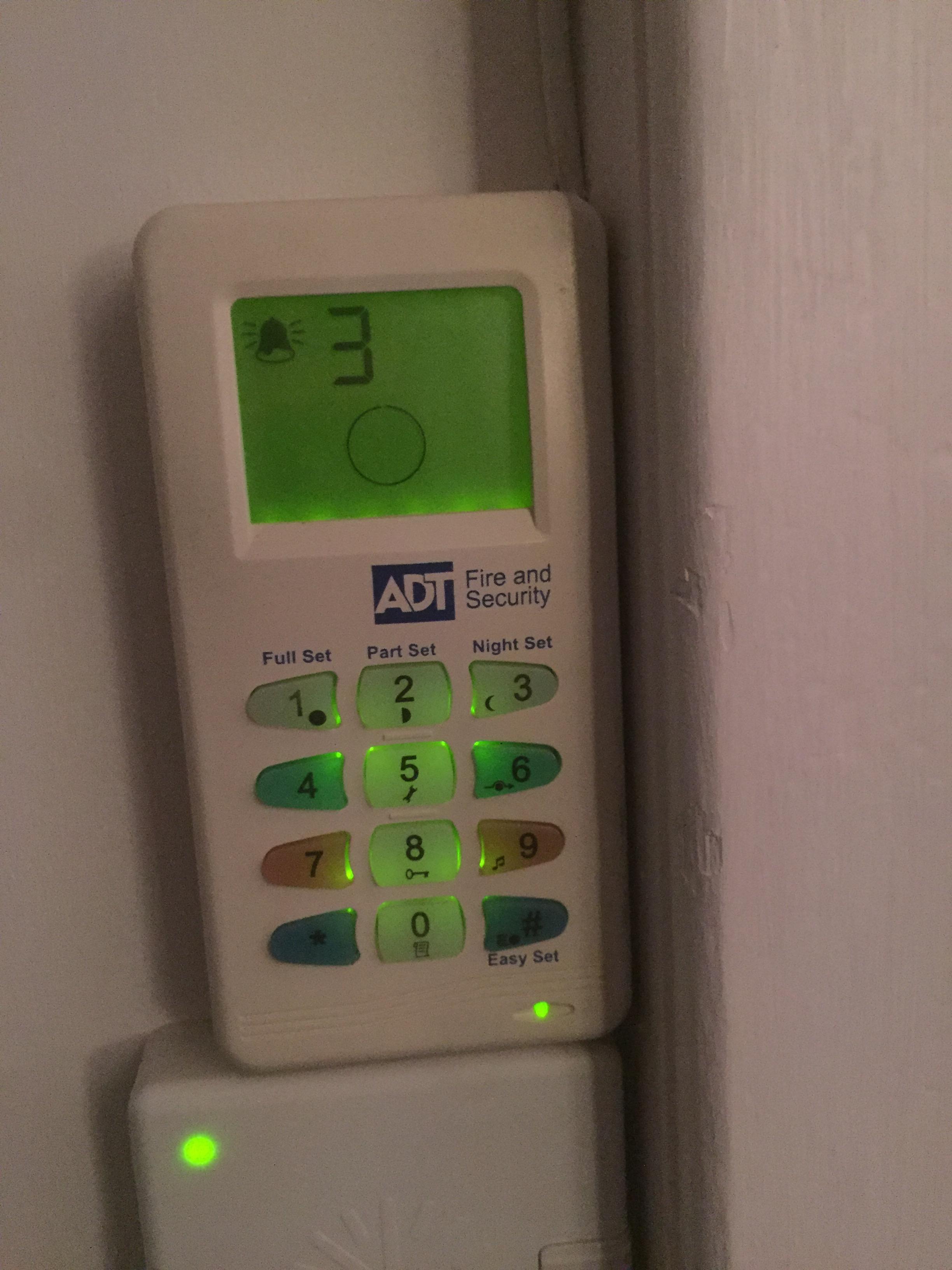
Hi all, First post on here, so go easy on me!!! I have a rented property that has a ADT alarm fitted ( Not connected to ADT ). The tenants phoned me today and said that the buzzer was going off in the keypad. I have them the code to reset it and it stopped. I have just been round to the property and it is showing a solid alarm signal and a number 3. The keypad by the front door is a Acoord XPC. After doing some searching for the manual online ( some how lost the original manual in different house moves) it says that the solid alarm sign is a Zonal Tamper alarm for Zone 3. I asked the tenant have they done any work around the door sensors or PIR's around the house and they said they haven't. I take it I just need to go back round there and find where Zone 3 is and go from there? What sort of things should I be looking for ? Many thanks in advance.