_2d2230.png)
_5a42ce.png)

kungfuman
Newbie
-
Joined
-
Last visited
-
Nope, double checked and battery went in the same connections as the old one. How do i go about linking the tamper circuit? When i remove the unit cover, the tamper internal alarm does sound and i have to punch in the code to stop it.
-
Ok in engineer mode under command 21 it says: CC+ComA/T
-
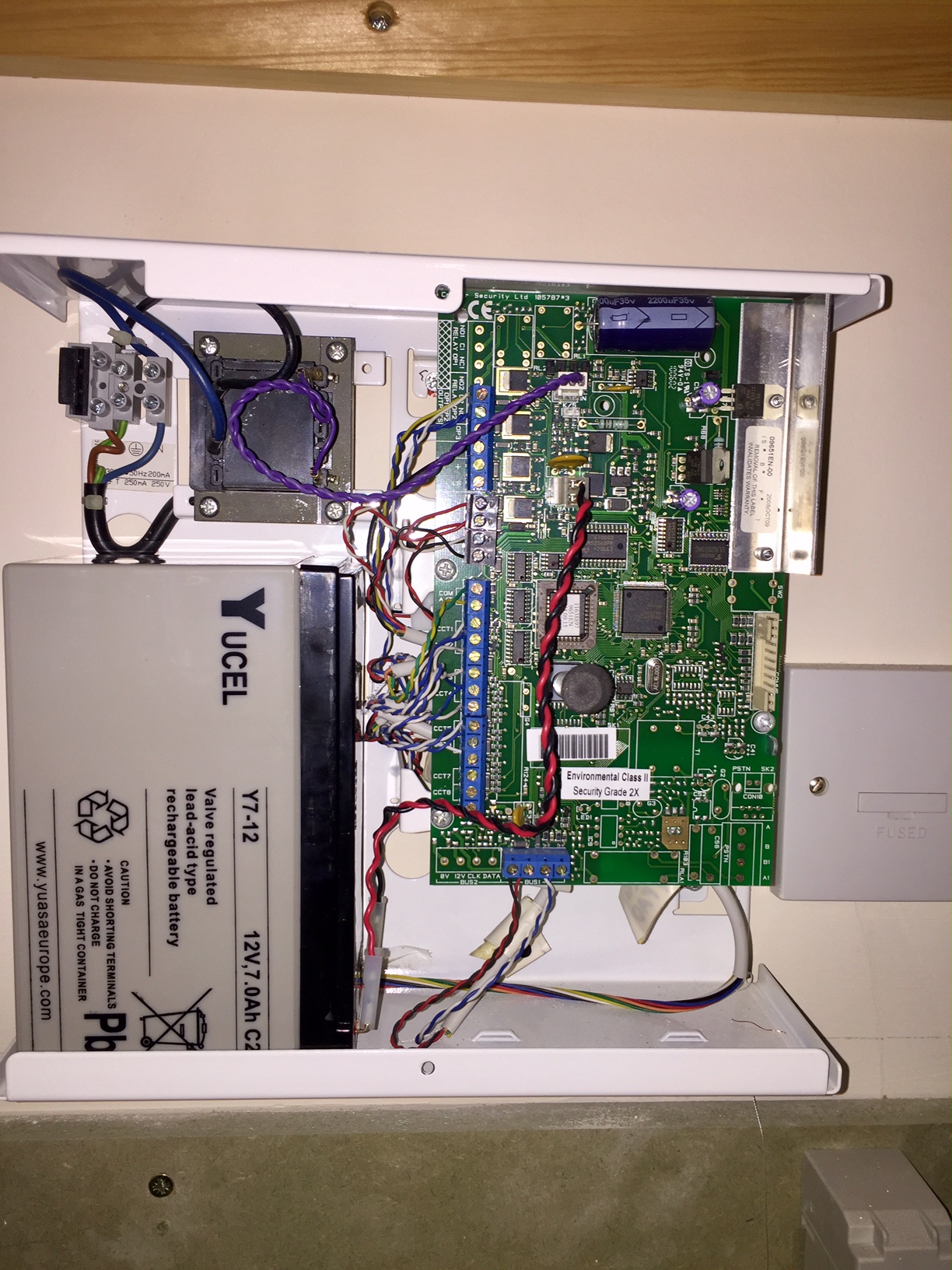
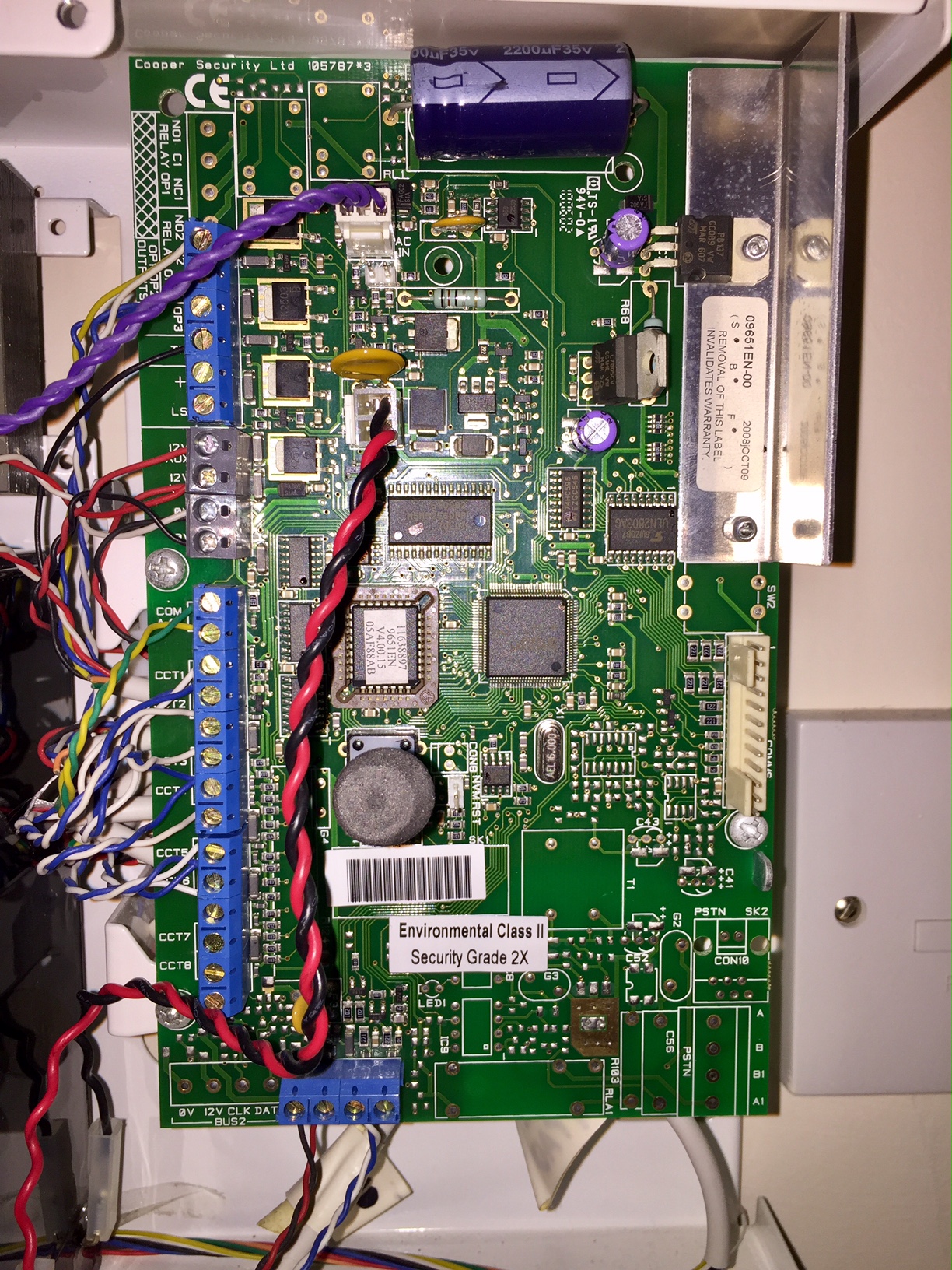
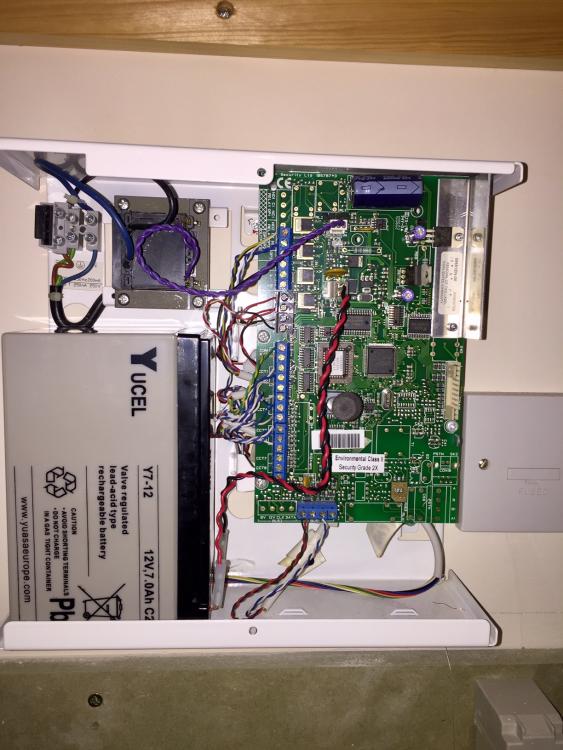
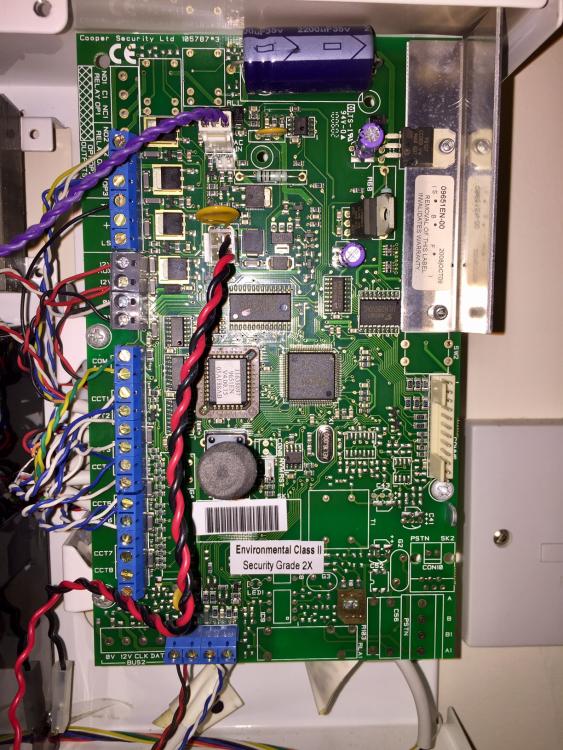
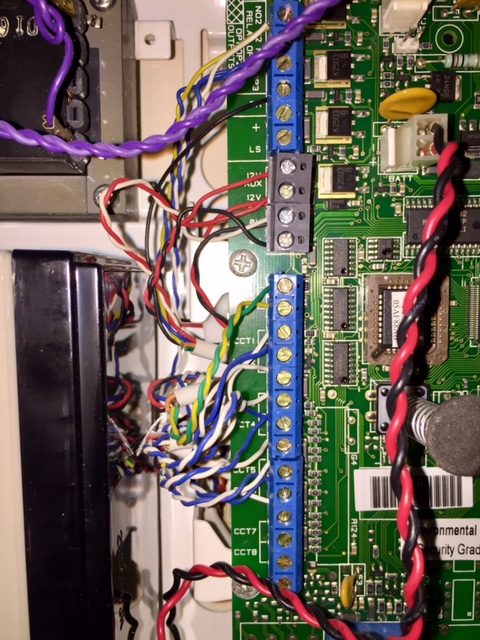
Hi photos of the pcb wiring uploaded. The PIRs seem to be working as they light up when someone is in the rooms.
-
I recently replaced the dead battery in my Cooper Menvier 9651 alarm and whilst trying to clear the fault codes I stupidly reset all the commands to default and therefore now need to reprogram it from scratch. I have the installers guide and tried my best setting it up with this but cant seem to get it up and running. There's only one door contact and 5 PIR in the system which I have set as 'Final Exit (FE)' for the door and 'Normal Alarm (NA)' for the PIRs, the last two zones are set as 'Not Used'. But whenever I try to arm it, there's not a count down sound to exit and the unit just cycles through the zones and doesnt actually arm. I may resort in getting some professional in to set it up, but I was wondering if anyone can provide some guidance in case I have missed something. Thanks