_2d2230.png)
_5a42ce.png)

Confused user
Newbie
-
Joined
-
Last visited
Everything posted by Confused user
-
Initial fault was 1024 -rf chov I removed the offending unit and noticed that the back was upside down. So checked the other sensors. It saying tamper alert tried pushing both tamper sensors but not making a difference. That's why I thought maybe he has named the rooms the wrong Removed two sensors and no tamper showing on panel. Will get another alarm company out if engineer does not come back to me shortly. Thanks for your help keith
-
Would you know how to pair them up to a galaxy G2 alarm?
-
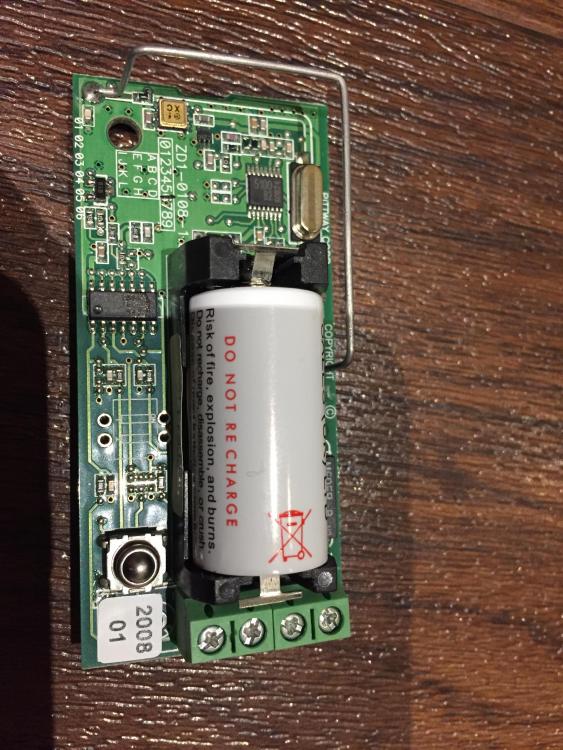
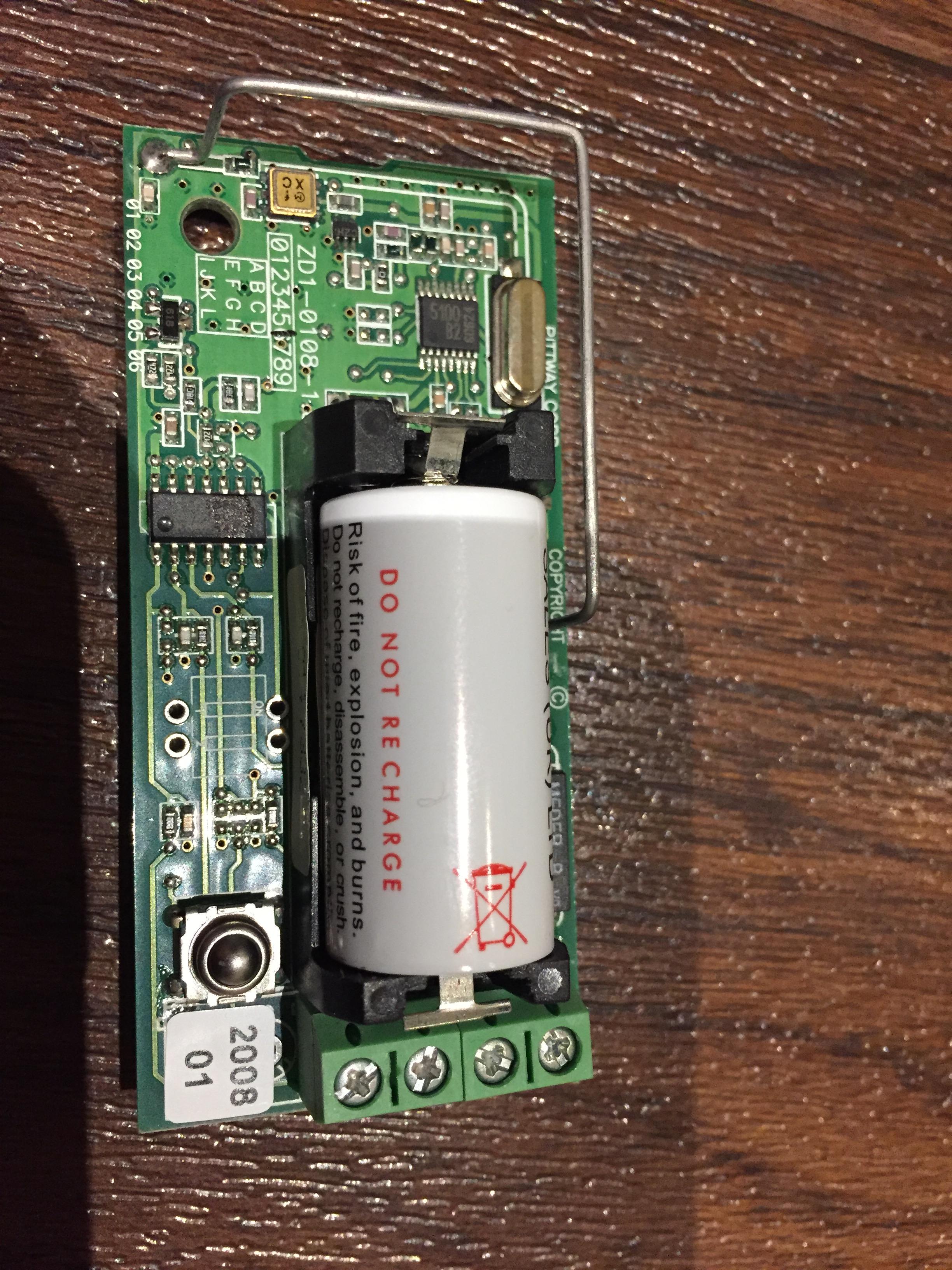
Sorry I meant to ask if they are wireless? They are fitted on windows frame as vibration sensors, had an attempted break in and their usual route of entry is through the windows. I am struggling to them to pair onto the system. Alarm engineer charged and advised that they were all set up two weeks ago but not answering his phone now. one unit had a fault on it and noticed the lids were fitted incorrectly and units internals are different although outer cases are all the same..
-
Hi recently had a new stystem installed which has a wireless board on it. Can anyone advise if this sensor is an ir sensor ? Engineer fitted numerous sensors which have the same casings but different internals.. thanks keith