


_2d2230.png)
_5a42ce.png)

Joe Doherty
Member
-
Joined
-
Last visited
Everything posted by Joe Doherty
-
Sent you a PM James, didnt want to put monitoring prices on here as do not have access to the Trade Forum
-
You order them through your ARC Same price as a Digiair, You may be able to order via CSL for App connection Only not sure, Yeah only Supports Contact ID at the moment as far as i am aware, Or can just wire it via bell trigg input. This shows up as General Alarm Yes comes with standard stick on antenna
-
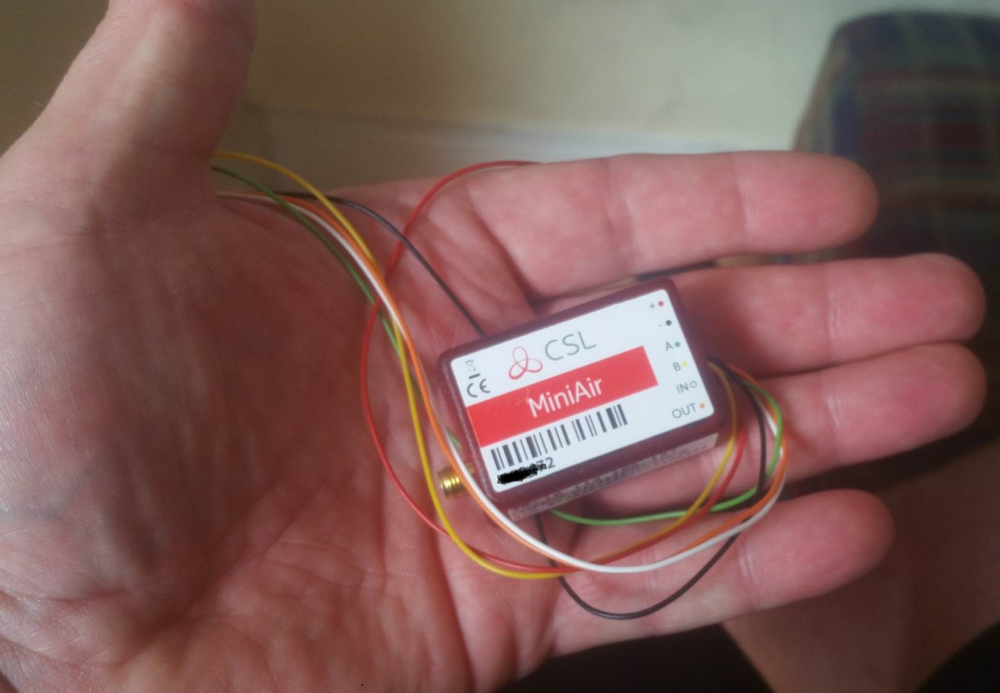
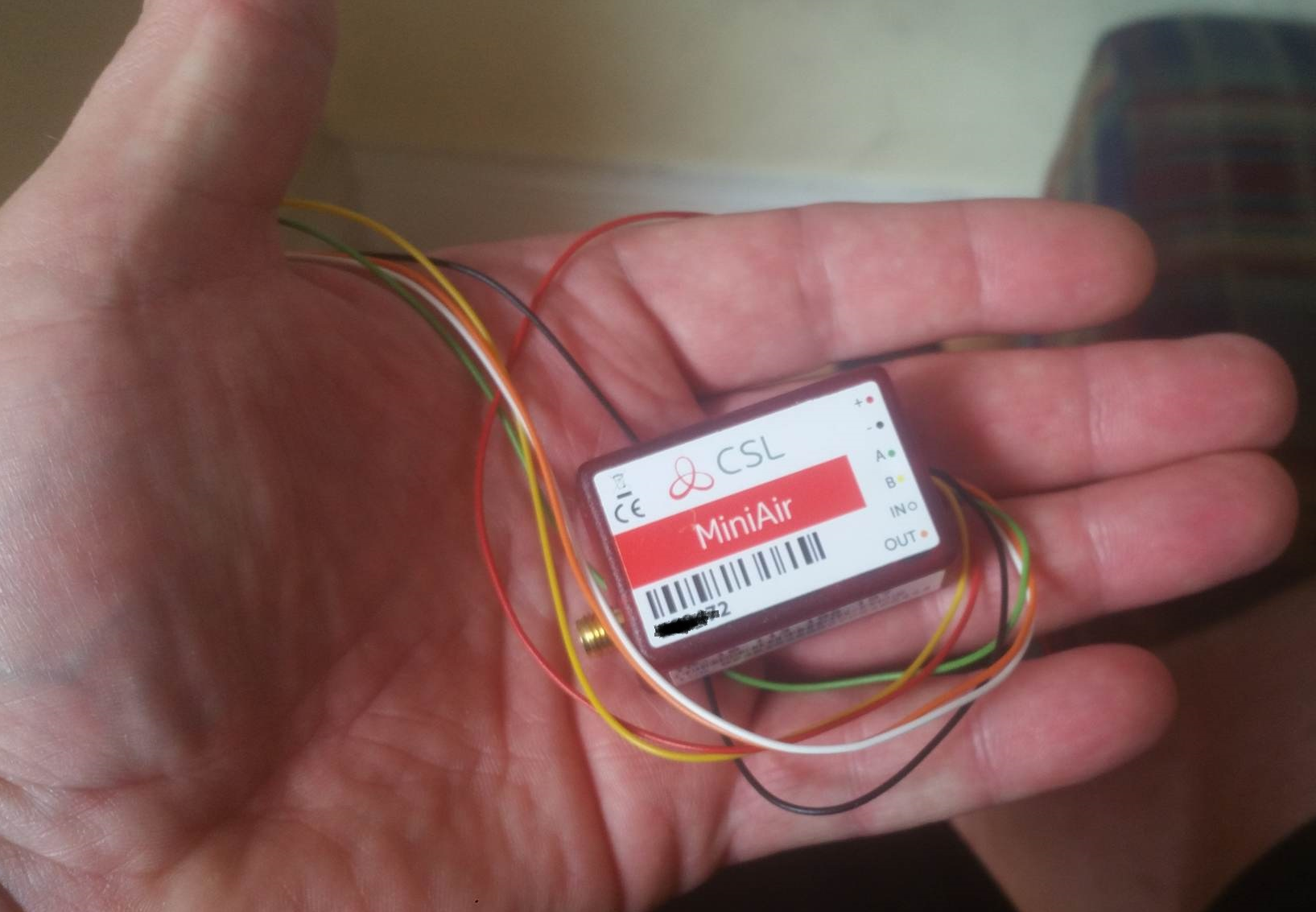
CSL Miniair is not bad little device for upgrading older panels & bells only jobs to app style system. Remote Arm/Disarm is useful. Had a issue where i couldn't connect to the Installer App but CSL changed all the settings for me No Problem. Can connect through Digimodem via Dialcapture (Contact ID Only) Set up your zones to display in the App, You can also connect via General Alarm Input (Bell Trigg) Both methods need a SET output going to SET on Miniair this shows device Armed Disarmed Status on the App. The Keyswitch output only supports panels with a momentary keyswitch input, however most older panels require latching like with the Galaxy i got sent from Pillar to post but found the solution even CSL have adopted this now and ordered the relays to trial. Anyone wanting to set up a miniair on a panel using a NC zone as a keyswitch, You are going to need a Bentley Toggle Relay model AT 223 & Two 10K resistor's, 1. Wire one leg of your resistor from 12v to input 1 then put the other leg from 12v to Input 2 ensure they are not touching 2. Then fit Jumpers links on J1 & J2 3. Connect orange OUT wire from miniair to IP1 on relay 4 Power Relay from Aux This set up will work for dial capture or just using the general alarm When the relay receives a negative applied pulse from miniair it goes open it then stays in that state until pulse is replied closing input thus setting and unsettling the alarm via the app Hope you find this little review use full Thanks, Joe
-
yeah i will do no problem
-
yeah its only got 7 zones used small domestic, you can only send restores on unset when using Fast Format, Emailed ARC to set up to abort on Cancel or Open, will see when they get back to me, Must say impressed with the Miniair, Only gripe is i couldn't log my device onto installer app, had to call CSL Tech to make the changes,
-
Keyswitch on outside, switch on inside it's rented so they don't want to start altering much.
-
Got a customer who has a electric shutter operated via rocker switch concerned if intruder gets in through roof as easy access. They can just open up from inside, could I isolate the inside switch through a relay on the Intruder Set Output, Where do you stand on trapping "intruder" inside seems a very grey area ?
-
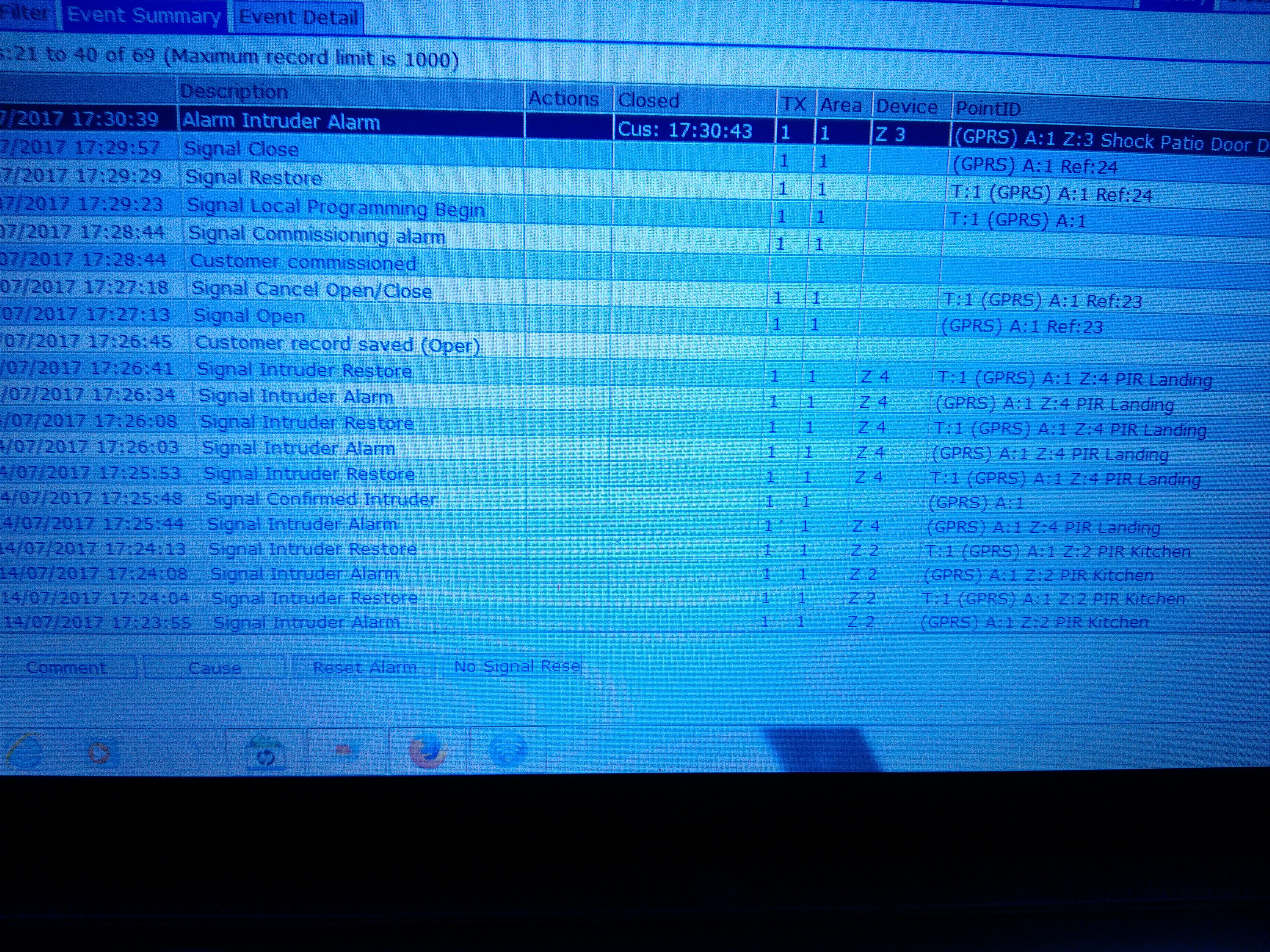
Hi Guys & Girls Finally got Miniair set up after some trial and error, found a solution to the keyswitch as CSL did not know. I told CSL how I done it buy using Bentley Toggle Relay to a Keyswitch Zone. they went and placed order next day, I got a nice thank you from Bentleys. Only issue now is I'm sending Contact ID to ARC however the ARC software is automatically handling the alarm as it's seeing the Zone Restoral. Is there away to stop the Zone Restoral ? I've looked manual high low can't find it, can only see mention for send restores after reset for Fast Format. TIA, Joeoh yeah.just a quick one i put the alarm co and number on banner display. I put the address uder site name in displays expectin it to display underneath but thats date & time where does the site name display then ?well starting full time soon with a new alarm co so not sure what wireless they use tbh The guy i have been doing the odd jobs for seemed a bit gutted when i said cant help him out anymore. He likes me to do all the programming for some reasonWhat can i say but wow, cracking little panel. Built in sounder is a beast My First time programming one up not keen on the predictive text though. Also thought it was strange not programing fobs in engineers menu. But nothing to major. Stood scratching my head why the keyfob full set was only setting area B. Yes i programmed for intelligent set, only took me few minuites to realise. Well easy to program zones, once you do a few jobs be a dodle , probably one of the easiest wireless panels ive used, they look proper smart aswell Would actually put one in my house tbhBits of everything

From the album: random

From the album: random

From the album: Old Alarm Printouts

From the album: Old Alarm Printouts

From the album: Old Alarm Printouts
sparks quote of the dayThanks guys i will have a look the trainers where easier to get on and off on domestic jobs some of them carpets are like wow, type of houses.where they dont bat an eye lid at getting a xseries ptz, just get it lol. Best keep them on as.one.day bound.to.drop something on my foot. Do u guys use shoe.covers or if just asked by clientCan anyone recommend any decent work boots ? I have some trainer type ones but theyve had it now tbh not that comfy really
From the album: Old Alarm Printouts

From the album: Old Alarm Printouts





Important Information
By using this site, you agree to our Terms of Use.