_2d2230.png)
_5a42ce.png)

daneboomerang
Member
-
Joined
-
Last visited
-
When you say keypad do you actually mean the keypad or do you mean the main panel ?
-
He might be implying that...but the only way he’s right is if it’s now broken. Something that’s given years and years of problem free service is by definition not a “piece of ****”. I don’t buy into disposable culture. I may well replace this panel but not before I’ve looked into my options. Thanks to James wilson for the support.
-
I’m really struggling to understand what you’re getting at, fella. Sorry. I can see your heart’s in the right place but I just can’t understand you
-
Ah well then that makes a bit more sense (but it didn’t respond to ANY button presses, only the tamper spring snapped it out of its trance) are you sure it doesn’t have an engineer code? The manual says it’s #### ? but you know a lot more about this than me so if you say it doesn’t then it doesn’t!
-
Thanks, sensible words there which I’ll bear in mind. I’m feeling reassured I probably haven’t damaged it because I found a manual for an accenta 8 (same thing with two extra zones?) and it had the exact same reset routine. does any of its behaviour sound normal? Like the way all the lights lit but then none of the button presses registered until I pressed the tamper spring in at which point the alarm went off and again neither of the supposedly reset user/engineer codes were recognised
-
Because if it’s old it’s useless? It’s been working fine for years. oops. I googled and googled but couldn’t find the manual for this particular compact variant. Will have another go
-
Happily! ?
-
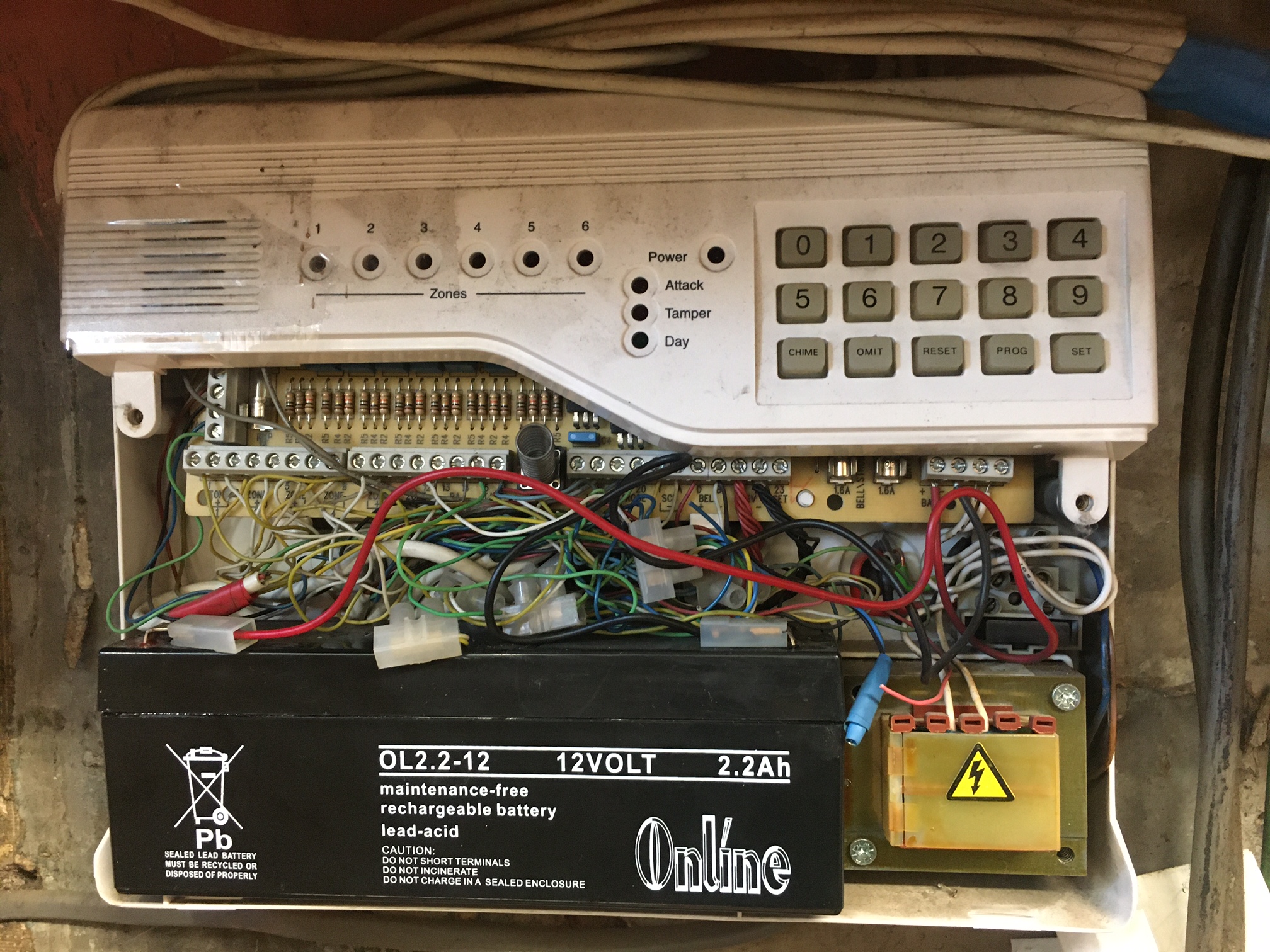
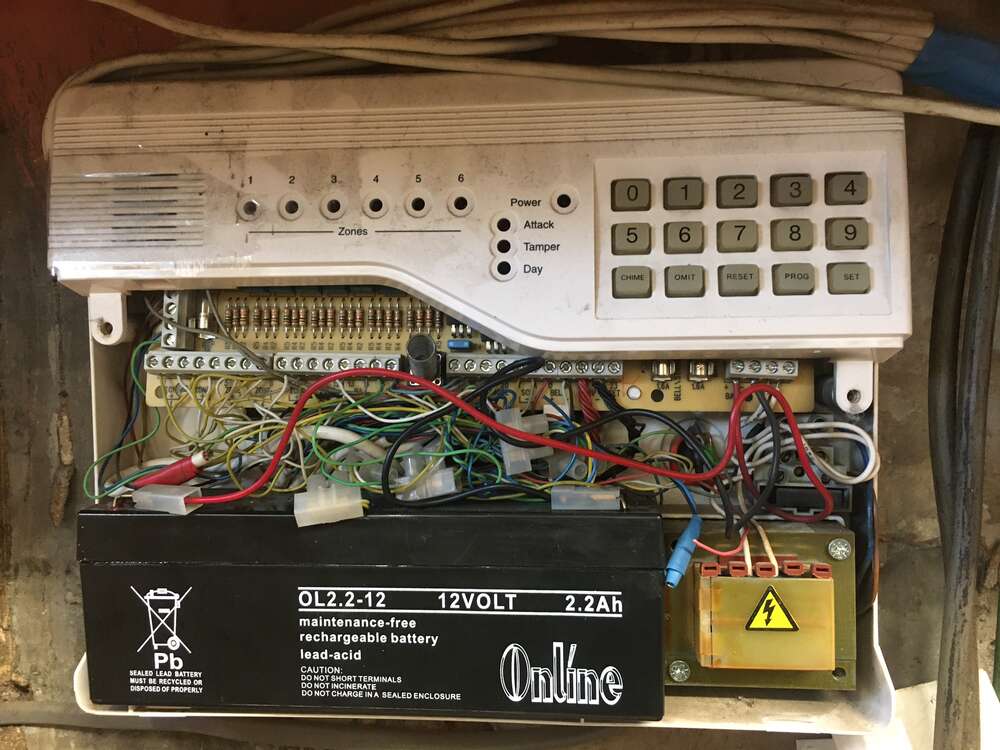
Oops! It just says it's an ADE Optima Compact.
-
I'm trying to change our user code because the remote keypad has a bad membrane so I was going to change it to a pin that didn't use that button! We don't know our engineer's code so I tried to do a reset of the engineer's code using a strap ##REMOVED## So I started the system up again with the strap and left it maybe a minute - no alarm started to sound as it apparently should do, but I'm not sure our external sounder works. I figure the strap was actually working because the alarm didn't sound when I connected power as it does normally when the tamper switch is unpressed (lid open). Anyway so after waiting a minute I disconnected the strap and reconnected power. ALL The lights illuminated. I waited, thinking this might be a bootup sequence thing, but nothing happened and the keypad didn't beep to acknowledge key presses. Eventually I pushed in the tamper button and the alarm started sounding and the LEDs went out. However neither ##REMOVED CODES## work - even if followed closely up by a press on the reset button. I'm confused. If anyone could shed any light I'd be grateful! Thank you