Skip to content
View in the app

A better way to browse. Learn more.

Security Installer Community

A full-screen app on your home screen with push notifications, badges and more.

To install this app on iOS and iPadOS
  1. Tap the Share icon in Safari
  2. Scroll the menu and tap Add to Home Screen.
  3. Tap Add in the top-right corner.
To install this app on Android
  1. Tap the 3-dot menu (⋮) in the top-right corner of the browser.
  2. Tap Add to Home screen or Install app.
  3. Confirm by tapping Install.

tomblue

Member
  • Joined

  • Last visited

Everything posted by tomblue

  1. Feel free to ask me anything, this is a great opportunity for anyone near wrexham area looking for a move... 1 in 6 callout covering n.wales chester and wirrall. Plenty of overtime available if wanted.
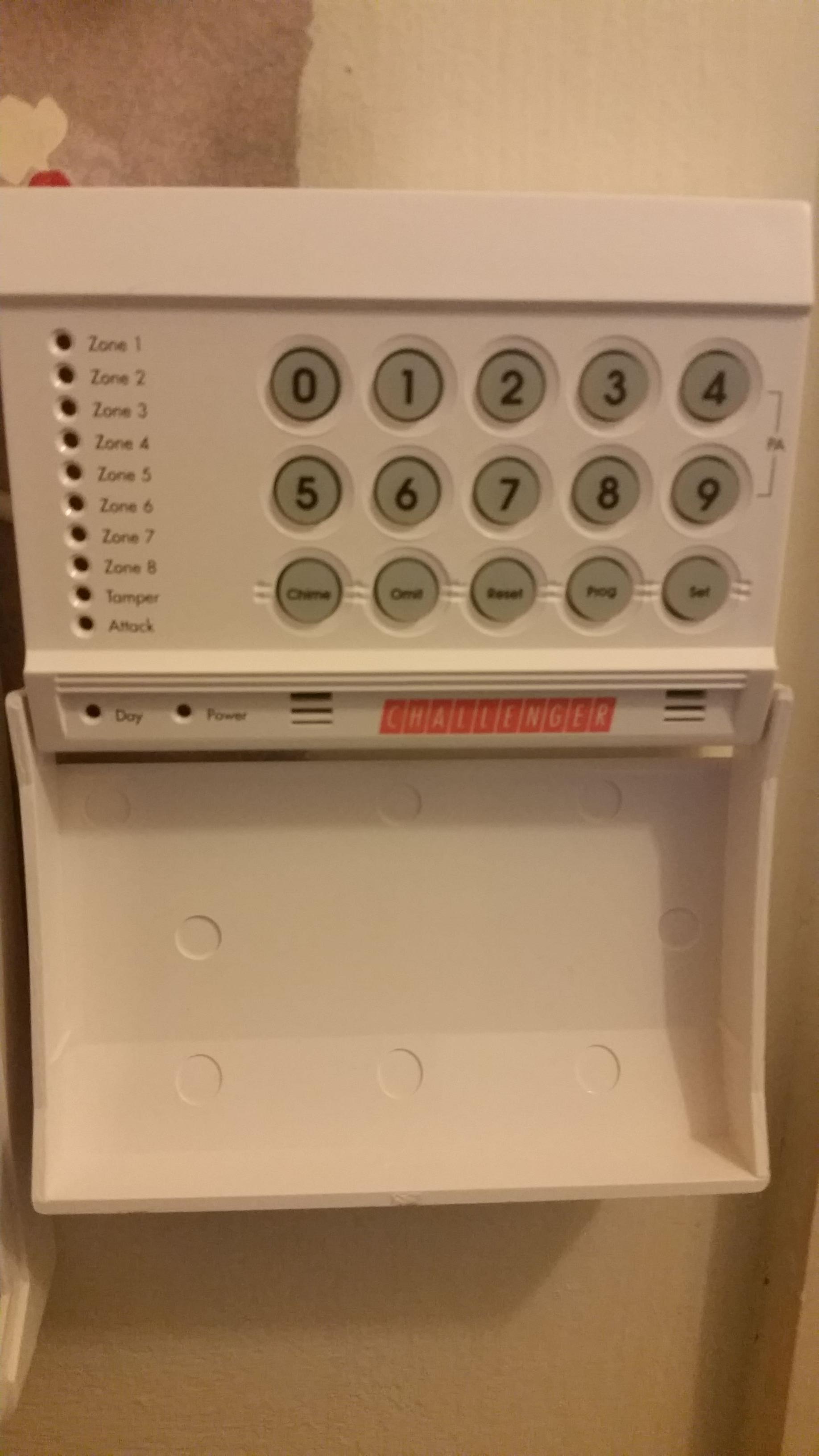
  2. Yea ive fitted it new out the box although 2006 its warranty expired lol so its old no manual with it which is the pain but
  3. Please has anybody gpt the manual or just the default codes for this panel... i thought it might be [DELETED] like accenta but nope Asap please
  4. With basic + callout & travel you should make around 30k then add overtime
  5. Job vacancy as service Engineer on security covering anglesey down to Pwllheli area!! 1 night a week on callout Get in touch with me if you are interested or might know someone Cheers!!

Important Information

By using this site, you agree to our Terms of Use.

Account

Navigation

Search

Search

Configure browser push notifications

Chrome (Android)
  1. Tap the lock icon next to the address bar.
  2. Tap Permissions → Notifications.
  3. Adjust your preference.
Chrome (Desktop)
  1. Click the padlock icon in the address bar.
  2. Select Site settings.
  3. Find Notifications and adjust your preference.