

Skip to content
View in the app

A better way to browse. Learn more.

Security Installer Community

A full-screen app on your home screen with push notifications, badges and more.

To install this app on iOS and iPadOS
  1. Tap the Share icon in Safari
  2. Scroll the menu and tap Add to Home Screen.
  3. Tap Add in the top-right corner.
To install this app on Android
  1. Tap the 3-dot menu (⋮) in the top-right corner of the browser.
  2. Tap Add to Home screen or Install app.
  3. Confirm by tapping Install.

smartmart

Newbie
  • Joined

  • Last visited

Everything posted by smartmart

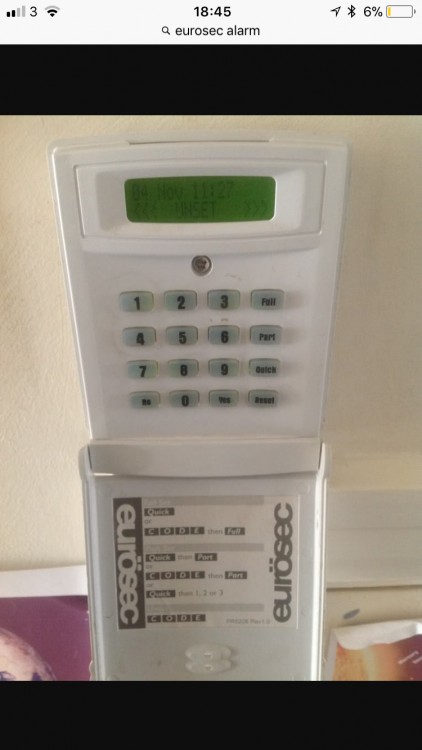
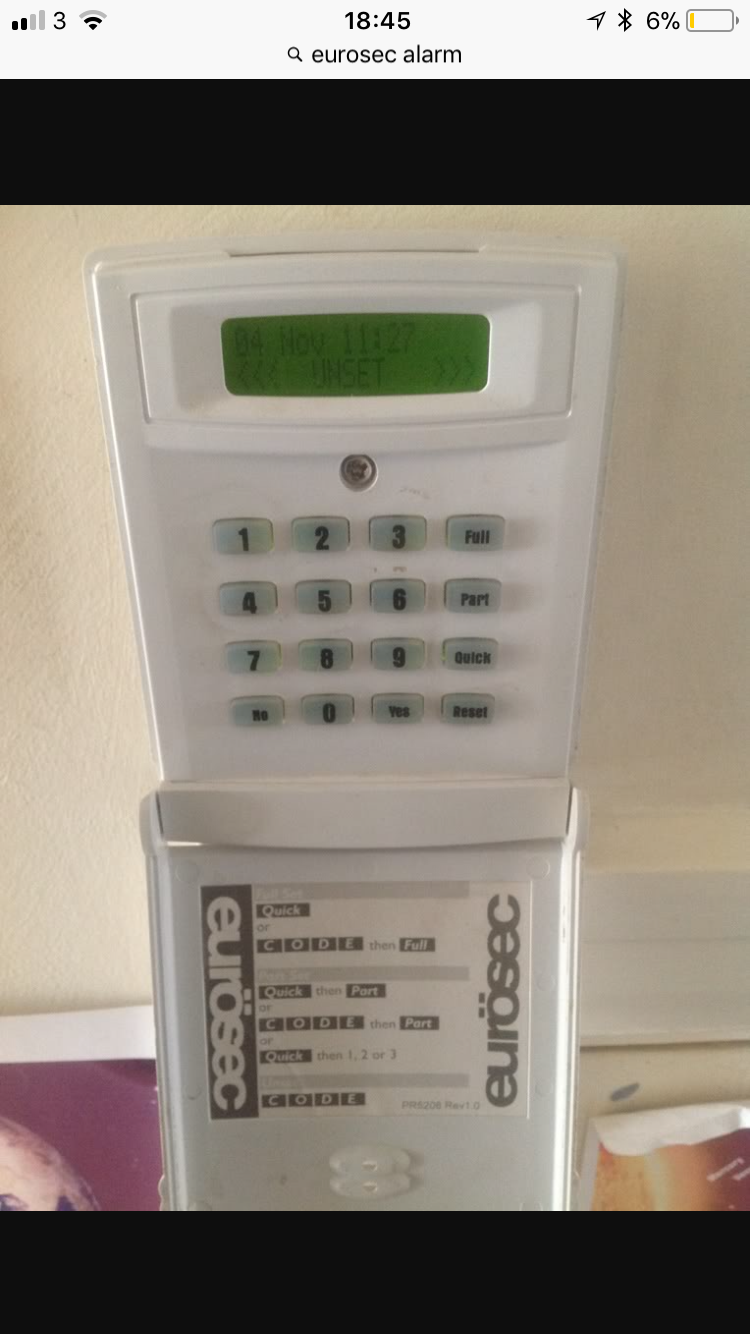
  1. Hi guys haven’t done one of these for many a year customer moved into the property no user code , I Managed to crash the panel and reset the engineer code but I can’t seem to reset the user code ?? so customer can set and unset via eng code which I’ve left at factory default but would like to sort the user code out if poss ?? im guessing it’s not fully reset the nvm any help would be appreciated thanks Martin
Important Information

By using this site, you agree to our Terms of Use.

Account

Navigation

Search

Search

Configure browser push notifications

Chrome (Android)
  1. Tap the lock icon next to the address bar.
  2. Tap Permissions → Notifications.
  3. Adjust your preference.
Chrome (Desktop)
  1. Click the padlock icon in the address bar.
  2. Select Site settings.
  3. Find Notifications and adjust your preference.