Skip to content
View in the app

A better way to browse. Learn more.

Security Installer Community

A full-screen app on your home screen with push notifications, badges and more.

To install this app on iOS and iPadOS
  1. Tap the Share icon in Safari
  2. Scroll the menu and tap Add to Home Screen.
  3. Tap Add in the top-right corner.
To install this app on Android
  1. Tap the 3-dot menu (⋮) in the top-right corner of the browser.
  2. Tap Add to Home screen or Install app.
  3. Confirm by tapping Install.

Able Alarm

Trade Full Member
  • Joined

  • Last visited

Everything posted by Able Alarm

  1. Able Alarm replied to a post in a topic in Members Lounge (Public)
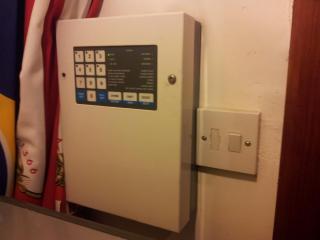
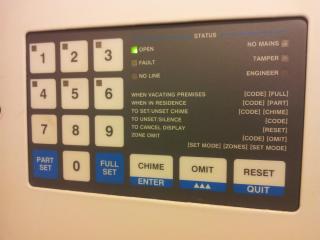
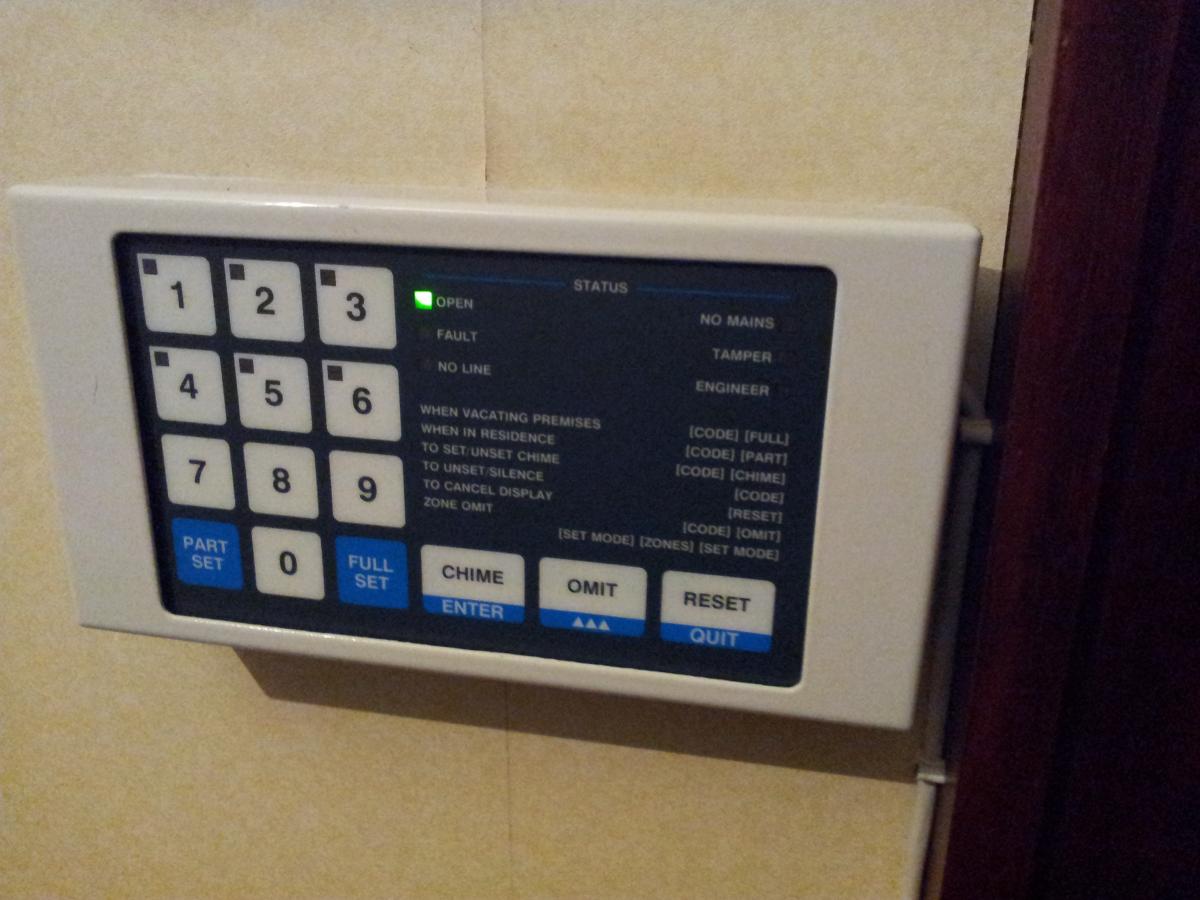
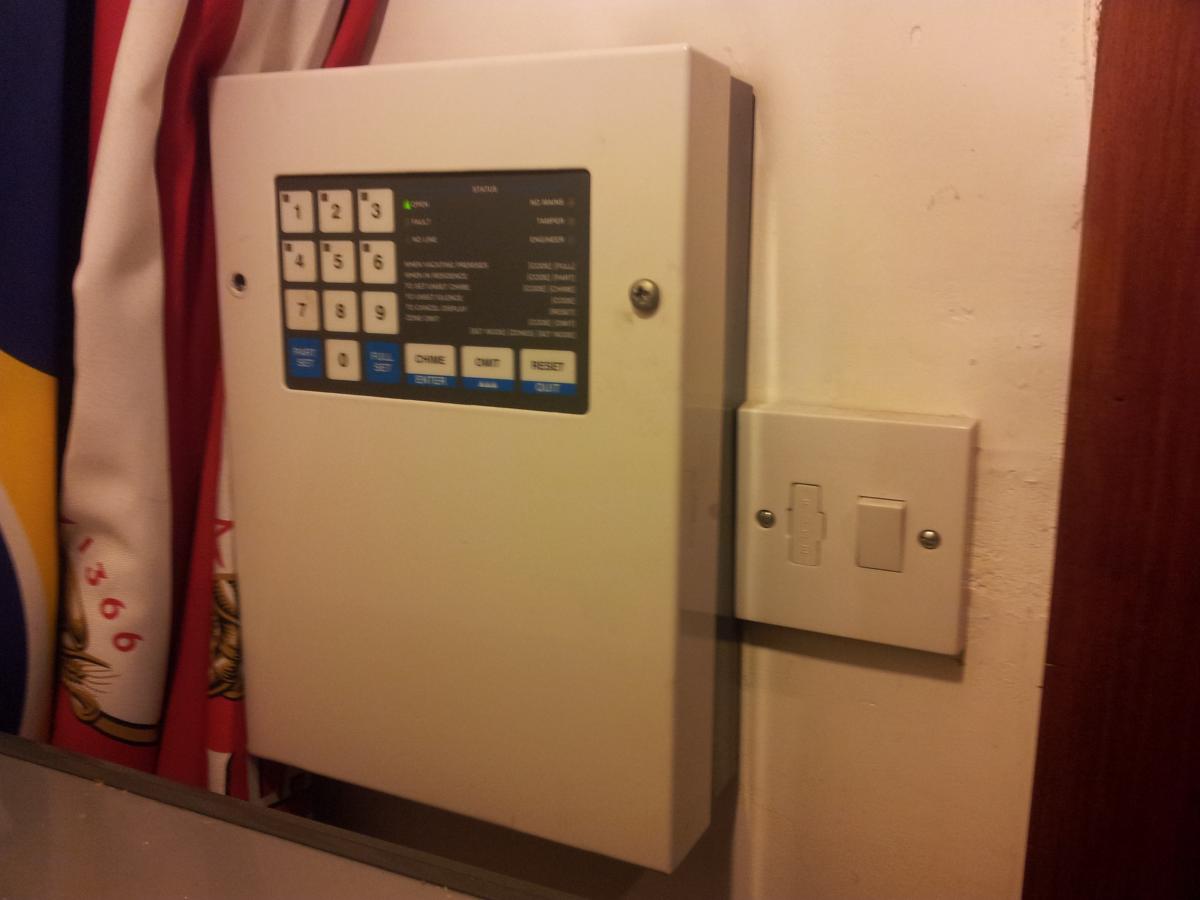
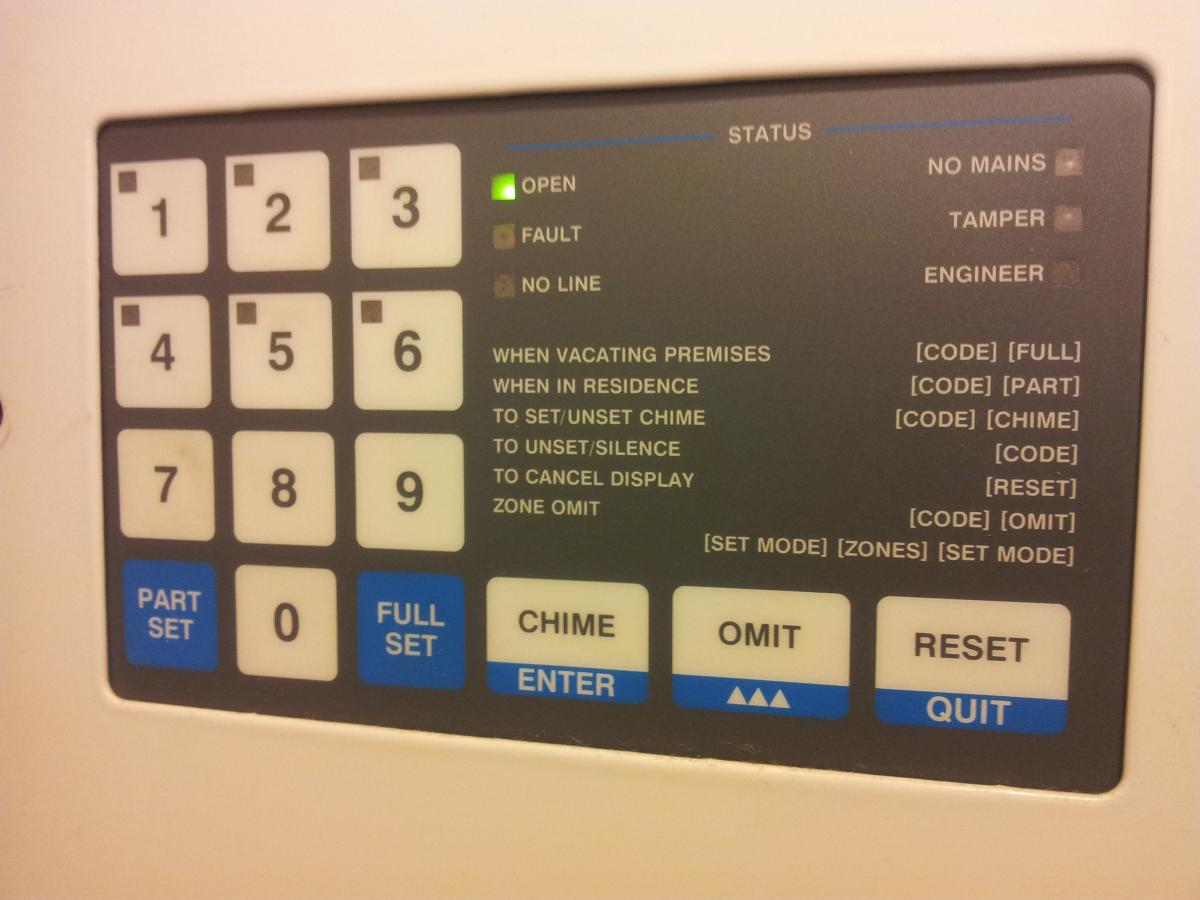
    Please can anyone identify this and if so are there any manuals available?
  2. Able Alarm replied to a post in a topic in Members Lounge (Public)
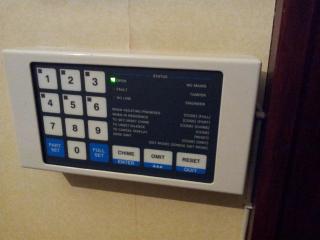
    Sorry only got a copy of the instructions now Equaliser 3 White plactic key operated box approx 12"w 8"h 3"d How do i upload a copy of the instructions
  3. Able Alarm replied to a post in a topic in Members Lounge (Public)
    The plastic £20 Scantronic Panel went under the name Equizer and was sold by Gardiner (per ADI)
  4. Able Alarm replied to a post in a topic in Members Lounge (Public)
    My first install was a diy key operated metal boxed 1 zone i bought from my elder sisters mail order catalogue when i was 16 years old. I fitted it and got paid cash, I thought this is great at the time but thirty or so years later i now cant shack off this abit. Then went onto A & G rs panels, Hilcare multizone expander with all the switches, Securit and the first Scantronic 9100 plastic 4 zone microprocessor panel for under £20. Reading this topic i have being reminded about just how old i am and how young most of you lot are.
  5. Images added to a gallery album owned by Able Alarm in Members Gallery
    All kinds of system problems

Important Information

By using this site, you agree to our Terms of Use.

Account

Navigation

Search

Search

Configure browser push notifications

Chrome (Android)
  1. Tap the lock icon next to the address bar.
  2. Tap Permissions → Notifications.
  3. Adjust your preference.
Chrome (Desktop)
  1. Click the padlock icon in the address bar.
  2. Select Site settings.
  3. Find Notifications and adjust your preference.