

Skip to content
View in the app

A better way to browse. Learn more.

Security Installer Community

A full-screen app on your home screen with push notifications, badges and more.

To install this app on iOS and iPadOS
  1. Tap the Share icon in Safari
  2. Scroll the menu and tap Add to Home Screen.
  3. Tap Add in the top-right corner.
To install this app on Android
  1. Tap the 3-dot menu (⋮) in the top-right corner of the browser.
  2. Tap Add to Home screen or Install app.
  3. Confirm by tapping Install.

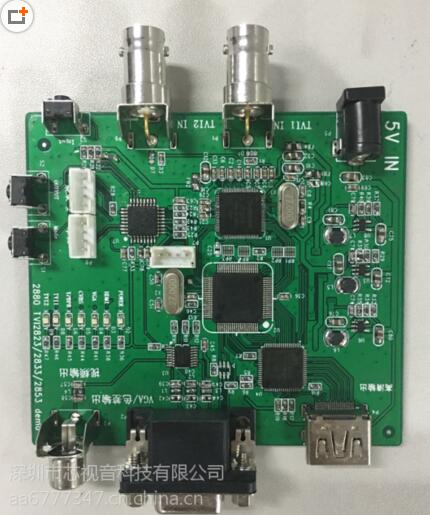
Chipav converters/ Solutions

Album created by Chipav Jax

Our company Shenzhen Chipav Technology Co.,Ltd is concentrate on producing solution about ODM/OEM and IC about  Video Converter, Visual Presenter, Industrial Camera, Analog HD convertor, Gamebox etc. 


If anyone is interested in our product, please feel free to contact with me.


Jax Lee

Email: jax@chipav.com

QQ: 54929405
RP((M33~UG{R`0@U{~NRYZY.jpg

There are no images in this album yet

There are no comments to display.

Create an account or sign in to comment

Important Information

By using this site, you agree to our Terms of Use.

Account

Navigation

Search

Search

Configure browser push notifications

Chrome (Android)
  1. Tap the lock icon next to the address bar.
  2. Tap Permissions → Notifications.
  3. Adjust your preference.
Chrome (Desktop)
  1. Click the padlock icon in the address bar.
  2. Select Site settings.
  3. Find Notifications and adjust your preference.